Turn Every Page Into a Call List With a Chrome Dialer Extension
Call smarter, close faster—right from your browser. Double your sales activity and reduce downtime with a Chrome phone dialer extension built for high-performing teams.
- Dial instantly from anywhere: Call directly from any website, CRM, or directory.
- Streamline outreach with powerful dialers & CTI: Keep your team focused on selling.
- Build trust with local numbers in 160+ countries: Increase answer rates worldwide.

Over 4,000 businesses use CloudTalk to have MORE and BETTER calls
81.7%

Increase of call volume
Call volume got 81.7%↑, missed calls got 23.7%↓.
2.5X

Outbound success rate
Doubled their outbound success & halved lost deals.
80%

Decrease in wait time
Wait times cut by 80% and call handling time by 25%.
Still Copy-Pasting Numbers?
Let a Chrome Dialer Extension Take Over

Cut Call Times by 50%
Avoid misdials and delays. The auto dialer Chrome extension detects numbers and dials them instantly from your browser, reducing errors and cutting down total call time by half.

Increase Talk Time by 25%
Let your team do what they do best—talk. With one-click calls straight from your browser, agents spend less time dialing and more time connecting with leads and customers.

Keep Focused, Stay Productive
Everything happens in one place—your browser. The softphone Chrome extension so agents can focus on conversations, not tools.
HOW WE HELP
Sales Teams’ Favorite Chrome Dialer Features
Call More, Without the Chaos.
- Cloud-Based Click-to-Call Extension: The dialer app for Chrome highlights numbers on any page, letting reps call with one click.
- Sales Dialers: Launch high-impact calling campaigns that reach more prospects in less time, boosting your outreach and sales pipeline.
- International Numbers: Use local numbers worldwide to improve answer rates and connect with prospects on their turf.

Guide Conversations, Win More Deals.
- Campaigns: Create custom campaigns with call scripts, notes, and questionnaires to guide agents through every conversation, ensuring consistency and better results.
- CRM Integration: : Turn CloudTalk into your ultimate Chrome CRM dialer with native Salesforce, HubSpot, Zoho, and more.
- Call Recording: Record calls automatically or on demand for training, quality checks, and compliance—helping your team improve and stay accountable.
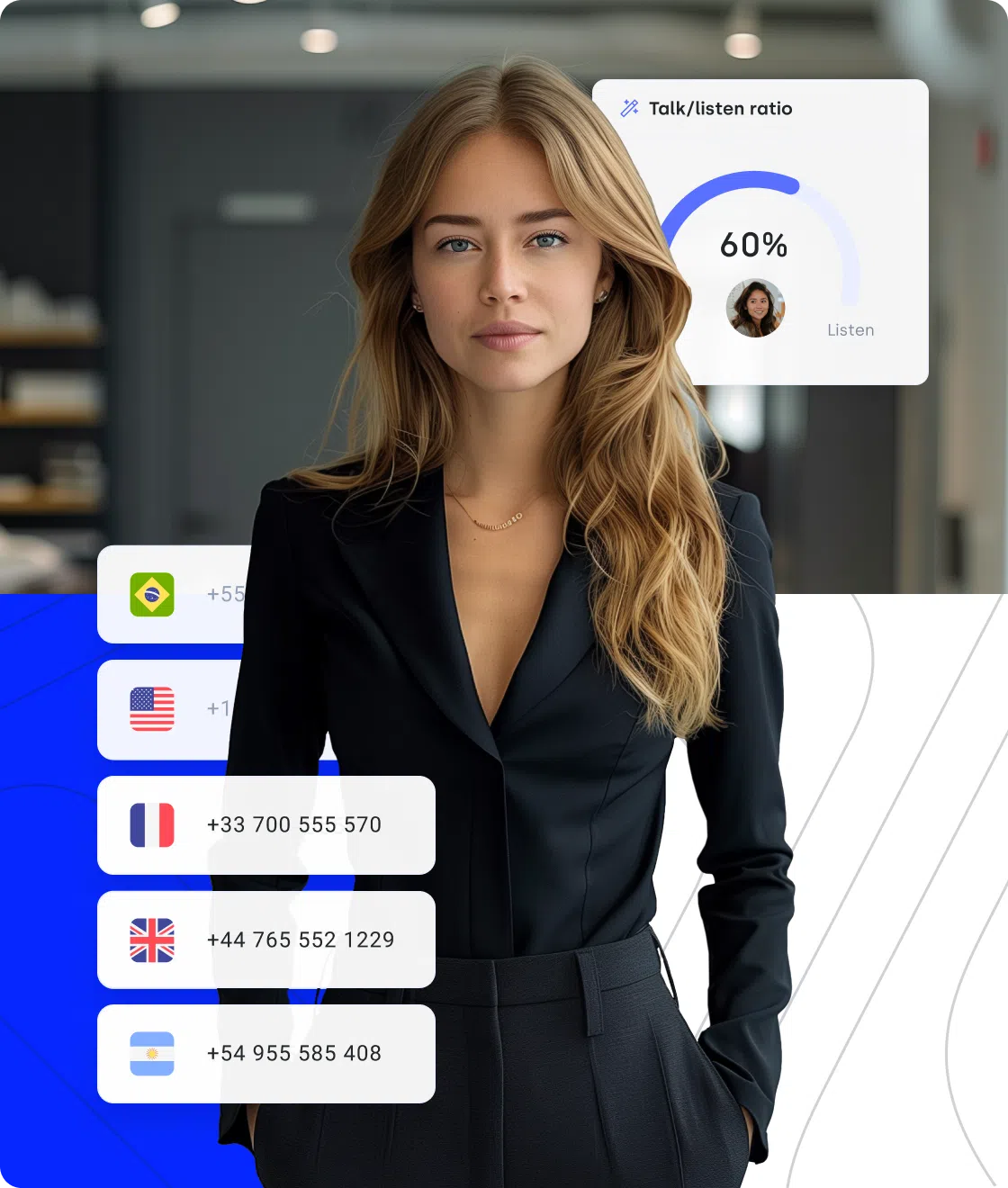
Make Cold Calls Feel Warm.
- Customer Details: With CRM integration, CloudTalk gives your reps instant access to customer profiles and call history—so they can personalize every conversation.
- AI Call Notes: Capture and share key insights during calls in real time. Your team stays aligned, and follow-ups are always smooth and relevant.
- Voicemail Drop: Drop pre-recorded voicemails tailored to your audience with a click—so every prospect hears a message that feels direct and intentional, even when you can’t connect live.
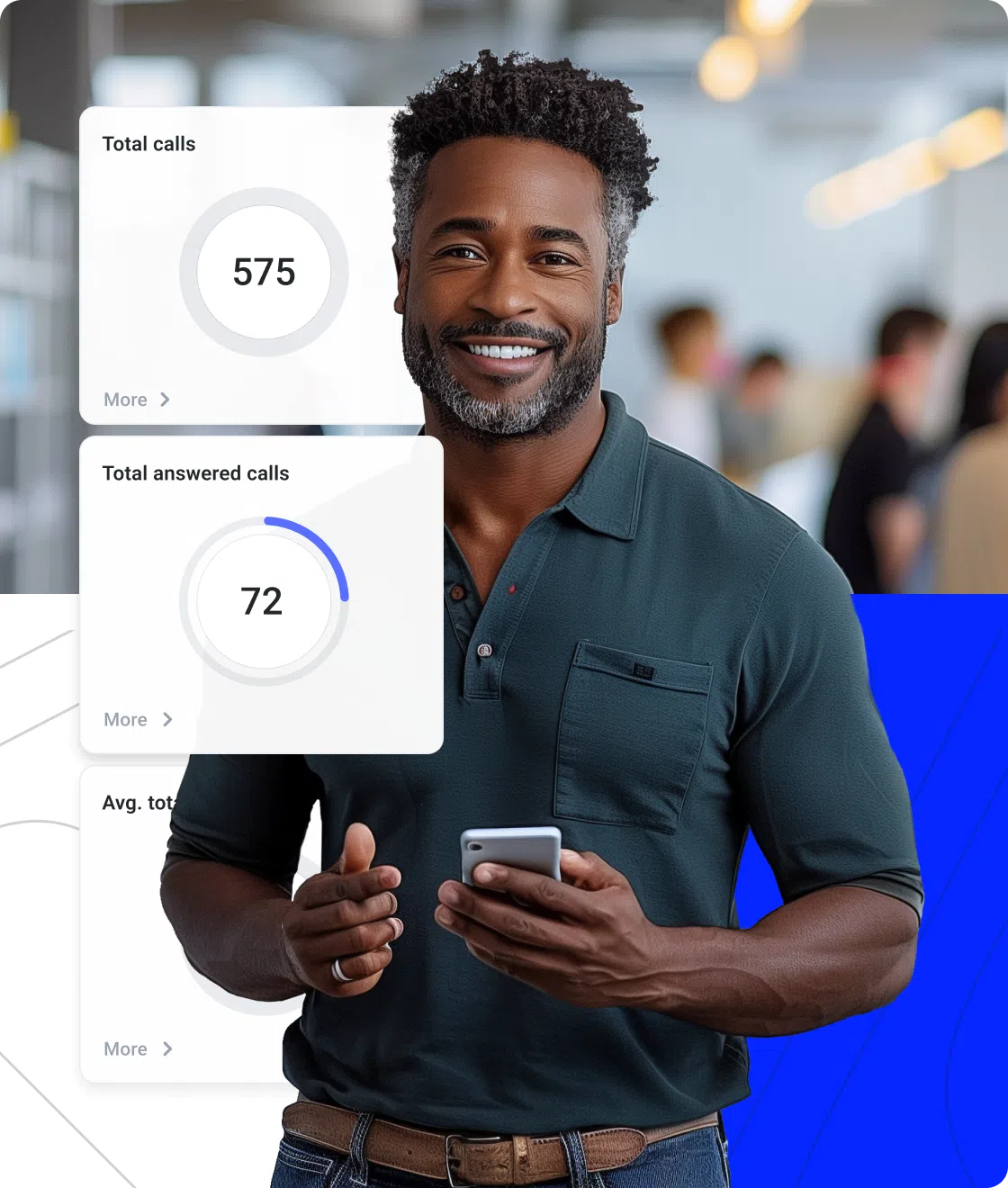
Signature Capability
Empower Your Team with 24/7 AI Voice Support
Meet CeTe, our AI virtual voice agent working 24/7—making and answering calls, updating your CRM, and booking meetings, handing off to humans only when needed. CeTe talks naturally, never takes breaks, and frees your team to focus on closing deals and building relationships. It’s the perfect blend of human touch and AI efficiency.

AI Voice Agents

Nudge expiring offer
Riley, Sales Reminder Agent

Qualify a student lead
Avery, Course Inquiry Agent

Get a payment reminder
Casey, Payment Reminder Agent

Qualify a patient lead
Jordan, Healthcare Intake Agent

Qualify insurance lead
Taylor, Insurance Intake Agent

Accept updated terms
Quinn, T&C Acceptance Agent

Qualify legal inquiry
Drew, Legal Intake Agent

Get post-interview feedback
Jamie, Candidate Feedback Agent

Pre-screen a candidate
Skyler, Applicant Pre-screen Agent

Confirm account action
Morgan, Action Reminder Agent

Get a renewal reminder
Logan, Subscription Renewal Agent

Get CSAT after support
Morgan, CX Feedback Agent

Get NPS or demo feedback
Parker, Post-Sales Feedback Agent

Qualify a trial lead
Blake, Trial Signup Qualifier
Sales Reminder
Agent
Client
Sales / Marketing
Course Inquiry
Agent
Client
Education / EdTech
Payment Reminder
Agent
Client
Financial Services
Healthcare Intake
Agent
Client
Healthcare
Insurance Intake
Agent
Client
Insurance
T&C Acceptance
Agent
Client
Legal Services
Legal Intake
Agent
Client
Legal Services
Candidate Feedback
Agent
Client
Recruitment / HR
Applicant Pre-screen
Agent
Client
Recruitment / HR
Action Reminder
Agent
Client
SaaS / Software & Apps
Subscription Renewal
Agent
Client
SaaS / Software & Apps
CX Feedback
Agent
Client
SaaS / Software & Apps
Post-Sales Feedback
Agent
Client
SaaS / Software & Apps
Trial Signup
Qualifier
Client
SaaS / Software & Apps
Why Is Cloudtalk the Best Chrome Dialer Extension?
We get it—there are lots of Chrome call dialer extensions out there. So, why CloudTalk?
Say Goodbye to “Can You Hear Me?” Moments
Forget choppy audio and awkward repeats. With CloudTalk’s superior voice quality, every call sounds like you’re in the same room—even when you’re oceans apart.
Let your team focus on conversations, not connection issues.

Step Inside the
Click-to-Dial Extension
Take an interactive tour and discover how easy it is to build the perfect call workflow.

Pull CRM Data Instantly, Not After the Call
Connect CloudTalk with your CRM easily—HubSpot, Salesforce, Pipedrive, and more. Automatically log calls, access notes, and keep every detail at your fingertips—no switching tabs or chasing info.
Your CRM and dialer, finally speaking the same language.
I have been using it for a while now and can’t remember ever having an issue with it. It integrates beautifully with the browser—just one click, and my app opens, quickly dials the number, and when I’m done, it pulls all the info I need from the CRM. Just chef’s kiss.

Sound Like a Local, Not a Stranger
Your prospects ignore foreign numbers—and you would too.
With CloudTalk, you get local numbers in 160+ countries, so every call feels familiar, trustworthy, and more likely to convert.


Log In, Plug In, Start Selling
CloudTalk was built for simplicity—no IT headaches, no steep learning curve.
Its intuitive design and guided onboarding let any team hit the ground running, no matter their tech skills. That means less time setting up and more time closing deals.
How to Set Up CloudTalk’s Chrome Extension?
Start using CloudTalk’s Chrome VoIP extension in 4 easy steps:
- Install CloudTalk’s Click-to-Call extension here.
- After installation, the CloudTalk Click-to-Call icon will appear next to the address bar.
- Click on the icon and log in to your CloudTalk account.
- Now, you can navigate and start calling!


FAQs
What is the Google dialer?
Google Dialer is Android’s default phone app for calls. CloudTalk uses its own dialer integrated with Chrome and CRM.
Can Google Chrome make phone calls?
Google Chrome alone can’t make calls, but with the CloudTalk extension, you can place calls directly from Chrome.
Can I disable Google Dialer?
You can disable Google Dialer, but in CloudTalk, disable refers to extension toggling per site, not Google Dialer itself.
How do I switch to phone mode in Chrome?
Switch Chrome to mobile mode on desktop via Developer Tools (Ctrl+Shift+I), toggle device toolbar, select devices, or use extensions for quick switching.
Does the Chrome dialer sync with my CRM?
Chrome dialer (CloudTalk) syncs with CRM. Calls and activities automatically log and sync with CRMs like Pipedrive.
What’s the difference between a power dialer and an auto dialer?
Power dialer calls the next contact per agent immediately, while an auto dialer calls contacts automatically.
Can I monitor calls made from Chrome?
CloudTalk lets you monitor calls made from Chrome with real-time analytics and team performance tools.

CloudTalk is built to simplify calling operations with reliable AI business calling
Schedule a demo today to see how CloudTalk can support your teams.