


Virtual Phone System for Sales and Support Teams
CloudTalk is the best virtual phone system for sales and customer support teams. No hardware, desk phones, or office needed. Just add your team and start calling. CloudTalk offers:
- 160+ virtual numbers across 160+ countries
- Native CRM integrations with Salesforce, HubSpot, Pipedrive, Zendesk, Intercom, and other platforms
- AI-powered call analytics, transcription, and coaching insights
- 99.9% uptime backed by distributed infrastructure
- Setup in under an hour — no hardware required
Trusted by 30,000+ sales & support professionals worldwide
















What Makes CloudTalk the Best Virtual Phone System for Businesses
The Best Virtual Business Phone System Sets Up in Under an Hour
No hardware. No desk phones. No IT team. CloudTalk's virtual phone system runs entirely in the browser — add users, assign virtual numbers, and your team is live in minutes. Teams of 150+ agents have deployed it fully remotely with zero on-site installation. The cloud-based architecture scales up or down on demand, with no infrastructure overhead.
Local Numbers in 160+ Countries — Without a Local Office
CloudTalk offers 160+ virtual numbers across 160+ countries — the broadest coverage among virtual phone system providers. Calling from a local virtual number customers recognize reduces unanswered calls and builds immediate trust. One CloudTalk customer grew from 7,000 to 120,000 calls per year after switching to local virtual numbers across 35 markets.
Your Virtual Phone System Software Handles Call Logging and CRM.
CloudTalk's virtual phone system software connects natively with Salesforce, HubSpot, Pipedrive, Zendesk, Intercom, and 100+ other tools. When a call comes in, the caller's full CRM record surfaces automatically — no tab-switching, no manual lookups. The agents can spend time on conversations, not on administrative tasks.
See CloudTalk's Virtual Phone System in Action
Explore the platform hands-on — no sign-up required.
HOW WE HELP
Everything Your Virtual Phone System Needs to Run at Full Speed
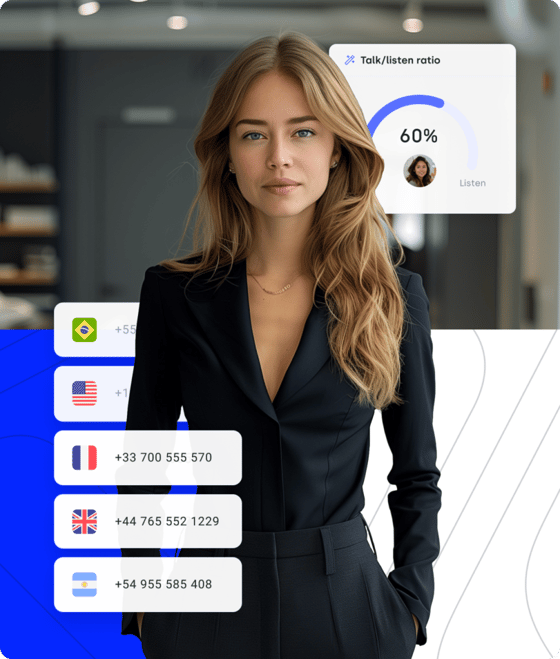
Smart Routing for Any Virtual Office Phone System Setup.
- IVR (Interactive Voice Response): Build multi-level virtual call menus that route customers to the right agent or department instantly — no manual transfers, no hold-time frustration.
- Skill-based Routing: Match every inbound call to the agent best qualified by language, product knowledge, or customer tier — regardless of where that agent is located.
- Virtual Numbers: Provision local, toll-free, or mobile virtual numbers in 160+ countries instantly. Call customers globally from a number they recognize and trust.
Stop Dialing. Start Selling. Let the System Do the Rest.
- Power Dialer: Automatically dial the next contact the moment a call ends — sales teams make significantly more outbound calls per day without manual dialing, from any location.
- Voicemail Drop: Leave a pre-recorded voicemail in one click when a prospect doesn't answer. Agents move immediately to the next call instead of waiting for the beep.
- Workflow Automation: Create custom triggers — tag calls automatically, send follow-up SMS after a missed call, or update a CRM deal stage based on call outcome — without writing code.
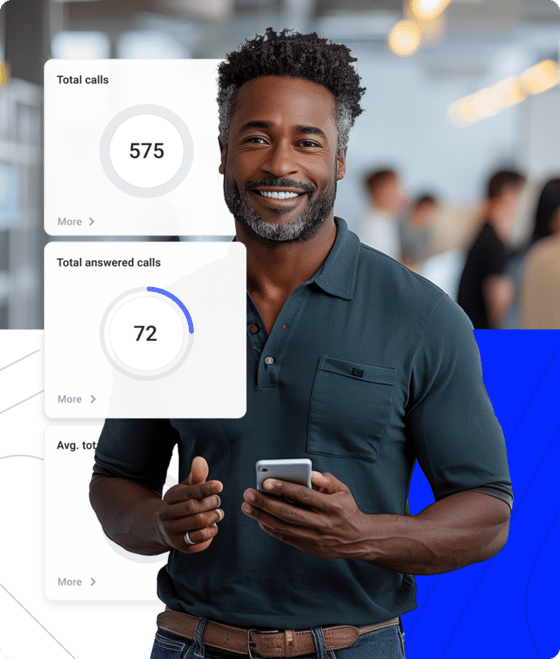
One Platform. Every Call Logged. Full Context Before You Say Hello.
- Salesforce, HubSpot, Pipedrive: Native two-way sync — calls are logged automatically, CTI screen pops surface the caller's record on answer, and deal stages update in real time.
- Call Recording and Transcription: Record every call and access AI-generated transcripts instantly. Search by keyword, topic, or sentiment — no manual review needed.
- Real-time Analytics Dashboard: Monitor queue depth, agent availability, call outcomes, and customer sentiment live. Export reports and use data to optimize staffing and call strategies.

SIMPLE SETUP
Why Growing Businesses Pick CloudTalk as Their Virtual Phone System
Here is why growing businesses choose CloudTalk out of all virtual phone systems.
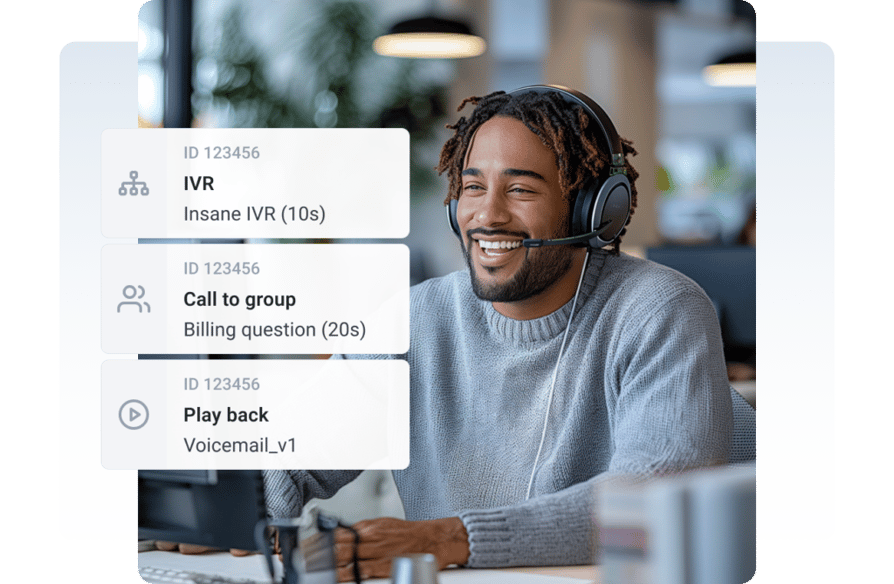
No IT Ticket Required. Your Virtual Phone System Is Live Today.
No hardware. No IT team. No downtime. CloudTalk's virtual business phone system runs entirely in the browser — create an account, add users, assign virtual numbers from 160+ countries, and your team is live. Most businesses are fully operational in under an hour, whether they have 5 agents or 500. Remote and distributed teams set up in exactly the same way as office-based ones.
The user interface is intuitive, and the setup was quick and painless. Our team members were up and running with their own phone numbers in no time. The call quality is crystal clear, and we've had no issues with dropped calls or connectivity.
Mid-market customer
SUPERIOR RELIABILITY
HD Calls From Any Device. Local Numbers Your Customers Actually Answer.
Poor sound and unknown caller IDs cost you answered calls. CloudTalk's virtual phone system delivers HD voice quality across 160+ countries through distributed infrastructure with 99.9% uptime. Your agents call from local virtual numbers customers recognize — not foreign numbers they ignore. One customer grew from 7,000 to 120,000 calls per year after making the switch.
When using our previous solution, we had a single phone number. People didn't answer unknown phone numbers from abroad. That slowed us down. Before we started to use CT, we barely got 7,000 calls per year. Today, it's almost 120,000. Thanks to CloudTalk, we can run our call center from a single office while keeping an international presence.
Customer Service Team Lead at Boataround

SEAMLESS INTEGRATIONS

Every Tool You Already Use. Now Talking to Your Virtual PBX Phone System.
CloudTalk integrates natively with Salesforce, HubSpot, Pipedrive, Zendesk, Intercom, and 95+ other tools. Every call is logged automatically — recording, duration, outcome, and notes synced in real time. Agents see the full customer record before they say hello. No manual input. No tab-switching. No data gaps.
We are extremely pleased with the results we achieved with CloudTalk. We are impressed with international calling capabilities, affordable pricing, and the ease of integration with Pipedrive.
CEO of Leadspicker

And then, there's
AI Conversation Intelligence…
Sales agents save 3 hours a week on manual data entry and handle 20 more calls. Meanwhile, supervisors and managers gain back 25 hours weekly with automated call reviews, transcripts, and AI analytics. That's more time to focus on coaching, refining strategy, and driving results where it matters most.
Flexible Pricing Plans to Scale with You
Compare our plans
Virtual Phone Systems Explained — All You Need To Know
A virtual phone system is a business telephony solution that operates entirely over the internet, with no physical desk phones or on-site hardware required. Calls are routed through the provider's cloud infrastructure and received on any device — desktop, laptop, or mobile — using a softphone app or browser.
Unlike traditional PBX systems, a virtual phone system scales instantly, supports remote and distributed teams globally, and integrates natively with CRMs and helpdesks. CloudTalk's virtual phone system adds AI-powered analytics, 160+ virtual numbers, and 100+ integrations on top of this foundation.
A virtual phone system works by routing voice calls over the internet using VoIP (Voice over IP) technology instead of physical telephone lines. When a call is placed, the audio is converted into data packets, transmitted through the provider's cloud network, and reassembled at the recipient's device in real time.
The provider manages all infrastructure — servers, routing, IVR menus, call queuing, and voicemail — remotely. Users log in through a browser or app, receive a virtual number, and can make and receive calls from anywhere with an internet connection. Advanced features like call forwarding, skill-based routing, and CRM screen pops work automatically without any hardware configuration.
For most modern businesses, a cloud VoIP virtual phone system outperforms on-premise PBX on every operational dimension. A virtual PBX phone system delivers the same routing, IVR, and extension features as hardware PBX — without the upfront cost, maintenance burden, or geographic limitations.
VoIP virtual phone systems scale on demand, support remote teams globally, and integrate directly with CRMs and helpdesks. On-premise PBX may be preferred only in highly regulated environments with strict on-site data requirements. For teams that need flexibility and global reach, a virtual phone system is the clear choice.
The core benefits of a virtual business phone system are lower cost, faster setup, global reach, and deeper software integration. Teams deploy in hours rather than weeks, with no hardware to purchase or maintain. Virtual numbers from 160+ countries are provisioned instantly, improving answer rates in international markets.
Native integrations with Salesforce, HubSpot, Zendesk, and Pipedrive eliminate manual call logging. AI features — transcription, sentiment analysis, call summaries — give managers real-time insight without reviewing recordings manually. Remote and distributed teams operate on the same virtual phone system regardless of location.
Call quality on a virtual phone system depends primarily on internet connection stability and the provider's infrastructure. A stable broadband or 4G/5G connection with at least 1 Mbps per active call is the baseline requirement. CloudTalk mitigates quality issues further through adaptive audio codecs, distributed server infrastructure, and a 99.9% uptime SLA.
On the provider side, look for distributed infrastructure across multiple regions, adaptive jitter buffering, and automatic codec selection. CloudTalk's real-time quality monitoring flags degraded connections before they affect customer calls, and the analytics dashboard surfaces call quality metrics at the agent and team level so issues are caught early.
Integrations
Connect Your Virtual Phone System to 100+ Business Tools
CRMs, helpdesks, applicant tracking systems and more. Get started instantly with 100+ built-in integrations, or expand further with Zapier, Make or CloudTalk's own workflow automation builder.


Features
Key Features of CloudTalk's Virtual Phone System

Virtual Numbers
Get local, toll-free, or mobile virtual numbers in 160+ countries instantly — improving answer rates and building local credibility in every market.
Read more about Virtual Numbers
IVR
Route callers to the right agent or department instantly using a multi-level virtual IVR menu. Reduces average handle time and eliminates unnecessary transfers.
Read more about IVR
Call Forwarding
Forward calls to any device or agent — desk, mobile, or browser — so your virtual team never misses a customer call regardless of location.
Read more about Call Forwarding
Call Analytics
Monitor agent performance, call volume, wait times, and customer sentiment in real time. Export reports and use data to optimize your virtual team's staffing and call strategies.
Read more about Call AnalyticsWe’ve helped thousands of global companies
Case studies featuring customers who are building faster.

Global Sales Engine Powered by Connected Conversations
“CloudTalk’s AI transcripts and analytics make it easier to track talk ratios, discovery depth, and regional performance—all without requiring formal training to get started.”

Revolutionizing Revolut’s Efficiency and Saving 40+ Hours
"Thanks to CloudTalk’s reliability, we could improve sales teams’ performance and close more deals than we could have ever imagined."

Increasing productivity for 200 customer support agents
"With CloudTalk's Analytics I now get to see every step of the way. We can find discrepancies and gain a much better understanding of our teams."

Delivering success for Glovo’s customer support team
"CloudTalk improved our team's cost and efficiency. The script feature allows us to lead the calls in a much more systematic way."
Resources
Related Content

What Is a Virtual Phone Number?
Learn how virtual phone numbers work and how businesses use them to build a local presence globally.
Read more about What Is a Virtual Phone Number?
Cloud Communication Explained
If you want to explore what cloud-based communication is and its benefits, this article is for you.
Read more about Cloud Communication Explained
Cloud Phone System
Explore CloudTalk's full cloud phone system — built for sales and support teams that need global reach and CRM integration.
Read more about Cloud Phone System
Business Phone System
Enhance CX, increase ROI, and boost pipeline generation with an automated cloud call system.
Read more about Business Phone SystemCloudTalk is built to simplify calling operations with reliable AI business calling
Virtual Phone System FAQs
A virtual phone system is a cloud-based business telephony solution that routes calls over the internet, requiring no physical hardware or desk phones. All infrastructure is managed by the provider remotely — users make and receive calls from any device with an internet connection. CloudTalk's virtual phone system adds AI-powered analytics, 100+ CRM integrations, and virtual numbers from 160+ countries on top of this foundation.
Setting up a virtual phone system with CloudTalk takes under an hour: create an account, add your team members, assign virtual numbers from any of 160+ countries, and connect your CRM. No hardware installation, no IT team, and no downtime. Most businesses are fully operational the same day they sign up. You can port existing numbers into the system or provision new virtual numbers instantly.
The best virtual phone system for small businesses combines quick setup, affordable per-user pricing, and the integrations your team already uses. CloudTalk is built for teams that need to be operational fast — no IT team required, no hardware to install, and CRM integrations with HubSpot, Pipedrive, and Salesforce ready out of the box. Small businesses also benefit from local virtual numbers in any country, which increases answer rates when calling international customers.
The best virtual phone system for remote teams is one that works identically regardless of where agents are located — no VPN, no office hardware, no geographic restrictions. CloudTalk runs entirely in the browser or mobile app, supports agents across 160+ countries with local virtual numbers, and gives managers real-time visibility through a live analytics dashboard. CRM integrations with Salesforce, HubSpot, and Pipedrive ensure every remote agent has full customer context before each call.
Virtual phone system pricing is typically a fixed monthly fee per user, with no hardware costs and no installation fees. CloudTalk's plans cover calling, virtual numbers, features, and support. Businesses switching from traditional landlines or on-premise PBX typically reduce their telephony costs by 30–50%, primarily by eliminating hardware, maintenance, and high international calling rates.
Yes. CloudTalk's virtual phone system with call queuing prevents busy signals by placing callers in a queue when all agents are occupied, playing hold music or messages, and connecting them to the next available agent automatically. The system also supports callback options so customers can hang up and receive a return call without losing their place in the queue. Queue depth and wait times are visible in real time on the supervisor dashboard.
Advanced call forwarding in a virtual phone system routes incoming calls to a specific agent, team, device, or external number based on rules you define — business hours, agent availability, caller location, or IVR selection. Online queuing holds callers when no agent is available and distributes them based on skill-based routing rules. CloudTalk combines both — calls are forwarded to the right agent and queued intelligently if needed, with full visibility for supervisors in the live dashboard.
Key considerations when upgrading to a virtual business phone system include internet reliability, CRM integration compatibility, number porting support, and compliance with regional data regulations. Evaluate whether the provider covers the countries you operate in with local virtual numbers, what dialing modes are available for outbound teams, and whether the onboarding process supports your team size. Security certifications (ISO 27001, GDPR compliance) matter if you handle customer data in regulated industries. CloudTalk offers a free trial so teams can test the system before committing.
Yes. A virtual office phone system is specifically designed for businesses operating without a fixed physical location. CloudTalk gives virtual offices a professional phone presence — local numbers in any country, auto-attendant IVR menus, shared call queues, and CRM-integrated call logs — all accessible from any device, anywhere. Customers reach a professional, routed phone system while agents work from home, co-working spaces, or across multiple countries.
A virtual phone system uses VoIP technology as its foundation, but the two terms are not identical. VoIP refers to the underlying protocol for transmitting voice over the internet — it can include on-premise hardware. A virtual phone system is a fully hosted, hardware-free solution that adds business features on top of VoIP: virtual numbers, IVR, call routing, CRM integrations, analytics, and AI capabilities — all delivered as a service with no local infrastructure.
Yes. CloudTalk supports number porting, so you can transfer your existing business phone number to the virtual phone system without losing it. The process typically takes a few business days and requires a porting request with your current carrier details. New virtual numbers from 160+ countries can also be provisioned instantly alongside any ported numbers, so teams can expand their presence while keeping existing customer-facing numbers active.


Hello 👋 My name is Emma. Still have questions?
Can’t find the answer you’re looking for? Please chat to our friendly team.