Automatic Callback Software for Missed Calls
A missed call is a customer who did the impossible...they picked up the phone in 2026. CloudTalk rewards that instinct and calls them back as soon as someone on your team is free.
4.4/5 on G2 (1,950+ reviews)
From $29/user/mo · Monthly billing available
- 01Missed calls are redialed once an agent is free, with no one keeping a list
- 02Up to 10 attempts, until end of day, 24 hours, or 48 hours, within your business hours
- 03One set of rules for the company, with custom rules for any team
 SOC2 CompliantISO 27001

Trusted by 50,000+ sales & support professionals worldwide
















Customer Call Back Software for Support, Sales, and Operations Teams
Every missed caller gets a call back. You get to see which ones did.
For Support Teams: Call Back the Callers Who Gave Up
When the queue is full or it's after hours, the call isn't the end of it. CloudTalk redials once an agent is free, so your team works through callbacks instead of hunting for them.
For Sales Teams: Reach Missed Leads While They Still Remember Calling
A lead who called you is the warmest one you'll get all week. Callback calls them back as soon as an agent is free, and keeps trying for up to 48 hours.
For Operations: Know Which Missed Calls Are Still Open
Missed calls show as resolved or unresolved, and calling someone back resolves the call by itself. See where calls get missed, by team and by agent.
Automatic Callback Software
Automated Callback Software That Redials Missed Calls and Tracks the Results
Automatic callbacks, rules by team, missed call tracking, and scheduled callbacks in one place.
Redial Every Missed Call Without Keeping a List
Sticky notes are a filing system for things you'll forget. Callback does the remembering.
- 01After a missed call, CloudTalk calls the customer back automatically
- 02The first attempt starts as soon as an agent is available
- 03The second attempt comes at least an hour later
- 04The rest are spread evenly until your deadline
- 05Once you reach the customer, Callback stops calling that number
Set the Rules Once, for the Whole Company or Each Team
Set callback rules for the whole company, then change them for any team that works differently.
- 01Turn Callback on or off at any time
- 02Keep trying until the end of the day, or for 24 or 48 hours
- 03Choose 1 to 10 attempts. We recommend 4 or 5
- 04Callbacks respect your business hours when you've turned them on
- 05Give any group its own Callback settings, which override the company defaults
See Which Missed Calls Still Need a Callback
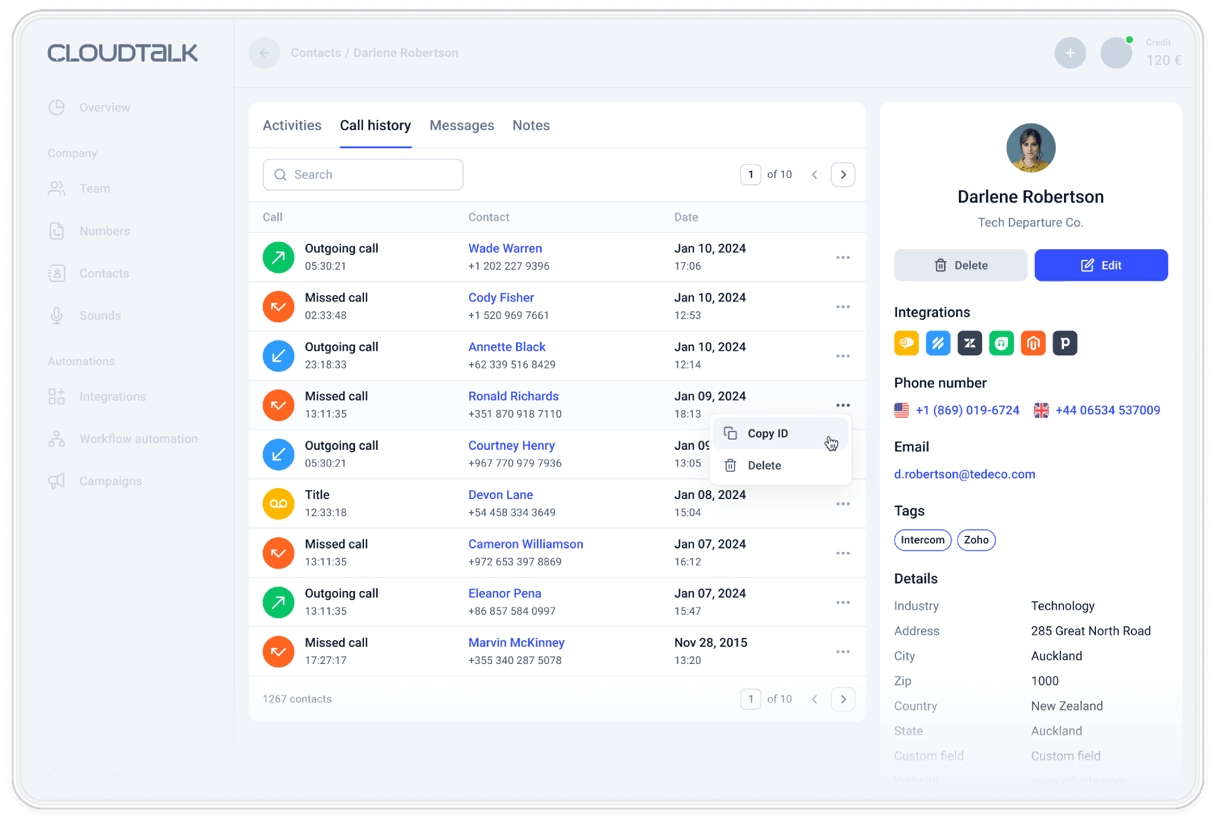
Missed calls show whether someone has called the customer back, and who owns the callback.
- 01Calling someone back from CloudTalk marks the missed call as resolved, automatically
- 02Filter call history to unresolved calls, your own assigned calls, or calls nobody owns yet
- 03Assign a missed call to yourself or a teammate, so it has an owner
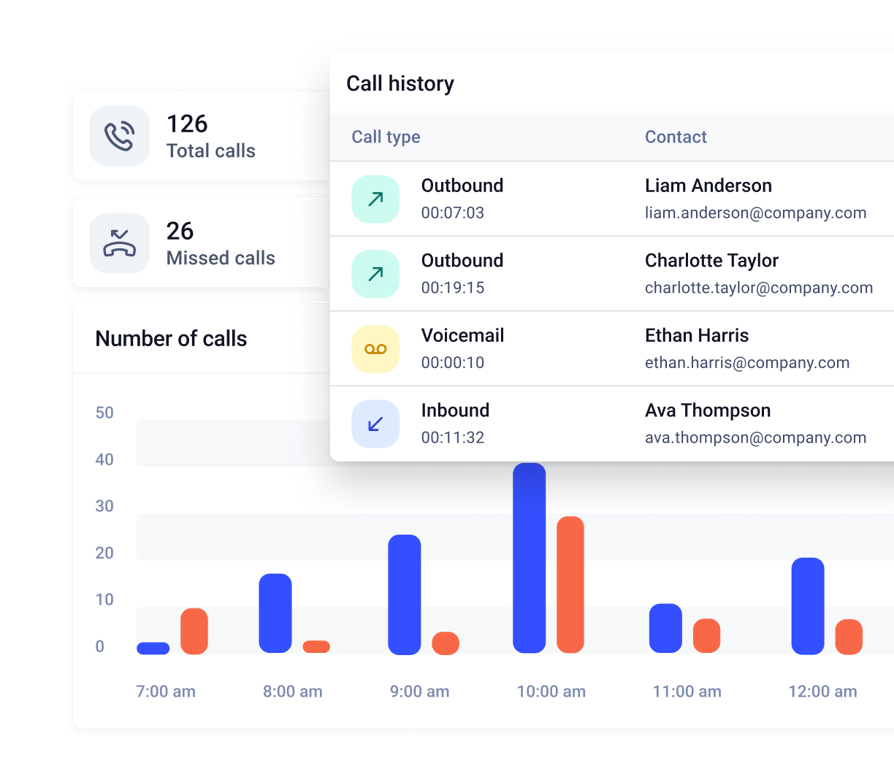
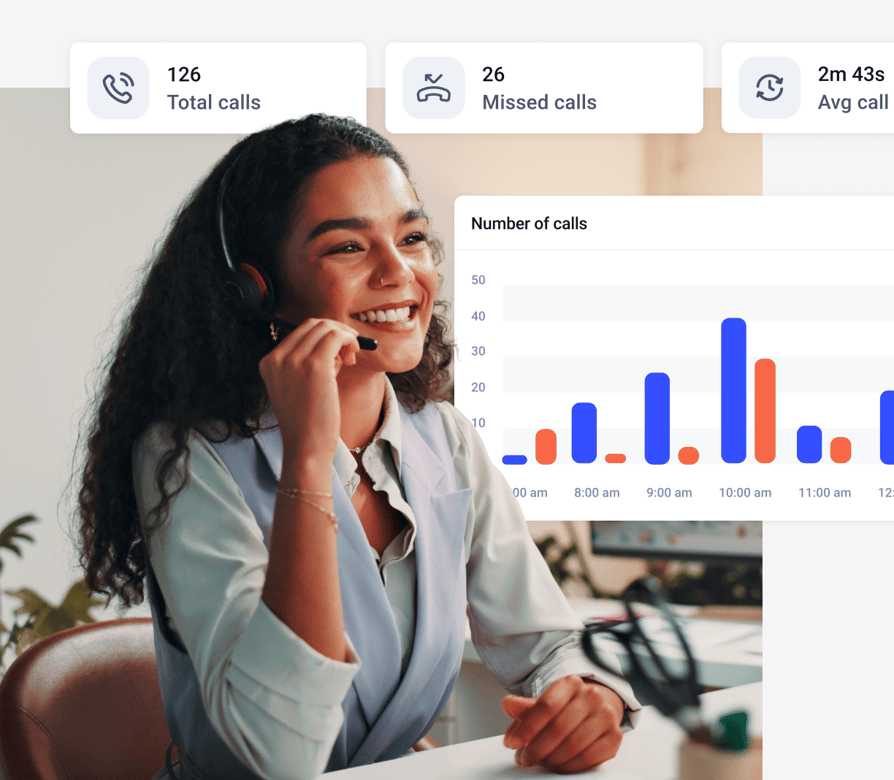
- 04See why calls were missed, by group and by agent, in missed call analytics
- 05Once you reach the customer, Callback stops calling that number
Missed call analytics are on every plan. Automatic resolved and unresolved tracking is on the Expert plan
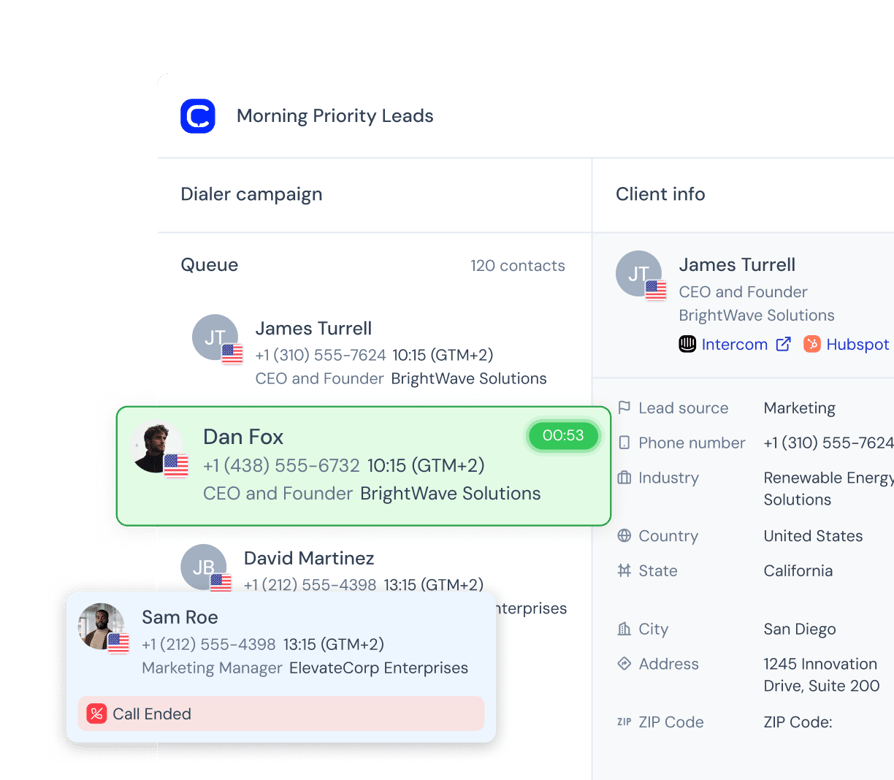
Schedule a Callback for the Time the Customer Asked For
When a customer asks to be called at a set time, schedule the callback for that time.
- 01After a call, choose the Reschedule outcome and pick a date and time
- 02Keep the callback for yourself, or leave it open for anyone on the campaign
- 03When the time comes, the contact goes back into the dialing queue, ahead of new contacts
- 04If you're not in a session, a callback kept for you opens to the team about 30 minutes after it's due
Scheduled callbacks are part of the AI Sales Dialer. The Power add-on, $15 per user/month, is included in Expert, with a 14-day free trial.
What Changes When Your Team Calls From CloudTalk Numbers?
Want 3x more of your calls picked up and up to 40% fewer missed? These teams got there with local numbers, one phone system and AI.

3x Pickup Rate With Local Mobile Numbers
“With CloudTalk, we could get real mobile numbers in-region, not just landlines. It made a huge difference in deliverability and how prospects responded.”

Up to 40% Fewer Missed Calls Globally
“CloudTalk isn't just a tool, it's become a core part of how we connect with prospects, manage conversations, and grow our presence in the U.S. market.”

From a Personal iPhone to Local Numbers
“We went from juggling personal phones and manual call forwarding to a unified platform that saves us time and delivers a much better customer experience.”

Missed Calls Cut From 80% to Just 16%
“Customers used to wait over 20 minutes just to speak to an agent. Now, they get through in 3 to 4 minutes. We also went from missing 80% of calls to just 16%.”

40% More Connected Calls for Sales Reps
“Find a tool that's not only reliable but can scale with your growth. CloudTalk offered us the consistency and support we needed to expand with confidence.”

500+ SDRs on One Global Phone System
“We managed to reduce sales operations by 40 hours per month and give our team the tools they need to scale globally, without sacrificing efficiency.”
Know How CloudTalk Callbacks Work Before You Switch Them On
Does It Call Customers Back by Itself?
Yes. After a missed call, it starts calling back as soon as an agent is available, and stops once you reach the customer.
Can Callers Ask for a Callback From the Menu?
Callback is built for missed calls, so callers don't have to press anything. If you need callers to request one from your phone menu, ask our team about your setup.
How Often Will It Retry?
You choose 1 to 10 attempts. The first starts as soon as an agent is free, the second at least an hour later, and the rest are spread out until your deadline.
Will It Respect My Business Hours and Teams?
Yes. Callbacks stay within your business hours, and each group can use the company settings or its own.
CloudTalk Callback vs. Other Callback Software
Callbacks That Connect to the Tools Your Team Already Uses
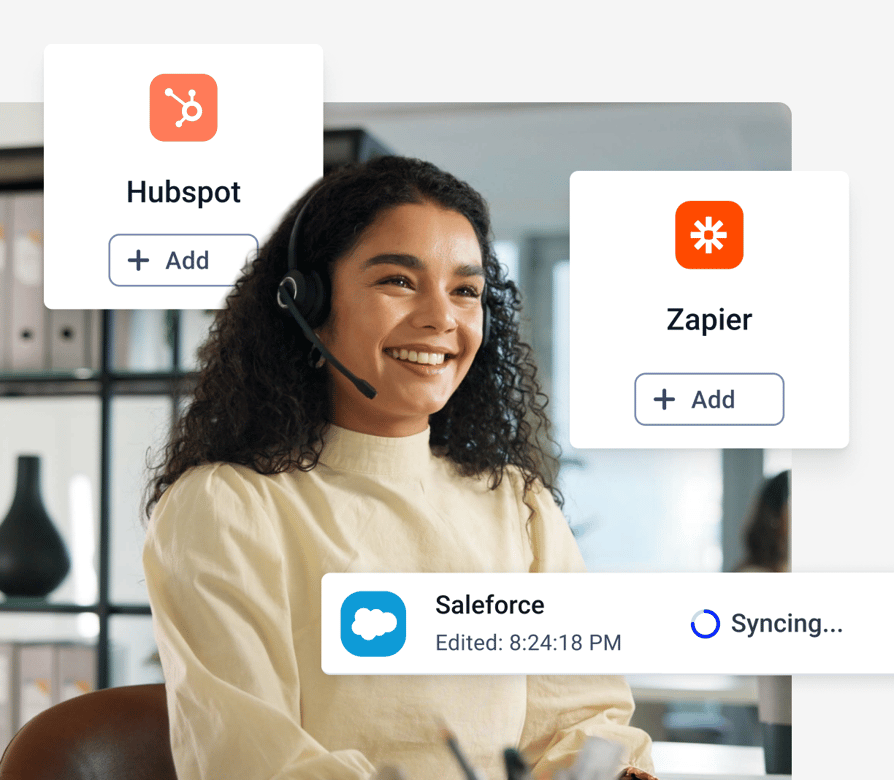
Log missed calls and callbacks in your CRM, and alert your team where they work.
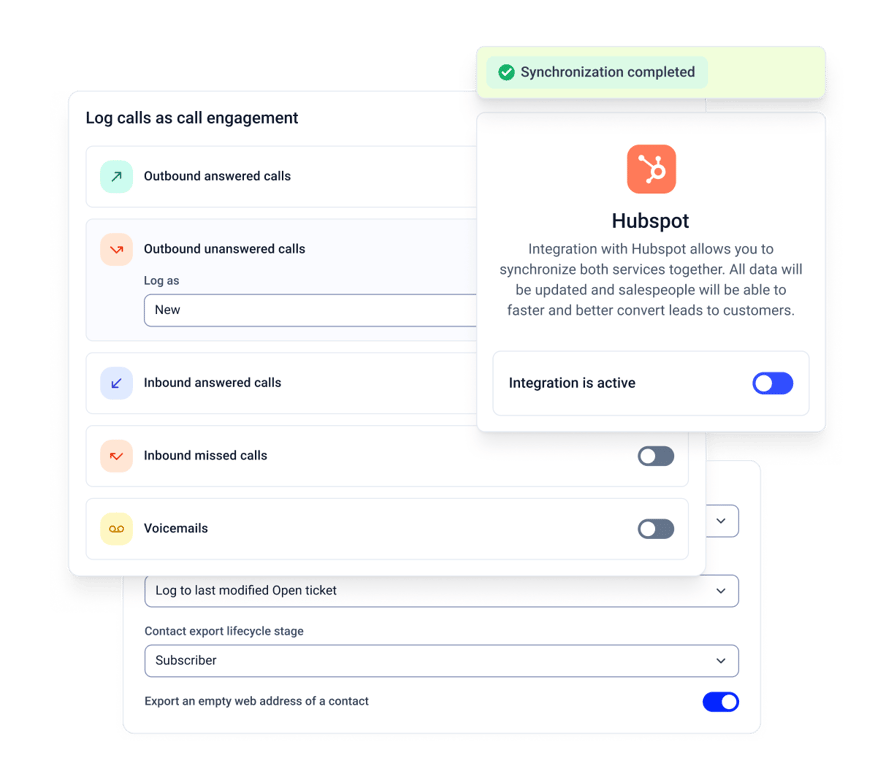
- 01Calls, including missed calls and callbacks, logged in HubSpot, Pipedrive, Salesforce, Zoho CRM, and Zendesk
- 02In supported integrations, missed calls are assigned to the right person automatically, such as the contact owner
- 03A Slack alert or a webhook to Zapier or Make when a call goes unanswered
- 04Call customers back from your CRM with click-to-call
Native integrations and workflow alerts are included from the Essential plan.
Turn On Automatic Callback in 5 Steps
Callback is one settings page, with no coding.
- 01Open your settings. In the Dashboard, go to Settings, then Preferences, then Callback. You'll need admin access.
- 02Switch Callback on. You can turn it off again at any time.
- 03Set the deadline. Choose end of day, 24 hours, or 48 hours.
- 04Set the attempts. Choose 1 to 10. We recommend 4 or 5.
- 05Adjust by team. For different rules in a group, open Groups, edit the group, go to Advanced settings, then Callback settings, and choose 'use custom settings'.
CloudTalk Pricing
How Much Does Text Back Cost?
Missed call text back from $29/user/month.
Features
Other Features You Might Like

Voicemail
Maintain a personalized customer experience outside of business hours or when your team is busy with other calls.
Learn more about Voicemail
Call Flow Designer
Design your inbound calling journey to fit the unique needs of your business and customers' expectations.
Learn more about Call Flow Designer
Business Hours
Decide when you're available for calls, when they should be redirected to other numbers or when to go into voicemail.
Learn more about Business Hours
Missed Calls
Understand the what, the why and the how behind missed calls and what your agents were doing at the time.
Learn more about Missed CallsPhone Number Integrations
Can I Connect My SMS to Other Tools?
Yes, you can connect your messages with HubSpot, Salesforce, Zoho, Pipedrive and 100+ more tools.


How Secure Are Your
Texts, Calls and Data?
Your texts, calls and customer data are protected by the standards regulated industries rely on, with 99.999% uptime and none of the enterprise complexity.



Clear Caller
Identity
Register your numbers for STIR/SHAKEN verified calling and show a clear caller ID, and AI agents say they're AI up front.
Encrypted Calls
and Recordings
Call recordings and transcripts are encrypted and stored securely. Your data stays yours and isn't used to train external AI models.
Proven Security
Standards
Our controls comply with HIPAA, GDPR, SOC 2 and ISO 27001, and we can sign a BAA when you need a HIPAA-compliant phone number.
Carrier-Grade
Uptime
With 99.999% uptime on carrier-grade infrastructure, your US calls stay crystal clear, and support runs 24/7 on every plan.

Call Back Every Customer Before They Call a Competitor
Try CloudTalk callback software on your own missed calls. Included from $29 per user/month, with monthly billing available.
Callback Software FAQs
Callback software calls customers back when they couldn't reach you the first time. CloudTalk's callback software redials missed inbound calls automatically, so your team doesn't have to track them by hand.
Instant callback software starts the return call as soon as it can. In CloudTalk, the first callback attempt starts as soon as an agent is available.
After a missed call, CloudTalk calls the customer back once an agent is available. The second attempt comes at least an hour later, and the rest are spread evenly until your deadline. When you reach the customer, Callback stops calling that number.
A call return service calls back a number that tried to reach you. In CloudTalk, that's Callback: missed calls are redialed automatically, within the deadline and number of attempts you set.
An automatic callback redials a missed call without anyone setting it up. A scheduled callback is set for a specific time, such as when a customer asks to be called on Thursday. CloudTalk does both: automatic callbacks for missed calls, and scheduled callbacks in the AI Sales Dialer.
Callback is built for missed calls, so it works without callers pressing anything. If you need callers to request a callback from your phone menu, ask our team about your setup.
A website callback request comes from a visitor who fills in a form asking to be called. A missed-call callback starts when an inbound call goes unanswered, with no form involved. CloudTalk Callback handles missed calls.
You choose 1 to 10 attempts, and we recommend 4 or 5. For example, 6 attempts over 24 hours means 3 attempts on the day of the missed call and 3 the next day.
Yes. If you reach the customer before the deadline, Callback stops calling that number. Calling a customer back from CloudTalk also marks their missed call as resolved. A new missed call from the same customer starts Callback again.
Yes. With business hours turned on, callbacks stay within them. "End of day" then means the end of your business hours, not midnight.
Yes. Company-wide settings are the default, and any group can switch on its own settings to override them.
In CloudTalk Phone, filter call history to Unresolved for missed calls that still need a callback, or to Assigned to me for your own list. Missed call analytics show why calls were missed, by group and by agent.
Support teams use it to reach callers who hung up in a busy queue. Sales teams use it to reach missed leads while they're still interested. Operations teams use it to make sure after-hours calls get returned when the team is back.
Callback is included in CloudTalk's Essential and Expert plans, from $29 per user/month billed annually, with monthly billing available.


Hello 👋 My name is Emma. Still have questions?
Can’t find the answer you’re looking for? Please chat to our friendly team.
Start your 14-day free trial
Over 5,500 sales & support teams use CloudTalk to boost calling performance