You're dealing with difficult workflow setup processes, overly complex features and the integrations are, well...lacking. That's why you're looking for a Squaretalk alternative. We tested 20 alternatives and narrowed them down into 10 for this list. We found that CloudTalk is the best alternative to Squaretalk for global sales and support teams needing plenty of native integration options (100+) and numbers in 160 countries, and are interested in improving CX with AI Voice Agents.
TL;DR: The 10 Best Squaretalk Alternatives at a Glance
The best Squaretalk alternatives are CloudTalk, JustCall, Aircall, Ringover, Dialpad, Kixie, PhoneBurner, Convoso, Five9 and CallHippo. Squaretalk itself is a capable predictive dialer for a small team that needs to be live fast; we ranked the best Squaretalk alternatives below for teams that outgrew it, whether the ceiling they hit was reporting depth, CRM sync, international number coverage, or the cost of the add-ons stacked on top of the seat.
| # | Tool | Best For | Starting Price (Annual Billing) | G2 Rating |
|---|---|---|---|---|
| 1 | CloudTalk (Editor's Pick) | Global SMB sales and support teams | $25/user/mo | 4.4/5 |
| 2 | JustCall | SMS-heavy outbound teams running calls and texts from the same seat | $29/user/mo | 4.3/5 |
| 3 | Aircall | Support-plus-sales SMBs that want a polished app marketplace over raw dialer power | Not published in USD | 4.4/5 |
| 4 | Ringover | European teams that want unlimited-destination calling bundled rather than metered | $15/user/mo | 4.6/5 |
| 5 | Dialpad | Teams that want live AI transcription and in-call agent coaching as the primary buy | Not published | 4.4/5 |
| 6 | Kixie | Revenue teams that live inside HubSpot or Pipedrive and want the dialer to disappear into the CRM | Not published | 4.8/5 |
| 7 | PhoneBurner | Compliance-cautious power dialing where no dropped or abandoned call is acceptable | $140/user/mo | 4.7/5 |
| 8 | Convoso | High-volume outbound lead generation that needs predictive pacing plus do-not-call (DNC) controls | Quote-based | 4.5/5 |
| 9 | Five9 | Enterprise contact centers with 50+ agents that need workforce management alongside the dialer | $119/seat/mo | 4.1/5 |
| 10 | CallHippo | Micro-teams testing outbound on the smallest possible monthly spend | $18/user/mo | 4.4/5 |
Three of the ten don't give you a plan price to act on. Aircall's pricing page lists add-on prices in euros and no per-user plan price in USD; Dialpad and Kixie publish no dollar figures at all. Where a number below is widely reported rather than vendor-published, we say so in the entry.
Skip the reading. See it live.
Why Teams Are Searching for a Squaretalk Alternative: What Real Users Say
Teams rarely go looking for alternatives to Squaretalk because of a feature gap. In our conversations with teams switching calling platforms, the trigger is a demo call that dropped, or a week where the audio was bad enough that reps stopped trusting the tool. Pricing shows up second. The feature gap shows up third, once someone has already started shopping.
Most of the list below comes from CloudTalk's own published review of Squaretalk, which summarizes user feedback about the platform; where an individual G2 reviewer says something directly, we've linked their review so you can read it in full. Fair warning before the criticism: Squaretalk rates 4.8/5 on G2 across roughly 130 reviews, a small sample next to the thousands behind JustCall or Dialpad, and a good score. The list below is about where teams outgrow it, not about a product people dislike.
5 Main Cons of Squaretalk: Based on Real User Reviews
- The workflow ceiling, and the technical effort to get past it. CloudTalk's review page reports that advanced workflows are difficult to set up and that integrations need extra effort beyond the initial connection. The work is doable. It just lands on whoever on your team is most technical, which in a 12-person sales org is the person you least want spending a day in a configuration screen.
- Reviewers want more coaching and reporting controls on top of monitoring that already works. The visibility layer gets real praise: one mid-market G2 reviewer credits live agent monitoring with making their job more efficient, then asks for agent scorecards, which "would make coaching even more impactful". CloudTalk's review page points at the same layer from the reporting side, noting that configuring specific reports takes more technical effort than expected. So the gap isn't seeing what your agents are doing; it's what you can build on top of that. The connect-rate-by-list-source question you want answered on a Monday becomes a CSV export and a spreadsheet rather than a saved view inside your call center analytics and reporting.
- Integration breadth is finite, and depth matters more than breadth. CloudTalk's review page counts 17 CRM integrations for Squaretalk, naming Salesforce, HubSpot, Zoho and Zendesk, and records users asking for better integrations. The count matters less than what "integration" means in practice.
Buyers running structured outbound have told us two tests matter. One is whether the CRM can push a scheduled list sync into the dialer. The other is whether dialer dispositions map one-to-one into CRM call-outcome fields, so campaign reporting reconciles on both sides. When that mapping is missing, reporting is the first thing that breaks, and nobody notices until the quarter closes. - Feature gating on the lower-priced plans. This one comes from CloudTalk's published review of Squaretalk rather than from user reviews: that page flags spam-check limitations on Squaretalk's less-expensive plans, which require manual setup. No G2 reviewer we have on file raises plan-level gating either way, so take it as a question worth asking on a sales call rather than a settled fact. It's worth asking, because spam filtering isn't a nice-to-have for an outbound team. If your numbers get flagged, your connect rate falls, and the cheaper plan stops being cheaper.
- The interface takes some learning before it feels obvious. One mid-market G2 reviewer rates Squaretalk a reliable VoIP service and still says "the UI needs to be more intuitive and user friendly". CloudTalk's review page makes a related point about the more complex features, which newcomers find harder to implement. None of that is a dealbreaker on its own. It does mean a new SDR is less likely to self-serve their way in, which turns into a manager's problem at every new hire.
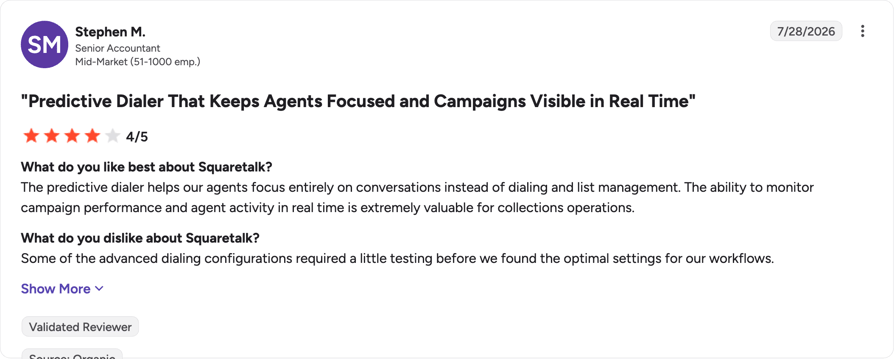
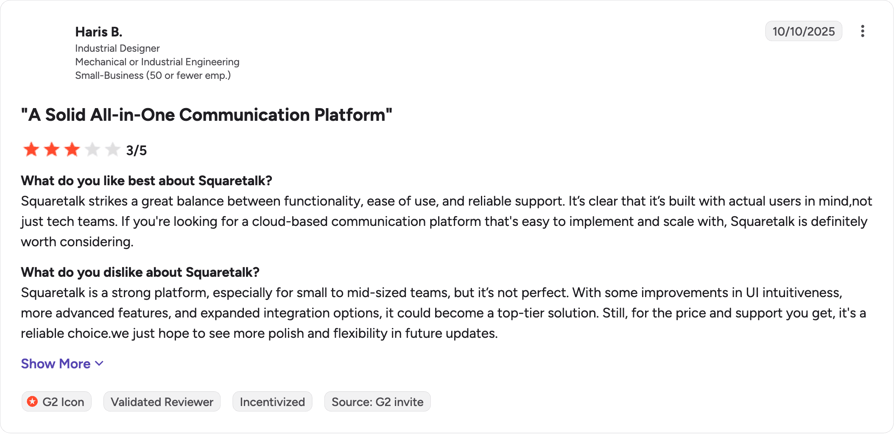
Where Squaretalk is still a fair choice. If you're a small sales or support team that wants a predictive dialer running this week, doesn't need deep custom reporting, and isn't dialing across a dozen countries, Squaretalk does the job it's built for. CloudTalk's own review page says as much: for teams that need to get a communication system implemented quickly, Squaretalk can do the trick. The teams who leave are usually the ones whose requirements grew past that.
Did You Know?
According to Hiya's State of the Call 2026 report, a survey of more than 12,000 consumers across six countries, the average American now gets 9.9 unwanted calls a week, and that figure is climbing 16% a year.
What Is the Best Alternative to Squaretalk?
CloudTalk is the best Squaretalk alternative for most sales and support teams, because it combines local numbers in 160+ countries, genuine two-way CRM sync rather than one-way call logging, and a visual Call Flow Designer that lets you change routing without filing a ticket. It starts at $25/user/month on annual billing with no seat minimum, and runs on a 99.999% uptime SLA.
Why Do Teams Consider CloudTalk the Best Squaretalk Replacement?
Teams treat CloudTalk as the Squaretalk replacement because the five things Squaretalk users tell CloudTalk's reviewers they struggle with are the five things CloudTalk is built around. That happens when a platform gets built for teams who have already outgrown their first dialer. CloudTalk supports over 5,500 customers across more than 100 countries, and the product roadmap has followed those teams up-market.
5 Main Pros of CloudTalk and Why Businesses Switch from Squaretalk
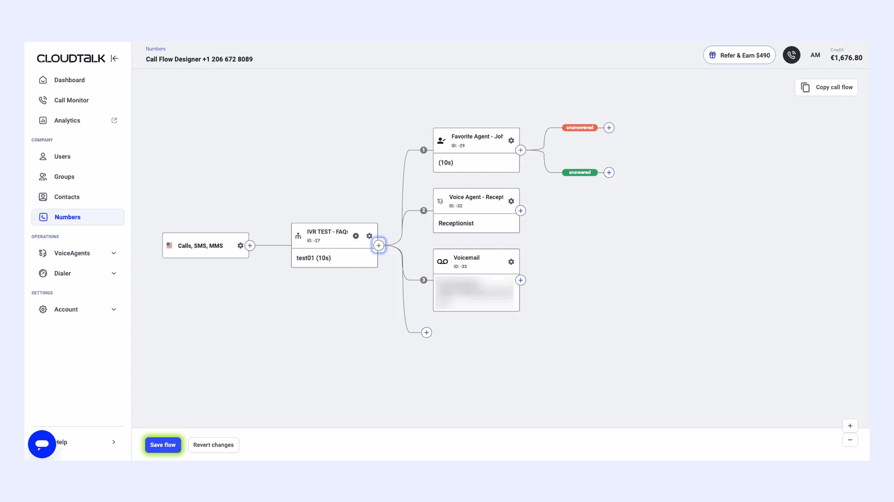
- Call stability and routing you can change yourself. CloudTalk runs on a geographically distributed, decentralized SIP architecture with multiple backup carriers, and publishes a 99.999% uptime SLA. Routing changes happen in the Call Flow Designer, a visual drag-and-drop builder for inbound call flows, so an ops lead can add a queue or a business-hours rule without a support ticket. IVR (interactive voice response) and skill-based routing are both included from the Starter plan up. That's the fix for con #1.
- Two-way CRM sync, not one-way call logging. CloudTalk's native integrations bring two-way sync of contacts, calls, recordings, AI summaries and tags, with embedded click-to-call inside the partner UI and automatic screen-pops on inbound calls. Call Disposition Automation maps the agent's after-call selection to CRM updates, follow-up tasks and the next dialer action. Native integrations across 100+ tools start on the Essential plan; the Salesforce Ecosystem integration sits on Expert.
- A global footprint you can measure in numbers. CloudTalk offers virtual numbers in 160+ countries, and Local Presence Dialing rotates the outbound caller ID to a number local to the recipient. Coverage comes down to whether you can hold enough local numbers per country to dial with local presence, and what those numbers cost every month. The country count on a vendor's homepage tells you less than the per-number monthly price does. Branded Caller ID and STIR/SHAKEN signing protect the number reputation you build.
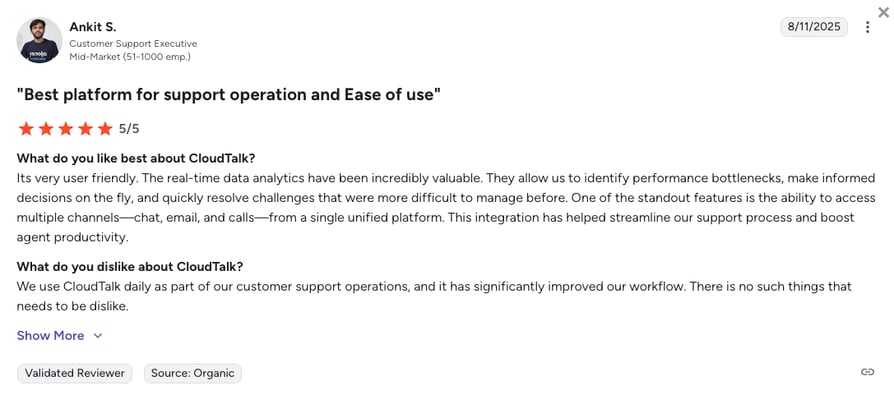
- Analytics that answer the question in the product. Real-time analytics, wallboards, customizable dashboards, historical and group reporting, and Transcript Search all live in the platform. Real-time analytics arrive on Essential; wallboards, custom dashboards, real-time call monitoring and custom reporting are Expert features.
- Pricing you can add up before you sign. Four plans, published prices, and add-ons priced as separate line items you can see: Power Dialer at $15 per user/month (included on Expert), Parallel Dialer at $39 per user/month, AI Conversation Intelligence at $9 per user/month, and AI Voice Agents from $99/month for 200 minutes. Buyers don't object to AI costing extra. They object to committing to it before they've proved it works, which is why the 14-day free trial matters more than the discount.
Ready to try a phone system that just works?
How We Chose the Best Squaretalk Alternatives and Competitors
For nearly a decade, we've helped over 30,000+ professionals find and implement smarter business communication tools. We've reviewed 200+ software tools across industries, analyzed 5,500+ verified customer reviews from platforms like G2, Capterra, and Trustpilot, and drawn insights from real user discussions on Reddit and Quora. In the past year alone, we published 1,000+ articles, each one written by humans for humans.
Two things worth reading before you trust any of it: our content integrity statement, which covers how we handle writing about our own competitors, and our software review methodology, which covers how the scoring works.
Our Selection Criteria and Testing Methodology
We ranked these Squaretalk competitors against eight benchmarks. They are the eight places a Squaretalk switch tends to succeed or fail.
- Calling and routing. Call stability first, then how long it takes to build a routing change without help.
- Pricing transparency, advertised versus all-in. We recorded the published entry price, then looked for the seat minimum, the commitment length, and the add-ons required to reach a working outbound setup.
- Review analysis across platforms. Ratings and review counts come from cached G2 data we hold on file. We don't scrape review sites, and we don't paraphrase reviews nobody on the team has read.
- International coverage and regional call quality. How many countries carry local numbers, and whether you can hold multiple numbers per country for local-presence dialing.
- AI and automation: included or add-on. Stated plainly for every tool, including our own.
- CRM integration depth. We check whether dispositions map into CRM outcome fields and whether list syncs can be scheduled, rather than counting the directory.
- Support responsiveness and onboarding. How long a non-technical team takes to get live.
- Migration ease from Squaretalk. Number porting ownership, committed timelines, and whether staged porting is supported.
One note on the pricing benchmark, because it's the one buyers get wrong most often. A more powerful dialer only earns its price if your team's calls-per-hour number actually moves. One team we spoke with trialled a higher-end automatic dialer and found their reps still dialing roughly one-to-one, so the premium tier read as cost rather than capability. We score dialer power by the lift a team can realistically use, not by the length of the mode list.
Quick Comparison: Top Squaretalk Alternatives at a Glance in 2026
Every tool side by side, including the two columns most comparison pages leave out: the seat minimum and the free trial. Both are where a Squaretalk buyer gets caught: Squaretalk's own $15 Core plan carries a three-user minimum, so the smallest bill it can produce is $45 a month, not $15.
| Tool | Starting Price (Annual) | Min. Seats | G2 Rating | Free Trial | Best For | Key Differentiator |
|---|---|---|---|---|---|---|
| Squaretalk (your current setup) | $15/agent/mo | 3 (Core plan) | 4.8/5 | None published | Small teams wanting a predictive dialer running fast | Matrix predictive dialer plus WhatsApp messaging |
| CloudTalk (Editor's Pick) | $25/user/mo | None | 4.4/5 | 14 days | Global SMB sales and support teams | Local numbers in 160+ countries with two-way CRM sync |
| JustCall | $29/user/mo | 2 (10 on Business) | 4.3/5 | 14 days | SMS-heavy outbound teams | Calling and native SMS/MMS in one workspace |
| Aircall | Not published in USD | 3 licences (25 on Custom) | 4.4/5 | Not published | Support-plus-sales SMBs | App marketplace with 100+ integrations |
| Ringover | $15/user/mo | 3, with a 12-month commitment | 4.6/5 | Not published | European teams calling many destinations | Unlimited calling to a wide set of destinations on plan |
| Dialpad | Not published | Not published | 4.4/5 | Not published | Teams buying AI transcription first | Real-time transcription and live agent assist |
| Kixie | Not published | Not published | 4.8/5 | 7 days | HubSpot and Pipedrive revenue teams | Dialer that runs natively inside the CRM |
| PhoneBurner | $140/user/mo | Not specified | 4.7/5 | Free minutes, length not stated | Compliance-cautious power dialing | No predictive pacing, so no abandoned calls |
| Convoso | Quote-based | Not published | 4.5/5 | None, demo only | High-volume lead generation | Predictive pacing with DNC controls |
| Five9 | $119/seat/mo | 50 | 4.1/5 | None published | Enterprise contact centers | Workforce management alongside the dialer |
| CallHippo | $18/user/mo | None (50 on Enterprise) | 4.4/5 | 10 days | Micro-teams on minimum spend | Free Basic tier and cheap virtual numbers |
Two Squaretalk numbers worth having before you compare anything. Squaretalk's pricing page lists the Core plan at $15 per user/month on an annual contract with a minimum of 3 users, so the real floor is $45 a month rather than $15. And Squaretalk publishes no free-trial length, on its pricing page or its homepage; the buttons point at a demo or at sales. Neither is a knock on the product. Both mean you can't size the commitment yourself before you talk to somebody, which is the opposite of how most of this list works.
1. CloudTalk: The #1 Squaretalk Alternative for Global SMB Sales and Support Teams
What Is CloudTalk?
CloudTalk is an AI-powered business phone system for growing sales and support teams, replacing on-premise PBX hardware with a cloud VoIP service that runs in a browser, a desktop app, or a mobile app. Voice, SMS, MMS and WhatsApp conversations sit in one workspace alongside recordings, transcripts, AI summaries, tags, contact records and analytics. It's built for distributed teams that dial internationally and log everything to a CRM.
Why Is CloudTalk a Strong Squaretalk Alternative?
- You can change routing without a technical resource. The Call Flow Designer is a visual drag-and-drop builder, and IVR plus skill-based routing are included from Starter.
- Your CRM stays accurate on its own. Two-way sync writes contacts, calls, recordings, AI summaries and tags back automatically, and Call Disposition Automation turns the rep's after-call click into a CRM update and a next action.
- You can dial locally almost anywhere. Virtual numbers in 160+ countries, with Local Presence Dialing rotating caller ID to match the recipient.
- You can start with one person. There is no seat minimum, which matters if you're a two-rep team looking at competitors that require three licences.
- You can see every line item before you commit. Four published plans, four named add-ons with published prices, and a 14-day free trial with no credit card.
What Are the Key Features of CloudTalk?
- Call Flow Designer for visual, drag-and-drop inbound routing, with IVR, ring groups, skill-based routing, VIP queues and business hours.
- The AI Sales Dialer, covering click-to-call, preview, progressive and parallel modes alongside the Power Dialer, with AI voicemail detection and voicemail drop.
- Local Presence Dialing, rotating the outbound caller ID to a number local to the recipient, backed by Branded Caller ID and STIR/SHAKEN signing.
- Two-way CRM integrations across 100+ native connectors, plus a public API, webhooks and a Zapier connector.
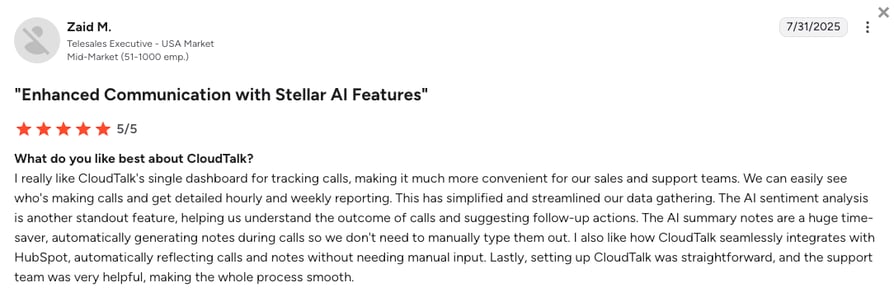
- AI Conversation Intelligence (a paid add-on) for transcription, AI Call Summary, Smart Notes, sentiment analysis, topic detection, AI tags, talk/listen ratio and transcript search.
- AI Voice Agents (a paid add-on) for autonomous inbound and outbound conversations, with function calling and self-service configuration.
- Real-time analytics, wallboards and customizable dashboards, with historical and group reporting.
- Number porting plus an automated number-ordering flow for buying and verifying new numbers self-serve.
What Are the Pros & Cons of CloudTalk?
| Pros | Cons |
|---|---|
| No seat minimum, so a one-person team can start on the same platform an enterprise runs | AI Conversation Intelligence and AI Voice Agents are always separately priced add-ons, so a team that wants one line item on the invoice will see two |
| Local numbers in 160+ countries with caller-ID rotation for local presence | No native video meetings, because CloudTalk is a calling platform rather than a full unified-communications suite |
| Visual Call Flow Designer, so routing changes don't need a support ticket | The Power Dialer is included only on the Expert plan; on Starter and Essential it's a $15 per user/month add-on |
What Are CloudTalk's Plans & Pricing?
CloudTalk publishes four plans on annual billing, with add-ons priced separately and visibly.
| Plan | Price (annual billing) | Key features |
|---|---|---|
| Starter | $25/user/month | ACD (automatic call distribution), Call Flow Designer, IVR and skill-based routing, unlimited call queues, one local number, click-to-call, softphone apps |
| Essential | $29/user/month | Everything in Starter, plus Smart Dialer, native CRM integrations, public API, Workflow Automation Designer, real-time analytics, unlimited call recording storage |
| Expert | $49/user/month | Everything in Essential, plus the included Power Dialer, Salesforce integration, wallboards, custom dashboards, real-time call monitoring and custom reporting |
| Custom | Contact Sales | Custom SLAs, dedicated account management, dedicated infrastructure and specific compliance arrangements |
| Power Dialer (add-on) | $15 per user/month | Included on Expert; a paid add-on on Starter and Essential |
| Parallel Dialer (add-on) | $39 per user/month | A paid add-on on every plan, including Expert |
| AI Conversation Intelligence (add-on) | $9 per user/month | Never bundled into a subscription plan |
| AI Voice Agents (add-on) | From $99/month for 200 minutes | Never bundled into a subscription plan |
The add-on question, answered straight. CloudTalk does not include AI Conversation Intelligence or AI Voice Agents in any plan. Both are add-ons on every tier, priced per user or per minute. We publish those prices next to the plan prices for the same reason we publish the seat minimum: so you can total it up before a sales call rather than after one.
What Are CloudTalk Customers Saying?
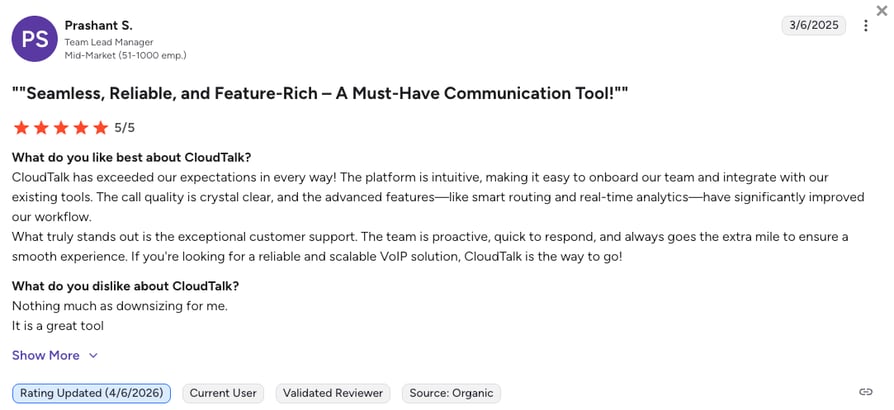
A mid-market G2 reviewer called CloudTalk "easy to use, integrates well with our CRM", while noting that the more advanced features get expensive for smaller teams. A small-business reviewer praised how accessible the platform is for a small team, and asked for raw transcripts in the dashboard on the basic plan rather than only voice MP3s.
How Do G2 Users Rate CloudTalk?
4.4/5 (1938+ reviews)
Read the full CloudTalk reviews on G2.
CloudTalk vs. Squaretalk: Which Is Better for AI Calling?
| Category | CloudTalk | Squaretalk |
|---|---|---|
| Starting price (annual) | $25/user/mo | $15/agent/mo |
| Minimum seats | None | 3 (Core plan) |
| Free trial | 14 days, no credit card | None published |
| Dialing modes | Click-to-call, preview, power, progressive and parallel | Predictive dialing via the Matrix product line |
| Conversation intelligence | Paid add-on at $9 per user/month | Automated transcripts and sentiment analysis, per CloudTalk's review page |
| G2 rating | 4.4/5 (1938+ reviews) | 4.8/5 (130+ reviews) |
Ready for a test drive?
9 More Squaretalk Alternatives Worth Considering in 2026
CloudTalk isn't the right answer for everyone, and a comparison page that pretends otherwise isn't worth reading. If you need workforce management for 200 agents, or a dialer that lives entirely inside HubSpot, one of the nine below will fit better. Each entry names what the tool is good at, what it costs where we could verify it, and where it stops being software like Squaretalk and turns into something else.
2. JustCall: Best for SMS-Heavy Outbound Teams
What Is JustCall?
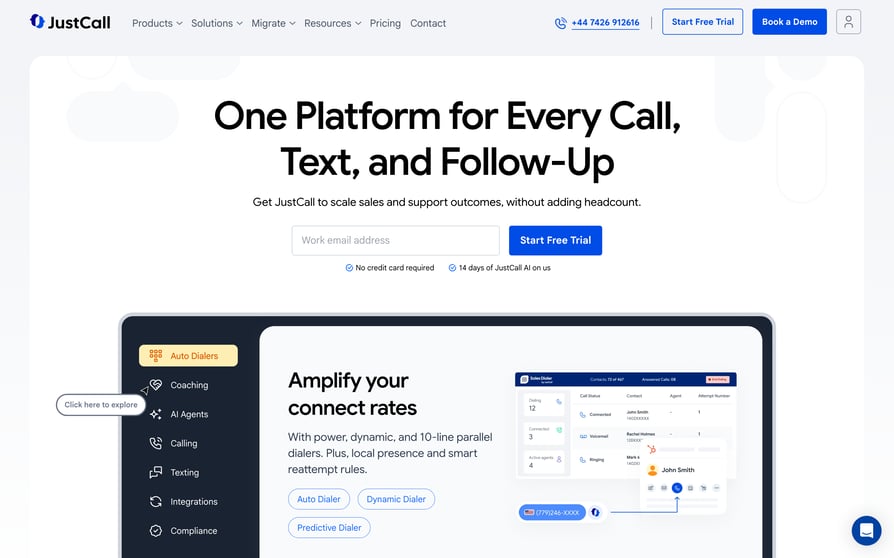
JustCall, from SaaS Labs, is an AI communication suite that puts calling and native SMS/MMS in the same workspace for sales and support teams. It's aimed at outbound teams whose follow-up sequence is half phone and half text, and it sells AI Voice Agents as a separate product on top. We go deeper on the platform in our JustCall review.
Why Is JustCall a Strong Squaretalk Alternative?
- Texting and calling stop being two tools. Reps follow a missed call with a text without leaving the workspace or reconciling two histories.
- The dialer scales with the tier. The Sales Dialer adds auto and predictive dialing on the higher plans rather than as a separate product line.
- CRM coverage spans the usual stack. HubSpot, Salesforce and Pipedrive are all supported.
What Are the Pros & Cons of JustCall?
| Pros | Cons |
|---|---|
| Calling plus native SMS and MMS in one workspace | A 2-user minimum on Team, Pro, Pro Plus and SalesPro, rising to 10 users on Business |
| Published per-seat prices across three self-serve tiers | Reaching the fuller dialer tier means going from $29 to $49 per user/month |
| A 14-day free trial | AI Voice Agents are billed separately at $0.99/minute, or $99 to $249 a month |
What Are JustCall's Plans & Pricing?
Team is $29 per user/month billed annually, Pro is $49, and Pro Plus is $89. Business and SalesPro are both custom-priced. AI Voice Agents sit outside the plans entirely: pay-as-you-go at $0.99 per minute, Agent Lite at $99/month, or Agent Max at $249/month.
The seat-minimum catch: every self-serve tier requires at least 2 users, and Business requires 10. A solo founder testing outbound pays for two seats on day one.
What Are JustCall Customers Saying?
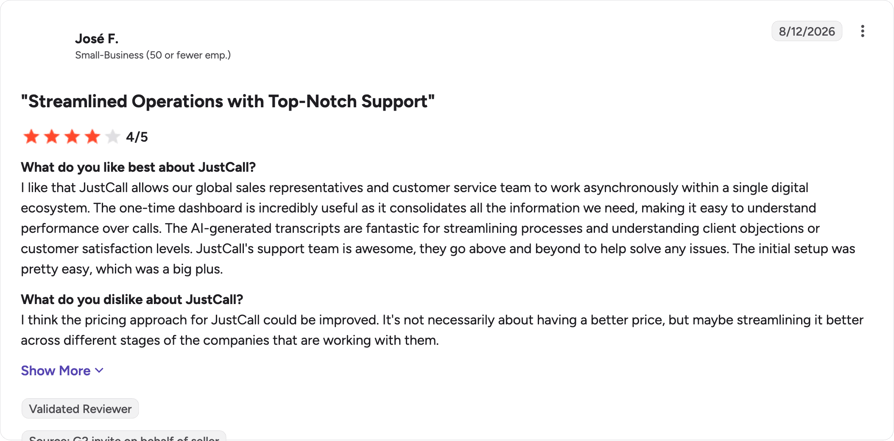
A small-business G2 reviewer credited JustCall with letting global sales reps and the customer service team "work asynchronously within a single digital ecosystem", then named the pricing approach as the thing that needs streamlining. A more critical review makes that point harder, arguing smaller businesses get pushed toward higher tiers they never asked for.
How Do G2 Users Rate JustCall?
4.3/5 (2,350+ reviews)
Read the full JustCall reviews on G2.
JustCall vs. Squaretalk
| Category | JustCall | Squaretalk |
|---|---|---|
| Starting price (annual) | $29/user/mo | $15/agent/mo |
| Minimum seats | 2 (10 on Business) | 3 (Core plan) |
| Free trial | 14 days | None published |
| Messaging | Native SMS and MMS in the calling workspace | WhatsApp Business via the Express module |
| G2 rating | 4.3/5 | 4.8/5 |
3. Aircall: Best for Support-Plus-Sales SMBs Living in an App Marketplace
What Is Aircall?
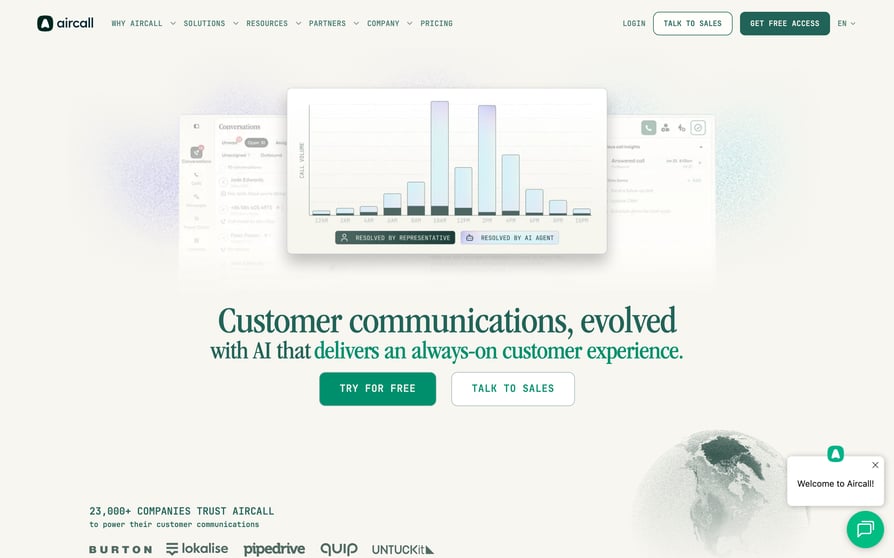
Aircall is a cloud phone and communication platform built around a large app marketplace, with more than 100 integrations available to connect calling to the rest of an SMB's stack. It suits teams whose phone system needs to sit inside a wider tool ecosystem rather than act as a standalone outbound engine. Our Aircall review covers that marketplace in more detail.
Why Is Aircall a Strong Squaretalk Alternative?
- The integration catalogue is the product. If your stack is unusual, the marketplace is more likely to have you covered.
- Support and sales share one setup. IVR and business-hours routing handle inbound while the Power Dialer handles outbound.
- Call recording and shared call handling come as standard. Teams that triage calls collaboratively get that behaviour out of the box.
What Are the Pros & Cons of Aircall?
| Pros | Cons |
|---|---|
| An app marketplace with 100+ integrations | A 3-licence minimum on Essentials and Professional, so a two-person team pays for three |
| Power Dialer, call recording, IVR and business-hours routing included in the platform | A 25-licence minimum on the Custom tier |
| A polished interface that non-technical teams pick up quickly | No per-user plan price in USD on the public pricing page; the only prices shown are add-ons, and they're listed in euros |
What Are Aircall's Plans & Pricing?
Aircall's pricing page doesn't put a per-user plan price in front of you. What it prices publicly are add-ons, and it lists those in euros, leaving the plan cost to a sales conversation. The figures quoted elsewhere are Essentials at $30 per user/month and Professional at $50 per user/month on annual billing; those are widely reported rather than published by Aircall, so treat them as a sanity check on your quote, not as the quote.
Our own Aircall pricing breakdown tracks the tiers as they change. What Aircall does state plainly is the seat structure, and it's the number that matters most for a small team: Essentials and Professional both require a minimum of 3 licences, and Custom requires 25.
The licence-minimum catch: at 3 licences, a two-rep team is paying 50% more than headcount implies before the first call connects.
What Are Aircall Customers Saying?
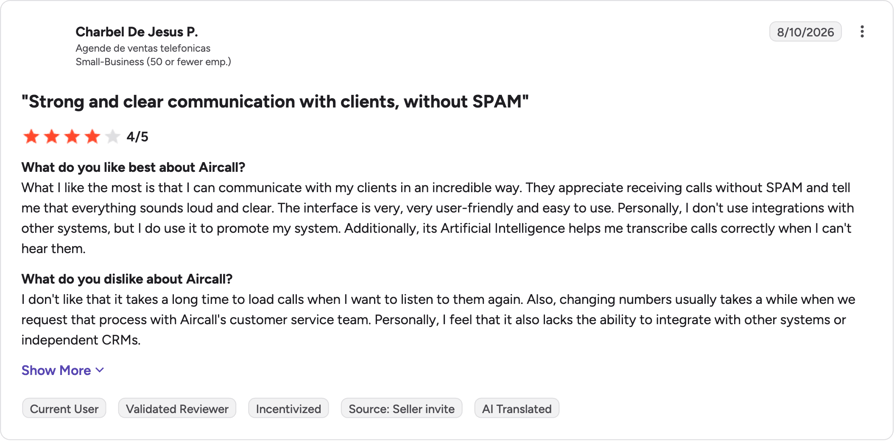
Two recent G2 reviews raise the same friction. A small-business reviewer said calls take a long time to load when you want to listen back, and that changing numbers drags when you request it through Aircall's customer service team; a second reviewer reported waiting "up to half an hour" for recorded call audio to appear.
How Do G2 Users Rate Aircall?
4.4/5 (1,600+ reviews)
Read the full Aircall reviews on G2.
Aircall vs. Squaretalk
| Category | Aircall | Squaretalk |
|---|---|---|
| Starting price (annual) | Not published in USD | $15/agent/mo |
| Minimum seats | 3 licences (25 on Custom) | 3 (Core plan) |
| Free trial | Not published | None published |
| Integrations | 100+ via the app marketplace | 17 CRM integrations, per CloudTalk's review page |
| G2 rating | 4.4/5 | 4.8/5 |
4. Ringover: Best for European Teams Calling Many Destinations
What Is Ringover?
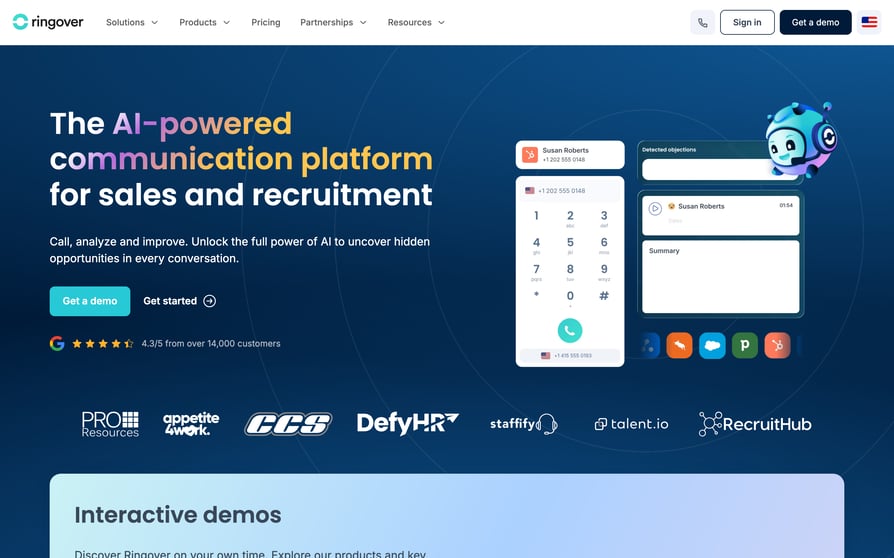
Ringover is a cloud communication platform covering calls, SMS and video, with particular strength across European markets. Its pitch is unlimited calling to a wide set of destinations bundled into the plan rather than metered per minute, which suits teams whose call volume is spread across several countries. The full feature picture is in our Ringover review.
Why Is Ringover a Strong Squaretalk Alternative?
- Destination calling is bundled, not metered. Teams calling across Europe get predictable monthly spend instead of a variable minutes bill.
- The entry price matches Squaretalk's. TALK starts at $15 per user/month on annual billing.
- Local numbers cover European markets properly. Useful if your outbound is regional rather than global.
What Are the Pros & Cons of Ringover?
| Pros | Cons |
|---|---|
| Unlimited calling to a wide set of destinations included on plan | A 3-user minimum with a 12-month commitment |
| TALK at $15/user/month annual, matching Squaretalk's entry price | The gap from TALK to BUSINESS is $15 to $47 per user/month |
| Local numbers across European markets, plus a power dialer on higher tiers | ADVANCED is quote-only, so the top of the range isn't priced publicly |
What Are Ringover's Plans & Pricing?
TALK is $15 per user/month on annual billing, or $24 billed monthly. BUSINESS is $47 per user/month annual, or $57 monthly. ADVANCED is custom-priced. All figures are excluding taxes, as listed on Ringover's own pricing page.
The commitment catch: the pricing page states a 3-user minimum with a 12-month commitment. That's a full year of three seats, which is a different risk profile from a monthly rolling plan.
What Are Ringover Customers Saying?
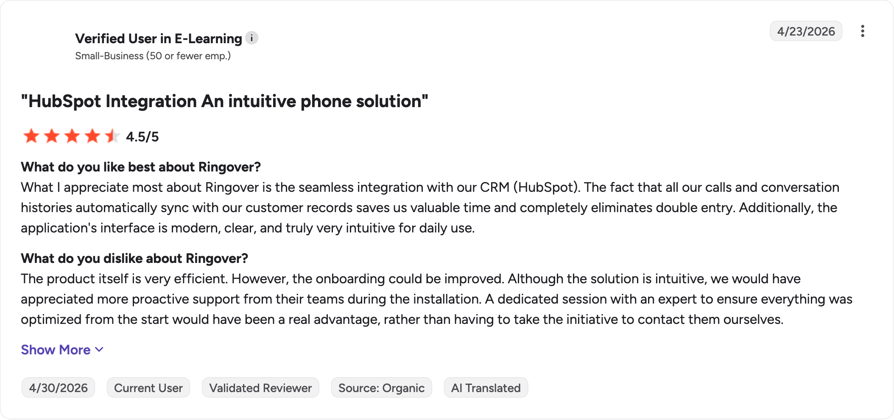
The two most recent G2 reviews are warm on the product and specific about what surrounds it. One small-business reviewer called the solution efficient but wanted "more proactive support from their teams during the installation", and another named automatic transcriptions as the main weakness, since they still need reviewing and correcting.
How Do G2 Users Rate Ringover?
4.6/5 (450+ reviews)
Read the full Ringover reviews on G2.
Ringover vs. Squaretalk
| Category | Ringover | Squaretalk |
|---|---|---|
| Starting price (annual) | $15/user/mo | $15/agent/mo |
| Minimum seats | 3, with a 12-month commitment | 3 (Core plan) |
| Free trial | Not published | None published |
| Calling model | Unlimited to a wide set of destinations on plan | Predictive dialing via Matrix, per-plan structure not published |
| G2 rating | 4.6/5 | 4.8/5 |
5. Dialpad: Best for Teams Buying AI Transcription and Coaching First
What Is Dialpad?
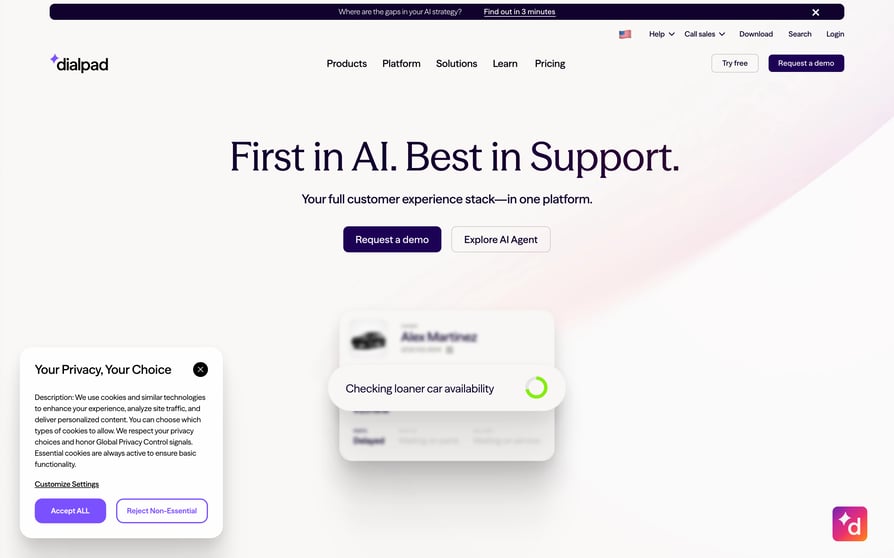
Dialpad is an AI-first communications platform built around real-time transcription and live agent assist. It's organized into separate product lines (Connect, Support, Sell and AI Agent), so the buying decision is as much about which line you need as which tier. Our Dialpad review walks through the split.
Why Is Dialpad a Strong Squaretalk Alternative?
- Transcription happens live, not after the call. Managers coach in the moment rather than reviewing recordings the next day.
- AI summaries and sentiment come from the same engine. Post-call analysis is a by-product of the live transcript.
- The product lines map to teams. A support org and a sales org don't have to share one configuration.
What Are the Pros & Cons of Dialpad?
| Pros | Cons |
|---|---|
| Real-time transcription and live agent assist during the call | The public pricing page names the four product lines and publishes no dollar figures at all |
| AI call summaries and sentiment scoring built in | No seat minimum is stated publicly |
| Four product lines so teams buy the surface they need | Four product lines also means the AI capability you want may sit in a different SKU from the calling you want |
What Are Dialpad's Plans & Pricing?
Dialpad's pricing page names four product lines (Dialpad AI Agent, Dialpad Support, Dialpad Sell and Dialpad Connect) and attaches a dollar figure to none of them. An entry price of $15 per user/month is widely reported, but Dialpad doesn't publish it, and our Dialpad pricing breakdown tracks the reported figures as they firm up. Ask which product line your quote covers, because moving from Connect to Sell is a different purchase rather than a tier upgrade.
What Are Dialpad Customers Saying?
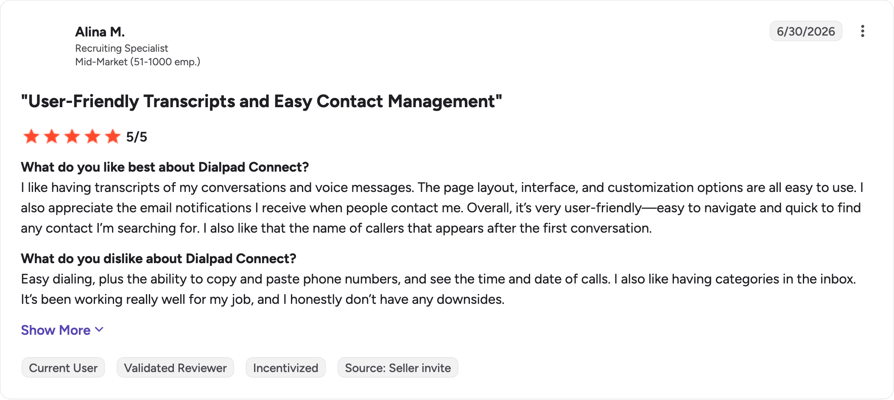
A mid-market G2 reviewer singled out having "transcripts of my conversations and voice messages", plus easy dialing and being able to paste numbers straight in. Another mid-market reviewer valued how easily call data exports, but found texting through Dialpad tricky to navigate on a line that doubles as personal and business.
How Do G2 Users Rate Dialpad?
4.4/5 (4,200+ reviews)
Read the full Dialpad reviews on G2.
Dialpad vs. Squaretalk
| Category | Dialpad | Squaretalk |
|---|---|---|
| Starting price (annual) | Not published | $15/agent/mo |
| Minimum seats | Not published | 3 (Core plan) |
| Free trial | Not published | None published |
| Transcription | Real-time, during the call | Automated transcripts, per CloudTalk's review page |
| G2 rating | 4.4/5 | 4.8/5 |
6. Kixie: Best for Revenue Teams That Live Inside HubSpot or Pipedrive
What Is Kixie?
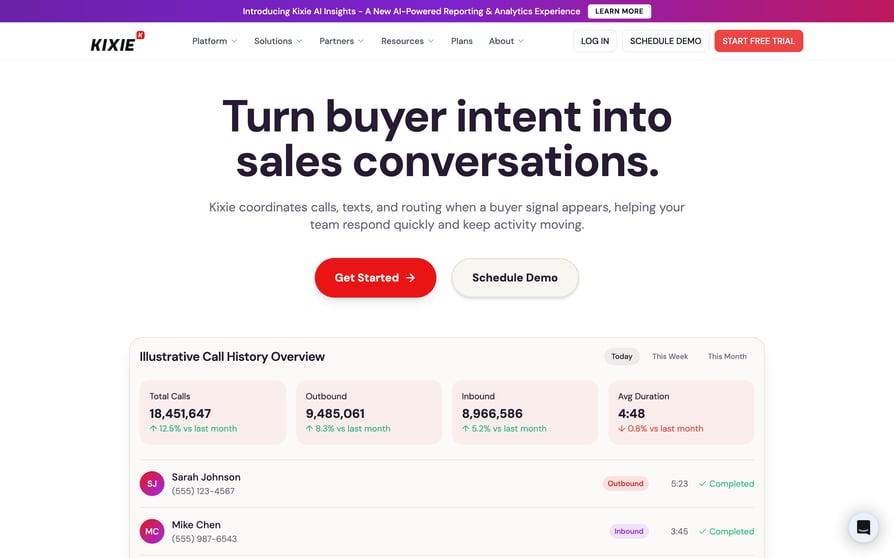
Kixie, sold as Kixie PowerCall & SMS, is a sales engagement dialer designed to run natively inside the CRM rather than beside it. Reps click to call from a CRM record, and activity logs itself back without a separate sync step. There's more detail in our Kixie review.
Why Is Kixie a Strong Squaretalk Alternative?
- The dialer disappears into the CRM. Reps never leave the record they're working, which is the whole point for a HubSpot-native team.
- Activity logging is automatic. Calls and outcomes land on the record without a manual step.
- Dialing scales from one line to many. Single-line and multi-line PowerDialer are both available.
What Are the Pros & Cons of Kixie?
| Pros | Cons |
|---|---|
| Native CRM click-to-call with automatic activity logging | No dollar figures are published on the pricing page; prices sit behind the signup or demo flow |
| Single-line and multi-line PowerDialer options | ConnectionBoost, Conversation Intelligence and DNC compliance are all separately priced add-ons |
| A 7-day free trial with no credit card required | No seat minimum is stated publicly |
What Are Kixie's Plans & Pricing?
Kixie names three plans on its pricing page: the Professional Plan, Single-Line PowerDialer, and Multi-Line PowerDialer. There's no dollar figure next to any of them, or anywhere else on the page. A price only appears once you go through the demo or the signup flow, which means you can't line Kixie up against a $15 or a $29 seat until sales gives you one.
The add-on catch: ConnectionBoost, Conversation Intelligence and DNC compliance tooling are confirmed as separately priced add-ons on top of the plan, and the plan price itself isn't published. Get the all-in number in writing before you compare it to anything.
What Are Kixie Customers Saying?
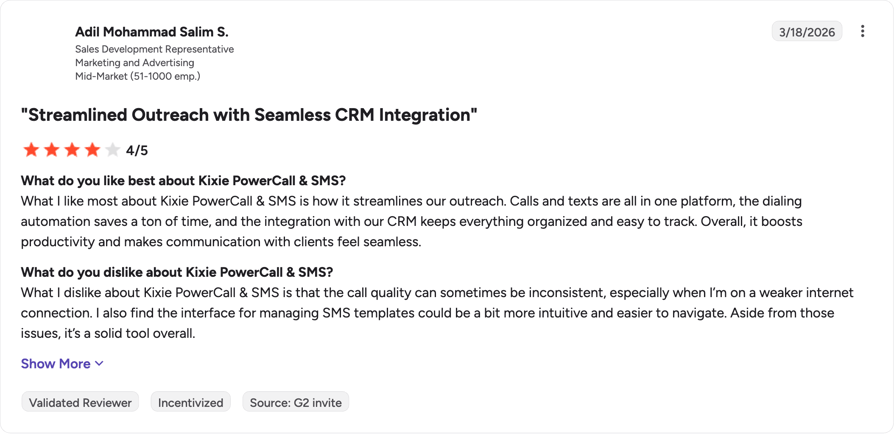
Kixie is the highest-rated tool in this roundup and the reviews mostly bear that out: a mid-market G2 reviewer said what they like most is "how it streamlines our outreach", with the caveat that call quality can be inconsistent on a weaker internet connection and the SMS template interface is awkward. A far more negative review sits with the small minority of one-star ratings, describing SMS texting that suddenly stopped working and no customer service support behind it.
How Do G2 Users Rate Kixie?
4.8/5 (850+ reviews)
Read the full Kixie reviews on G2.
Kixie vs. Squaretalk
| Category | Kixie | Squaretalk |
|---|---|---|
| Starting price (annual) | Not published | $15/agent/mo |
| Minimum seats | Not published | 3 (Core plan) |
| Free trial | 7 days, no credit card | None published |
| CRM model | Dialer runs natively inside the CRM | 17 CRM integrations, per CloudTalk's review page |
| G2 rating | 4.8/5 | 4.8/5 |
7. PhoneBurner: Best for Power Dialing Where No Abandoned Call Is Acceptable
What Is PhoneBurner?
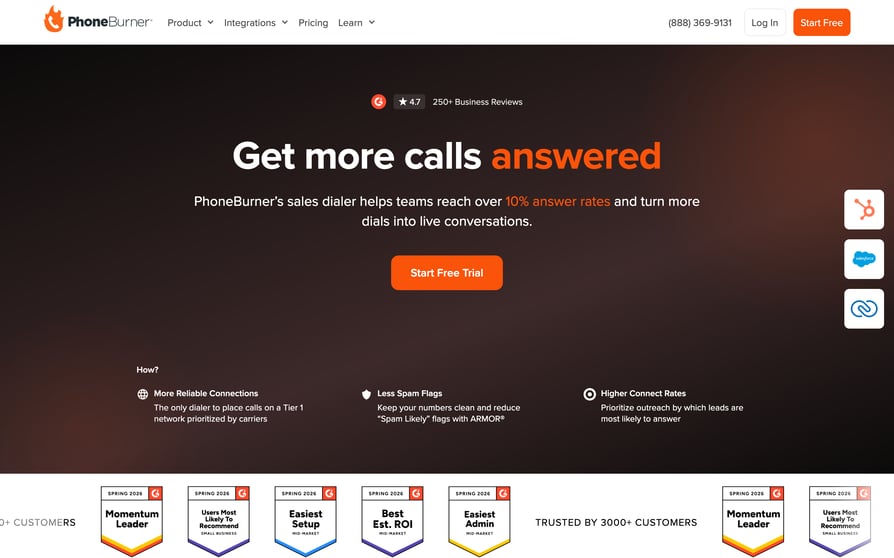
PhoneBurner is a power dialing platform whose defining choice is what it leaves out: there's no predictive pacing, so there's no risk of a contact answering to silence. It's built for teams where a dropped call is a compliance or reputation problem, not just a lost lead. Our PhoneBurner review has the longer version.
Why Is PhoneBurner a Strong Squaretalk Alternative?
- There's no telltale pause when the call connects. The contact hears a person immediately, which changes how the conversation opens.
- No predictive pacing means no abandoned calls. That's a structural guarantee rather than a setting to tune.
- Follow-up is one click. Voicemail drop and one-click email follow-up cut the after-call work.
What Are the Pros & Cons of PhoneBurner?
| Pros | Cons |
|---|---|
| Power dialing with no connection delay, so no dead air on answer | Standard starts at $140 per user/month billed annually, an order of magnitude above Squaretalk's entry price |
| No predictive pacing, so abandoned calls aren't a risk to manage | The free trial is free minutes with no stated length |
| Voicemail drop, one-click email follow-up, and a built-in CRM alongside integrations | No predictive pacing also means no predictive pacing if that's what your campaign needs |
What Are PhoneBurner's Plans & Pricing?
Standard is $140 per user/month billed annually, or $165 billed monthly. Professional is $165 annual, $195 monthly. Premium is $183 annual, $215 monthly. No seat minimum is specified on the pricing page.
The volume catch: at $140 per seat, PhoneBurner needs to pay for itself in connect quality rather than raw dial count. Run the calls-per-hour test in the trial before you commit a team to it.
What Are PhoneBurner Customers Saying?
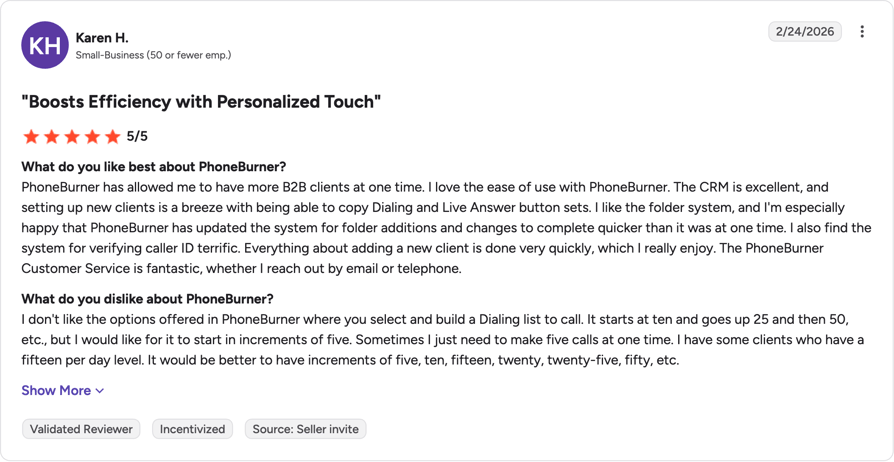
A mid-market G2 reviewer said the product "makes the process of cold calling a lot faster", while wanting a more modern interface and some AI-driven features. A small-business reviewer credited it with handling more B2B clients at once, but asked for smaller increments when building a dialing list, which currently starts at ten.
How Do G2 Users Rate PhoneBurner?
4.7/5 (250+ reviews)
Read the full PhoneBurner reviews on G2.
PhoneBurner vs. Squaretalk
| Category | PhoneBurner | Squaretalk |
|---|---|---|
| Starting price (annual) | $140/user/mo | $15/agent/mo |
| Minimum seats | Not specified | 3 (Core plan) |
| Free trial | Free minutes, length not stated | None published |
| Dialing model | Power dialing only, no predictive pacing | Predictive dialing via Matrix |
| G2 rating | 4.7/5 | 4.8/5 |
8. Convoso: Best for High-Volume Lead Generation With DNC Controls
What Is Convoso?
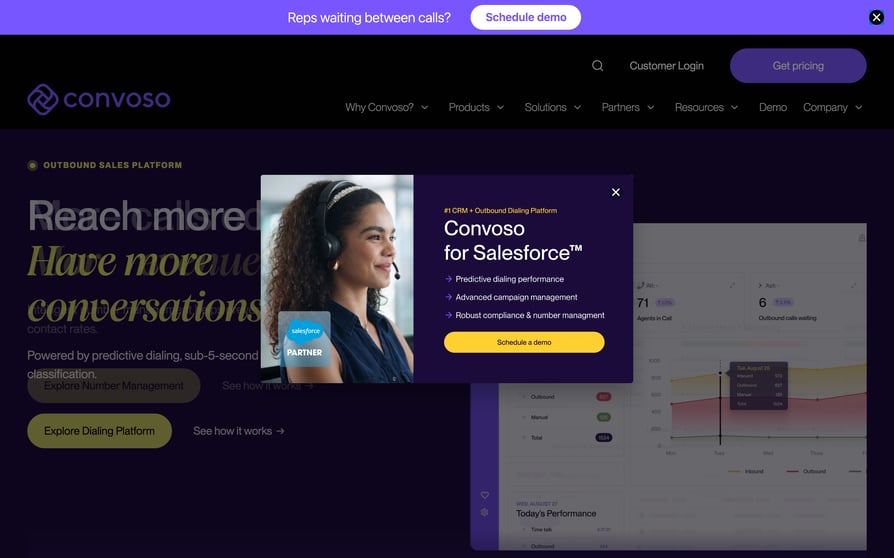
Convoso is an outbound contact center platform built for high-volume lead generation. Predictive and multi-mode dialing sit alongside lead management, campaign pacing and compliance tooling, with omnichannel outreach layered on top of voice. See our Convoso review for how the pacing controls work.
Why Is Convoso a Strong Squaretalk Alternative?
- Pacing is the whole product. Campaign pacing and multi-mode dialing are built for teams whose dial volume is the business.
- Compliance tooling is native. DNC controls come with the platform rather than as a bolt-on.
- Lead management sits in the same system. Lists, campaigns and outcomes don't live in three places.
What Are the Pros & Cons of Convoso?
| Pros | Cons |
|---|---|
| Predictive and multi-mode dialing with campaign pacing built in | Pricing is entirely quote-based, with nothing published |
| Native compliance tooling for outbound calling, including DNC | Carrier fees are billed separately from the software subscription |
| Annual plans currently carry a 20% discount, with volume discounts at scale | No free trial at all; evaluation is a live customized demo |
What Are Convoso's Plans & Pricing?
Convoso doesn't publish prices. In its own words, it provides customized solutions based on each customer's needs, such as number of seats, features and integrations, and tailors pricing accordingly instead of offering a one-size-fits-all model. Annual plans are offered with a 20% discount at time of writing, monthly is available by discussion with sales, and volume discounts apply for larger teams.
The line-item catch: carrier fees are billed separately from the subscription. That's normal in this category, but it means the quoted seat price is not your invoice.
What Are Convoso Customers Saying?
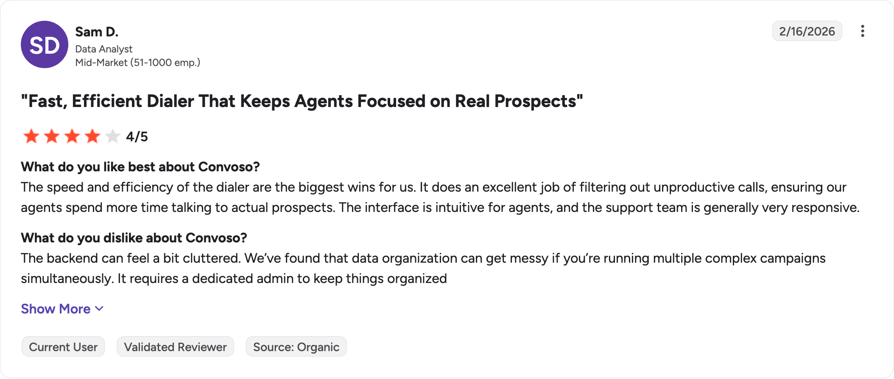
A mid-market G2 reviewer called "the speed and efficiency of the dialer" the biggest win, then flagged a backend that gets cluttered across several complex campaigns at once and needs a dedicated admin to stay organized. A lower-rated review praises the automated DID scrubbing but raises DNC lead-consent concerns and asks for better skill routing across agents.
How Do G2 Users Rate Convoso?
4.5/5 (250+ reviews)
Read the full Convoso reviews on G2.
Convoso vs. Squaretalk
| Category | Convoso | Squaretalk |
|---|---|---|
| Starting price (annual) | Quote-based | $15/agent/mo |
| Minimum seats | Not published | 3 (Core plan) |
| Free trial | None, live demo only | None published |
| Carrier fees | Billed separately from the subscription | Not published |
| G2 rating | 4.5/5 | 4.8/5 |
9. Five9: Best for Enterprise Contact Centers That Need Workforce Management
What Is Five9?
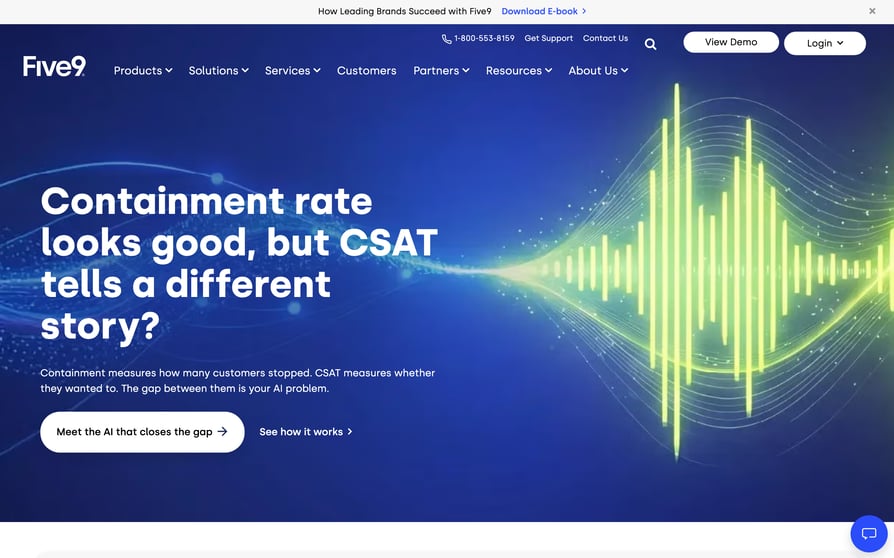
Five9's Intelligent CX Platform is an enterprise cloud contact center with omnichannel routing, workforce management and quality management alongside the dialer. It's aimed at operations large enough to have a dedicated WFM function, and it's priced and packaged accordingly. Our Five9 review goes through the packaging.
Why Is Five9 a Strong Squaretalk Alternative?
- Dialing modes cover every outbound strategy. Predictive, progressive and preview dialing all ship in the platform.
- Workforce and quality management are native. Scheduling and QA don't require a second vendor.
- Reporting is built for scale. Enterprise analytics assume hundreds of agents, not twelve.
What Are the Pros & Cons of Five9?
| Pros | Cons |
|---|---|
| Predictive, progressive and preview dialing in one platform | A 50-seat minimum applies across every tier, which rules Five9 out for most Squaretalk buyers |
| Workforce management and quality management alongside the dialer | Digital starts at $119 per seat/month and Core at $159, with three higher tiers quote-only |
| Enterprise reporting and omnichannel routing for voice and digital | Prices are per concurrent user and usage-based pricing may apply on top |
What Are Five9's Plans & Pricing?
Digital is $119 monthly per seat and Core is $159 monthly per seat. Plus, Pro and Enterprise are all contact-sales. Five9's own note on the page is the important part: prices are per concurrent user, usage-based pricing may apply, and there's a minimum of 50 seats.
The headcount catch: 50 seats at $119 is a floor of $5,950 a month before usage. Under 50 people, Five9 sits in a different category from everything else on this list.
What Are Five9 Customers Saying?
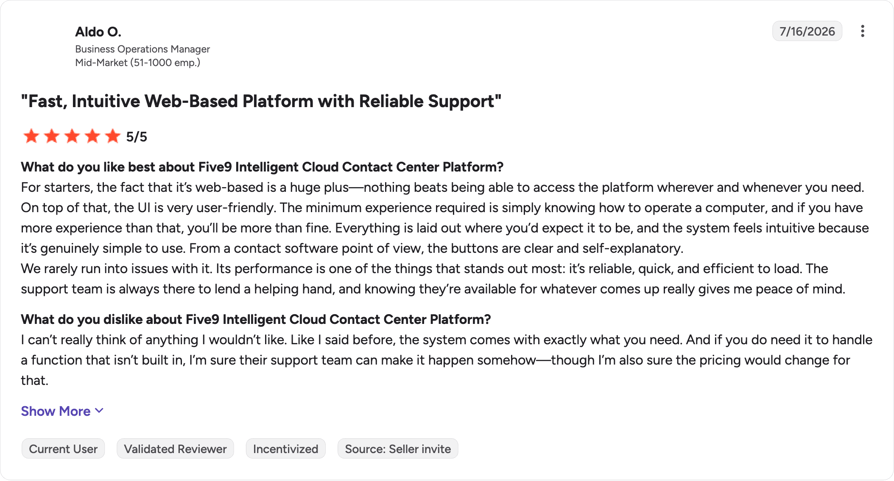
A mid-market G2 reviewer had nothing they disliked, and led with the platform being web-based as "a huge plus". A small-business reviewer liked the progressive and predictive dialing, but described having to restart mid-shift when the platform lost data or struggled with the connection.
How Do G2 Users Rate Five9?
4.1/5 (600+ reviews)
Read the full Five9 reviews on G2.
Five9 vs. Squaretalk
| Category | Five9 | Squaretalk |
|---|---|---|
| Starting price (annual) | $119/seat/mo (Digital) | $15/agent/mo |
| Minimum seats | 50 across every tier | 3 (Core plan) |
| Free trial | None published | None published |
| Workforce management | Native, alongside quality management | Not published |
| G2 rating | 4.1/5 | 4.8/5 |
10. CallHippo: Best for Micro-Teams Testing Outbound on Minimum Spend
What Is CallHippo?
CallHippo is a virtual phone system aimed at small teams that need international numbers without a large monthly commitment. There's a free Basic tier, and the paid tiers start low, with the dialer and AI capabilities sold as separate products alongside. Our CallHippo review covers what that buys you.
Why Is CallHippo a Strong Squaretalk Alternative?
- You can start at zero. The Basic tier is free, which makes a two-week experiment cheap.
- International numbers are cheap and plentiful. Useful for a team testing one new market before committing.
- The trial doesn't need a card. Ten days, no payment details.
What Are the Pros & Cons of CallHippo?
| Pros | Cons |
|---|---|
| A free Basic tier and a $18/user/month Starter plan on annual billing | The dialer isn't included; the Parallel Dialer starts at $35 per user/month as a separate product |
| Virtual numbers across many countries for local presence on a small budget | The AI Voice Agent is $45/agent/month plus $0.25/minute in calling charges |
| A 10-day free trial with no credit card | Enterprise carries a 50-user minimum, and several tiers on the page are priced in INR rather than USD |
What Are CallHippo's Plans & Pricing?
On the USD tiers: Basic is free, Starter is $18/user/month annual, Professional is $30, and Ultimate is $42. Enterprise is custom with a 50-user minimum. The Parallel Dialer is a separate line at $35/user/month (Basic) up to $200/user/month (Ultimate). The AI Voice Agent is $45/agent/month plus $0.25/minute after the first 100 free minutes, and the AI Copilot add-on is $10/user/month.
The stacking catch: the $18 headline is a phone system, not an outbound stack. Add the Parallel Dialer and an AI agent and the real number for a three-person team is several times the sticker.
What Are CallHippo Customers Saying?
A small-business G2 reviewer liked CallHippo's "simple and user-friendly interface", while noting call quality can be inconsistent depending on the internet connection and that the advanced features take time to learn. Another reviewer reported calls that occasionally don't get reported on the dashboard after dialing.
How Do G2 Users Rate CallHippo?
4.4/5 (400+ reviews)
Read the full CallHippo reviews on G2.
CallHippo vs. Squaretalk
| Category | CallHippo | Squaretalk |
|---|---|---|
| Starting price (annual) | $18/user/mo, or free on Basic | $15/agent/mo |
| Minimum seats | None on the core tiers, 50 on Enterprise | 3 (Core plan) |
| Free trial | 10 days, no credit card | None published |
| Dialer | Sold separately, from $35/user/mo | Predictive dialing via Matrix |
| G2 rating | 4.4/5 | 4.8/5 |
Also worth knowing about. Talkdesk, 8x8, NICE CXone and Voiso all show up on lists of platforms like Squaretalk. We left them off the ranked list because each answers a slightly different question: Talkdesk and NICE CXone are enterprise CX suites (our Talkdesk review has the detail), 8x8 is a unified-communications platform where the dialer is secondary, and Voiso publishes its own competing alternatives guide, which makes it a participant in this comparison rather than a neutral option in it.
What Real Users Are Saying About Squaretalk Alternatives on Reddit and G2
Squaretalk has a small community footprint. With roughly 130 G2 reviews, it sits well below JustCall or Dialpad on volume, so there isn't much organic discussion to summarize. If you want the ratings picture in the meantime, our roundup of the best phone system based on G2 reviews and ratings puts the scores side by side.
What Redditors Say About Choosing an Outbound Dialer
Squaretalk itself barely comes up on Reddit. Across the dialer threads we read in r/sales, r/techsales, r/callcentres and r/gohighlevel, we found no substantive discussion of it either way. That isn't a criticism – a vendor with a modest review footprint simply doesn't generate much community chatter – but it does mean the useful Reddit material is about the decision underneath the shortlist: which dialer fits the way your team actually calls.
What Verified G2 Reviewers Say About CloudTalk
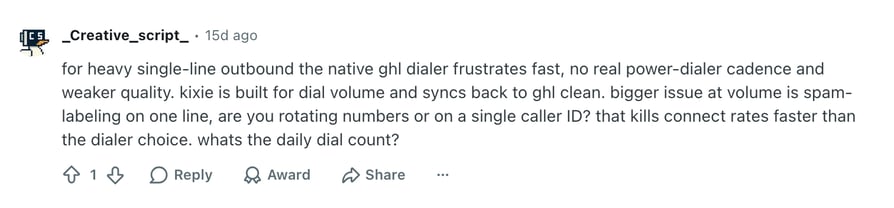
A Mid-Market reviewer who rated CloudTalk 5/5 in May 2026 says it "integrates well with our CRM", which is the test most outbound teams care about first. Their complaint sits right next to the praise: they want the pricing improved, because some of the more advanced features get expensive for smaller teams, and they've hit the occasional minor lag in the interface.
A Small-Business reviewer rating CloudTalk 4.5/5 the same month values the platform's "accessibility for small teams" but wants raw transcripts in the dashboard on the basic plan rather than only voice mp3s, which leaves them transcribing calls themselves. Two reviews are two reviews, not a trend, but both point at the same trade-off: the day-to-day usability lands, and the depth people want next tends to sit further up the plan ladder.
CloudTalk Features vs. Squaretalk Features for AI Calling
This is the table to screenshot before your next vendor call. Every CloudTalk row comes from CloudTalk's published pricing and product documentation. Every Squaretalk row comes from CloudTalk's own review of the platform, and where that review doesn't answer the question, the cell says so instead of guessing.
| Category | CloudTalk | Squaretalk | Winner |
|---|---|---|---|
| Starting price (annual billing) | $25/user/mo | $15/agent/mo | Squaretalk |
| Minimum seats | None | 3 (Core plan) | CloudTalk |
| Uptime commitment | 99.999% SLA | Not published | CloudTalk |
| Global coverage | Local numbers in 160+ countries | 150+ countries, per CloudTalk's review page | Tie |
| Visual call flow builder | Call Flow Designer, drag-and-drop, from Starter | Call routing and ACD; no visual builder documented | CloudTalk |
| Dialing modes | Click-to-call, preview, power, progressive, parallel | Predictive dialing via the Matrix line | CloudTalk |
| Conversation intelligence | Paid add-on, $9 per user/month | Automated transcripts and sentiment analysis, per CloudTalk's review page | Tie |
| AI voice agents | Paid add-on, from $99/month for 200 minutes | Not documented | CloudTalk |
| CRM integrations | 100+ native, two-way sync, from Essential | 17 CRM integrations including Salesforce, HubSpot, Zoho and Zendesk | CloudTalk |
| Real-time dashboards and wallboards | Real-time analytics from Essential; wallboards and custom dashboards on Expert | Basic analytics and reporting | CloudTalk |
| G2 rating | 4.4/5 (1938+ reviews) | 4.8/5 (130+ reviews) | Squaretalk on score, CloudTalk on sample size |
| Free trial | 14 days, no credit card | None published | CloudTalk |
Two rows deserve a footnote. On dialing modes, the useful question isn't how many modes a platform lists but which one your campaign actually needs, and our comparison of the power dialer versus the predictive dialer is the short version of that decision. On conversation intelligence, both platforms offer it; the difference is that CloudTalk's is a visible add-on line rather than a bundled feature, which is why that row reads as a tie rather than a win.
How to Choose the Right Squaretalk Alternative for Your Team
Most buying guides for tools like Squaretalk list features. These decisions go wrong somewhere else: on six questions that only surface after the contract is signed. Ask them first.
1. If Call Quality Is Why You're Leaving, How Do You Test It Before You Buy?
Don't test call quality from head office on wired ethernet. Test it the way your team works: a rep on hotel wifi, a rep on a phone in a car park, a rep in whichever country you dial most. Run at least fifty calls before you draw a conclusion, and ask the vendor two specific questions: how many carriers do you route through per country, and what is the published uptime commitment. CloudTalk answers both: how we manage call quality comes down to a decentralized SIP architecture routed through multiple backup carriers, behind a 99.999% uptime SLA.
2. Will Your Team Actually Use a More Powerful Dialer?
Measure your team's calls per hour today, then measure it again in week one of the trial. If the number doesn't move, you don't need the premium dialer tier, and no feature list will change that. It is the cheapest question on this list to answer and the one that saves the most money.
If you are comparing predictive or parallel dialers, ask two more things. What happens when several contacts answer at once and no agent is free, because that's a bad experience for whoever picked up? And can the reporting tell a real conversation apart from a two-second attempt, because if it can't, your connect-rate dashboard is fiction. Vendors who answer both cleanly have thought about it. If you're still building the shortlist, our roundup of the best predictive dialer software is a reasonable place to start it.
3. Which Alternative Gives You Real Two-Way CRM Sync, Not Just Call Logging?
Ask for a demo of two things and ignore the integrations directory entirely. First, can the CRM push a scheduled list sync into the dialer, on a schedule you set? Second, do dialer dispositions map into CRM call-outcome fields, one-to-one or many-to-one, so campaign reporting reconciles on both sides? If the answer to the second one is fuzzy, your reporting will break, and you won't find out until someone asks why two systems disagree about the same quarter. CloudTalk answers both: Call Disposition Automation turns the rep's after-call click into a CRM update and a queued next action, and it behaves identically across the Salesforce integration, the HubSpot integration and the Pipedrive integration.
Customer story: Pipedrive. The SaaS company logs 100% of call activity automatically into Pipedrive across its global teams. Read the Pipedrive story.
4. What Will This Actually Cost Once You Add Minutes, Numbers and Add-Ons?
Four questions, asked of every vendor, in writing: What is the minute allowance per seat? What is the overage rate past it? What does an additional number cost per month? What does a one-time port cost per number? If an AI voice agent is on the shortlist, ask for the per-minute rate alongside the monthly one, which is how we publish AI Voice Agent pricing. Then add the seat minimum and the commitment length on top, because a $15 seat with a three-user minimum and a twelve-month term is a $540 decision, not a $15 one.
One cost line almost everyone forgets: if you dial with local presence, you need several local numbers per country, not one. Price that inventory before you build the business case. Pew Research Center's July 2025 survey of 9,397 US adults1 found that 68% of US adults get scam phone calls at least weekly, and 31% get them at least daily. That is why an unfamiliar international number gets ignored, and why the numbers inventory is worth paying for.
5. Who Owns Your Number Porting, and How Long Will It Take?
Migrations don't usually fail on data. They fail on numbers. The pattern repeats: conflicting requirements between carriers and local operators, nobody clearly owning the process end to end, and repeated escalations while the buyer's own customers call a number that doesn't work. The delay is survivable. The credibility hit with your own customers is the part teams remember.
Ask three questions before you sign. Who owns the port end to end, by name and role? What is the committed timeline, in writing, given that how long number porting takes depends on the carrier and the country as much as on the vendor? Can we port in stages, keeping the old system live for the numbers that haven't moved yet? A vendor that supports staged porting is giving you a rollback plan, which is worth more than a fast promise.
And if texting matters to your team, ask what the SMS registration and verification process involves before you sign rather than after. We have seen one team leave a provider purely over how slow and document-heavy that paperwork was. It almost never comes up in a sales call.
6. Do You Need Compliance Certifications, and Which Ones?
If you're in healthcare, financial services, or selling into either, this question outranks price. CloudTalk's security page states the list in full: SOC 2 Type 2 and ISO/IEC 27001 compliant, plus compliance with GDPR in Europe, HIPAA in the United States, and PCI-DSS. Alongside the certifications, call recording carries consent management and pause/resume for sensitive moments. If you're buying for a clinic or a payer, our guide to running a HIPAA-compliant call center lists the questions worth asking first.
Ask every shortlisted vendor for the certificate itself, not a claim on a marketing page, and ask where call recordings are stored geographically. Data residency is a separate question from certification, and the answer changes what you're allowed to do with recordings.
Editor's Recommendation: Which Squaretalk Alternative Fits Your Team?
Team shape isn't the only axis; industry narrows the shortlist too. We keep separate rundowns of the best phone system for the healthcare industry, the best call center software for education and the top Capterra-rated call center software for CRM integration and ease of use. Otherwise, start here.
| If your team looks like this | Start with | Why |
|---|---|---|
| A global SMB sales or support team that dials several countries and lives in a CRM | CloudTalk | Local numbers in 160+ countries, two-way CRM sync, no seat minimum |
| Outbound follow-up that's half calls and half texts | JustCall | Native SMS and MMS in the same workspace as calling |
| A support-plus-sales SMB with an unusual tool stack | Aircall | An app marketplace with 100+ integrations |
| A European team calling many destinations on predictable spend | Ringover | Unlimited destination calling bundled into the plan |
| A team whose primary purchase is AI transcription and coaching | Dialpad | Real-time transcription and live agent assist |
| A revenue team that never leaves HubSpot or Pipedrive | Kixie | A dialer that runs natively inside the CRM |
| Regulated outbound where an abandoned call is unacceptable | PhoneBurner | Power dialing only, with no predictive pacing |
| High-volume lead generation needing pacing plus DNC controls | Convoso | Predictive multi-mode dialing with native compliance tooling |
| An enterprise contact center of 50+ agents needing workforce management | Five9 | Workforce and quality management alongside the dialer |
| A micro-team running a first outbound experiment | CallHippo | A free Basic tier and low-cost international numbers |
Ready to Try the Best Alternatives to Squaretalk?
Switching a phone system is a boring decision with expensive consequences, so it's worth being clear about what changes. You stop losing conversations to audio quality, because the routing layer is built to survive a carrier having a bad day, behind a 99.999% uptime SLA. You stop guessing at your invoice, because four plans and four add-ons are all published with prices attached and there's no seat minimum to pad the total. You stop waiting on support tickets to change a routing rule, because the Call Flow Designer is a drag-and-drop builder that an ops lead can use. And your CRM stops drifting out of date, because dispositions and AI tags write themselves back.
Forrester's 2026 customer service predictions2, written by VP and Principal Analyst Kate Leggett, forecast that daily agent workloads will drop by an average of one hour as AI takes on routine work. That hour is worth having. It's also worth buying on purpose rather than inheriting it from whichever bundle a vendor pushed hardest. CloudTalk prices AI Conversation Intelligence and AI Voice Agents as separate add-ons for exactly that reason: you should be able to see what the AI costs, test it during the 14-day free trial, and decide on the evidence.
Ready to scale without the technical headaches?
Sources
- Pew Research Center
- Forrester
Frequently Asked Questions about Squaretalk Alternatives
Most alternatives price per user per month, then bill dialers and AI separately, so two tools with the same sticker can land far apart on the invoice. Squaretalk publishes $15/agent/month. Total the add-ons before you compare; our guide to call center software costs shows where the extras hide.
Squaretalk does offer a free trial, but it doesn't publish the length, and its published entry price is $15/agent/month. CloudTalk publishes a 14-day trial with no credit card and no seat minimum. For how per-seat plans usually stack up, see cloud phone system pricing.
Yes. Per CloudTalk's review of the platform, Squaretalk provides automated transcripts and sentiment analysis. What that review doesn't specify is which plan they sit on, so ask. CloudTalk sells sentiment analysis inside its AI Conversation Intelligence add-on at $9 per user/month.
CloudTalk, for most small teams: no seat minimum, self-serve number ordering, drag-and-drop routing, and guided onboarding sessions if you want help. Kixie is faster if your whole workflow already lives in HubSpot or Pipedrive, because the dialer installs into the CRM itself.
Most do, and several go further. The test isn't the logo count, it's whether dispositions map into CRM outcome fields and list syncs can be scheduled, which is what VoIP CRM integration should mean. CloudTalk runs two-way sync across 100+ tools from Essential.
It depends on the gap you're closing. The common ones are a visual call flow builder, wallboards, and multi-line dialing, where the difference between parallel and predictive dialing decides the tool. CloudTalk adds AI Voice Agents as a paid add-on, never as a bundled feature.
Kixie holds the highest score in this roundup at 4.8/5 from 850+ reviews, though on a smaller sample than Dialpad or JustCall. CloudTalk sits at 4.4/5 from 1938+ reviews. Read a rating next to its sample size, as we do in our best call center software comparison.
Yes, with one caveat up front: CloudTalk's AI is an add-on, never bundled. AI Conversation Intelligence is $9 per user/month; AI Voice Agents start at $99/month for 200 minutes. Test both in the 14-day trial, then compare the field in our best AI voice agents roundup.
Most alternatives to Squaretalk software import contacts and campaign lists from CSV, so the data is the easy half. Numbers are the risk. Ask who owns the port end to end, what the committed timeline is, and whether staged porting is supported. Start with how VoIP number porting works.
Ask for the certificate, not the marketing page. CloudTalk publishes SOC 2, GDPR and HIPAA-aligned controls with BAA support, consent management and pause/resume recording. Convoso ships native DNC controls. Our guide to HIPAA-compliant VoIP lists the questions to ask. ---