
CloudTalk MCP Server: Connect Claude, Cursor and Your Own AI Agents
Ask your AI assistant what went wrong on yesterday's calls and get an answer from your actual call records, not from data you pasted into a chat window.
49 CloudTalk tools, one server address, your API key.
Included from the Essential plan up, at $29 per user per month billed annually.
 SOC2 CompliantISO 27001
Trusted by 30,000+ sales & support professionals worldwide
















Your Call Data, Inside the AI Assistant You Already Use
49 Tools, Six Areas
Calls and analytics, contacts, messaging and calling, AI Voice Agents, campaigns, and account lookups. Your assistant picks the right tool for whatever you ask.
Scoped to Your Account
No tool accepts an account ID, so an assistant cannot reach another company’s data. Revoke the API key in your Dashboard and access stops.
Transparent Pricing
MCP is included from the Essential plan up. You are not buying a connector, an integration tier, or a per-seat AI add-on to use it.
CloudTalk MCP
What Is the CloudTalk MCP Server?
The CloudTalk MCP server is a single address, mcp.cloudtalk.io, that lets an AI assistant work directly with your CloudTalk account.
Model Context Protocol (MCP) is the open standard that makes this possible: instead of copying a transcript into a chat, you connect CloudTalk once and the assistant sees a set of CloudTalk tools it can use.
Ask it to find every call last week where a customer mentioned pricing and went quiet, and it runs the search, pulls the transcripts, and reads the sentiment itself.
You never leave the assistant, and your call records never leave CloudTalk except as the answer to one specific tool call.
How Does CloudTalk MCP Work?
CloudTalk MCP works by authenticating your assistant with an API Access Key ID and Secret that an admin generates in the CloudTalk Dashboard.
The assistant sends those credentials as a Basic authorization header, and every request it makes is scoped to that one company account.
From there the flow is ordinary conversation. You ask a question, the assistant chooses a CloudTalk tool, CloudTalk returns only what that tool asked for, and the assistant writes the answer.
CloudTalk sees the tool parameters, a date range or a call ID, and never sees the rest of your conversation.
Tool Catalogue
What Can Your AI Assistant Actually Do?
49 tools, grouped into six areas. Your assistant reads the catalogue and picks what it needs for the question you asked.
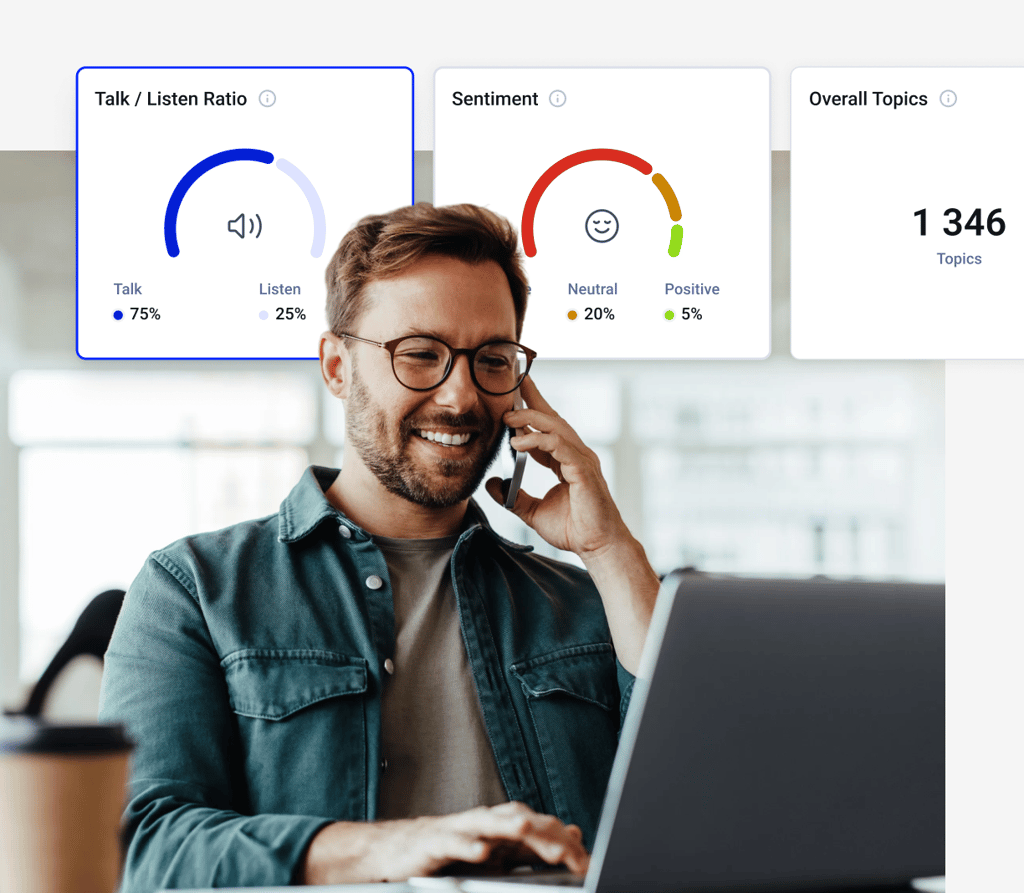
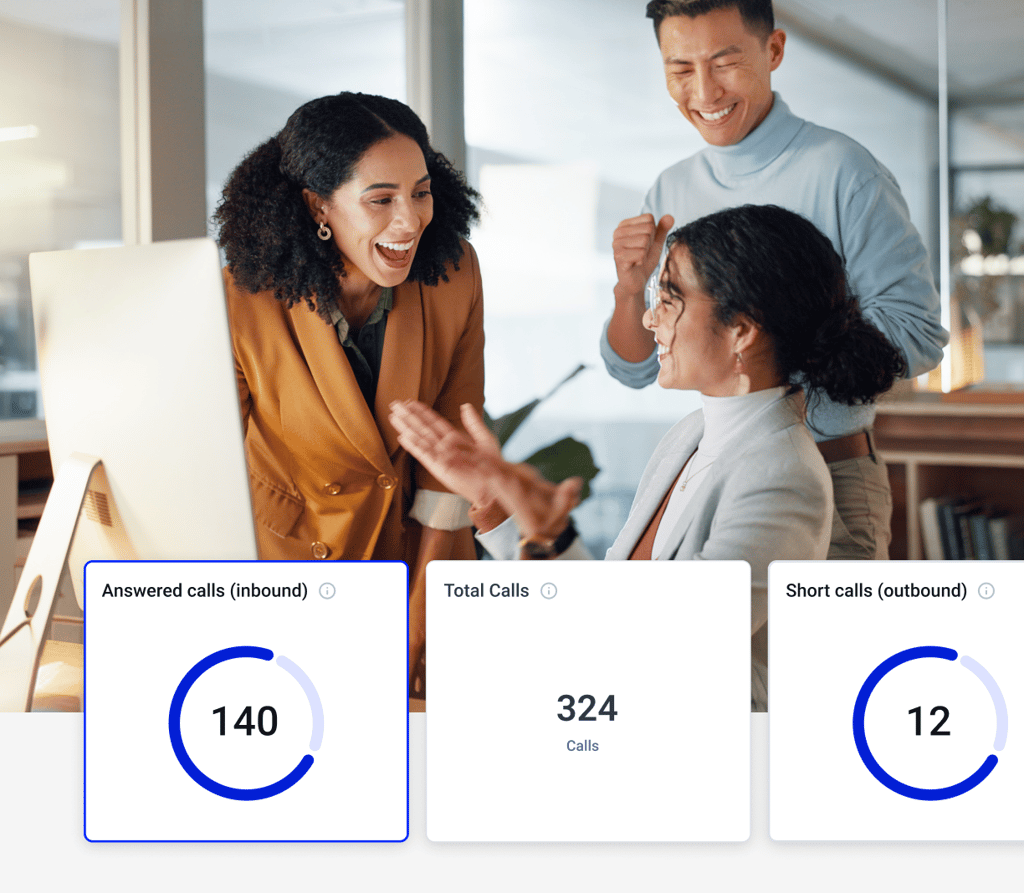
- 01Calls and analytics. Search call history, pull a transcript, read AI summaries, sentiment and topics, tag calls, check live queue stats.
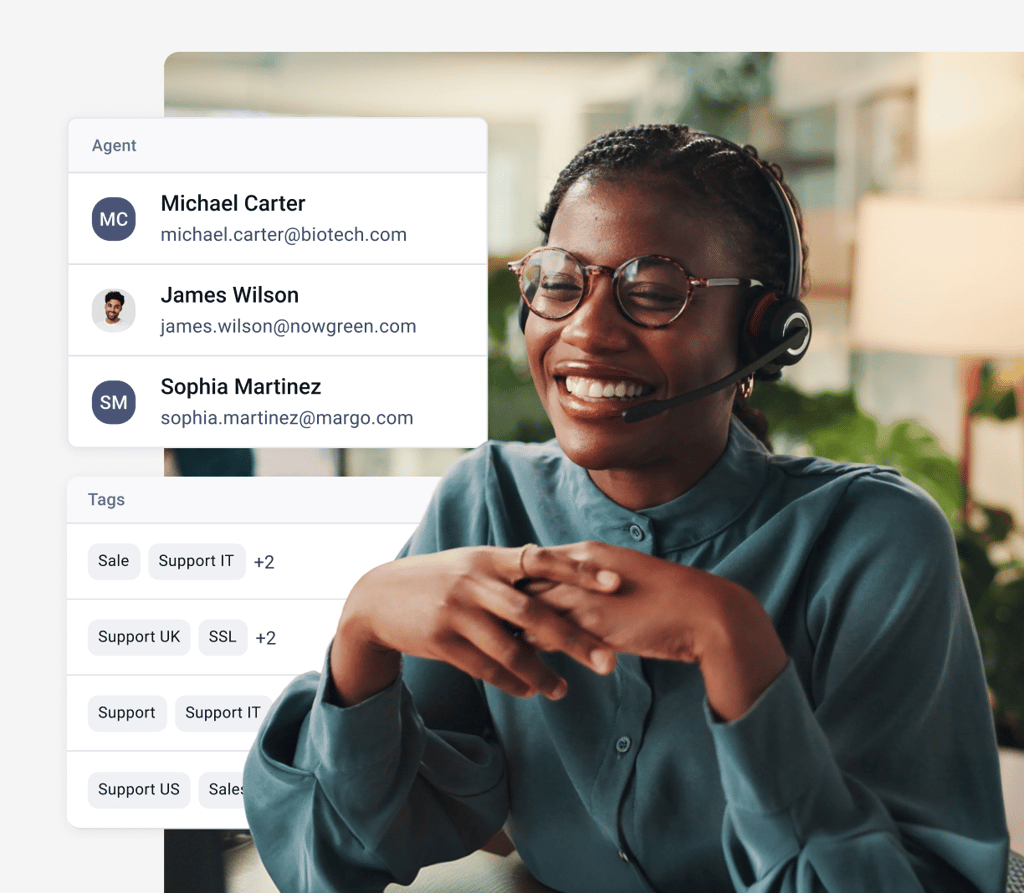
- 02Contacts. Every call, note and activity for one person in a single timeline. Create and update records, add notes, tag in bulk.
- 03Messaging and calling. Send an SMS, place a call, trigger an AI Voice Agent call, read SMS threads.
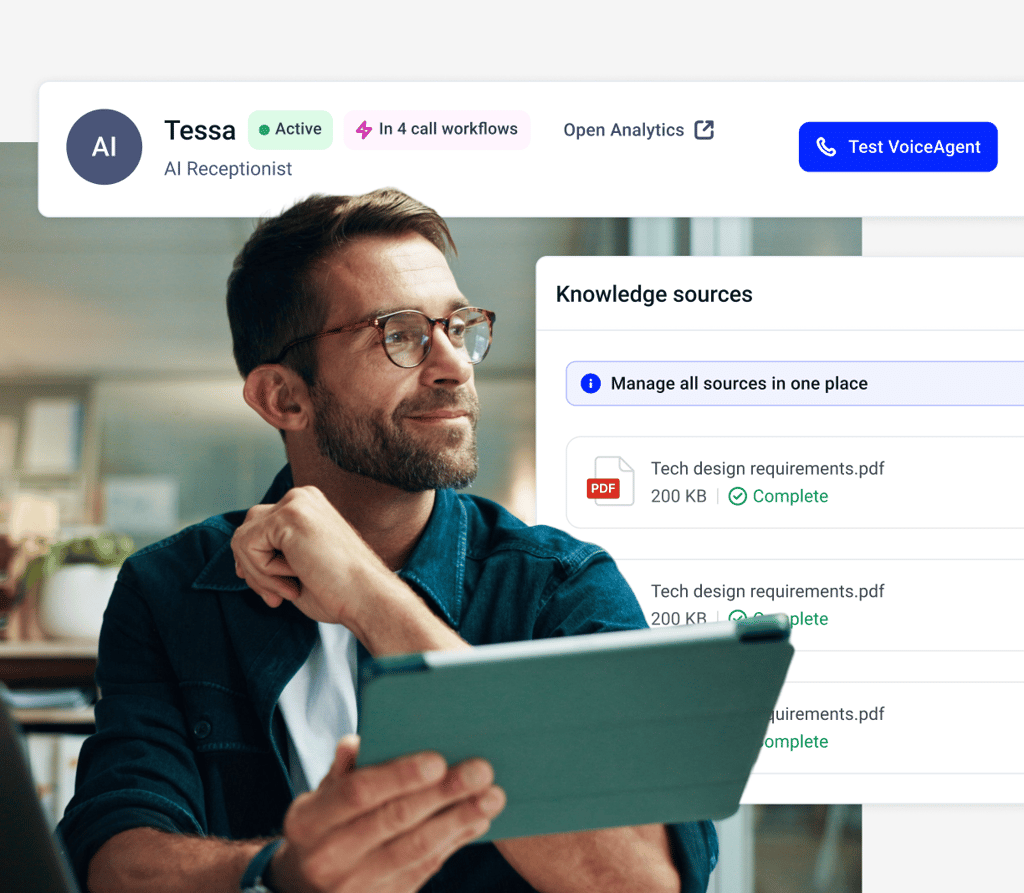
- 04AI Voice Agents. Create and tune agents, build knowledge bases, assign tools, review how their calls went.
- 05Campaigns. Launch a campaign from a source, create and update campaigns, change status. Needs the Sales Dialer add-on.
- 06Connection and account lookups. Confirm the key is accepted, then list agents, groups, numbers and contact tags.
Every tool, with its parameters, defaults and limits, is in the tool reference.
Profiles
Which MCP Profile Should You Connect?
Assistants pick tools more reliably from a short list than from all 49, so point your client at the profile that matches the job instead of the full catalogue.
- 01Voice agents at mcp.cloudtalk.io/voice-agents. Building and reviewing AI Voice Agents.
- 02Analytics at mcp.cloudtalk.io/analytics. Call analysis, QA, coaching and reporting. Read only.
- 03Contacts at mcp.cloudtalk.io/contacts. Managing contact data.
- 04Agent assist at mcp.cloudtalk.io/agent-assist. Reps on live calls: know the caller, act, log it.
- 05Campaigns at mcp.cloudtalk.io/campaigns. Outbound campaign operations. Needs the Sales Dialer add-on.
- 06Full catalogue at mcp.cloudtalk.io. Everything your account can access.
Client Support
Which AI Clients Can Connect to CloudTalk?
CloudTalk MCP authenticates with an API key in a request header, so the only question that matters is whether your client can send one. That puts every client in one of three groups.
- Works today: Claude Code, Cursor, and any client with Streamable HTTP and custom headers. These send your API key from your own machine, so nothing has to be switched on for you first.
- Depends on your workspace: Claude.ai, Claude Desktop and Claude mobile. They connect from Anthropic’s cloud and need a request-header field, which Anthropic enables per organization.
If you want a connection that works on the first try, start with Claude Code, Cursor, or your own agent.
How Do You Connect CloudTalk to Your AI Assistant?
- 01Generate an API Access Key ID and Secret in the CloudTalk Dashboard. This needs admin access.
- 02Base64 encode the two values and send them as an Authorization: Basic header.
- 03Point your client at mcp.cloudtalk.io, or at the profile URL that matches the job.
- 04Run cloudtalk_health_check to confirm the key is accepted, then ask your first question.
Budget twenty minutes and a technical person for the first connection. This is a key, an encoding step, and a config file, not a one-click install.
What Stops an Assistant From Doing Something You Did Not Ask For?
Writes Ask First
Sending an SMS, placing a call or changing a contact returns a preview of exactly what would happen. It runs only when the call carries your explicit confirmation.
Nothing Gets Deleted
No tool in the catalogue can delete a contact, a call or a recording. The destructive path simply does not exist.
Recordings Expire Fast
Recording links are signed and expire within 12 hours, often sooner, and every access is written to CloudTalk’s audit trail.
One Key, One Company
No tool accepts an account ID. Revoke the key in your Dashboard and the assistant loses access within minutes.
Features
CloudTalk Features Your Assistant Can Reach

AI Voice Agents
Create a voice agent, load its knowledge base and review its calls, all from a prompt instead of the builder.
Learn more about AI Voice Agents
Call Transcription
Your assistant reads the full transcript of any call instead of asking you to find and paste it.
Learn more about Call Transcription
Analytics
Ask for the pattern behind a week of calls and get it back as an answer, not a dashboard you still have to read.
Learn more about Analytics
Sentiment Analysis
Surface the calls where the mood turned, then pull the transcript for each one in the same conversation.
Learn more about Sentiment AnalysisWe’ve helped thousands of global companies
Case studies featuring customers who are building faster.

Global Sales Engine Powered by Connected Conversations
“CloudTalk’s AI transcripts and analytics make it easier to track talk ratios, discovery depth, and regional performance—all without requiring formal training to get started.”

Revolutionizing Revolut’s Efficiency and Saving 40+ Hours
"Thanks to CloudTalk’s reliability, we could improve sales teams’ performance and close more deals than we could have ever imagined."

Increasing productivity for 200 customer support agents
"With CloudTalk's Analytics I now get to see every step of the way. We can find discrepancies and gain a much better understanding of our teams."

Delivering success for Glovo’s customer support team
"CloudTalk improved our team's cost and efficiency. The script feature allows us to lead the calls in a much more systematic way."
CloudTalk MCP: The Complete Guide
MCP lets an AI assistant work with your CloudTalk account directly, in plain language, without anyone copying call data into a chat. Below is what it does, what it costs, what it cannot do, and how to get it running.
MCP, or Model Context Protocol, is an open standard that lets AI assistants connect securely to business tools. Instead of pasting data into a chat, you connect a tool once and the assistant sees a list of actions it can take against that tool, then picks the right one for whatever you ask. It was published by Anthropic and is now supported across a wide range of AI clients, which is why a single MCP server works with more than one assistant.
The CloudTalk MCP server is CloudTalk’s own MCP implementation, hosted at mcp.cloudtalk.io. It exposes 49 tools across six areas: calls and analytics, contacts, messaging and calling, AI Voice Agents, campaigns, and connection and account lookups. Connect it to Claude, Cursor or an agent you built yourself, and that assistant can search your call history, read transcripts, manage contacts, send SMS and run AI Voice Agents using your real account data.
Nothing beyond your plan. MCP is included from the Essential plan up, which starts at $29 per user per month billed annually. Two areas depend on what else you have: AI insights, meaning summaries, sentiment, topics and transcripts, require Conversation Intelligence, and the campaign tools require the Sales Dialer add-on. Voice Agent tools work on your free AI Voice Agent minutes with no add-on. See full pricing for the plan breakdown.
Essential or higher. MCP is not available on Starter. If you are on Starter today, moving to Essential is what turns it on. Calls that have not been analysed return empty AI fields rather than an error, so a missing Conversation Intelligence add-on shows up as a blank summary, not a broken connection.
There is no switch to flip in the product. You connect a client to the server in four steps:
- Generate an API key. In the CloudTalk Dashboard, create an API Access Key ID and Secret. You need admin access.
- Encode the credentials. Base64 encode the ID and Secret and send them as an Authorization: Basic header.
- Point your client at the server. Use mcp.cloudtalk.io for everything, or a profile URL such as mcp.cloudtalk.io/analytics for a shorter tool list.
- Check the connection. Run cloudtalk_health_check. If the key resolves, you are connected.
The developer quickstart has the exact config for each client, plus the failure to expect from each one.
Anything the 49 tools cover, phrased the way you would say it to a colleague. Four jobs it handles well:
- Coaching and QA: find the calls where a deal stalled, read the transcripts, and summarise what the rep missed.
- Live call assist: pull one contact’s full history before you dial, then log the outcome without leaving the assistant.
- Voice agent work: create an AI Voice Agent, attach a knowledge base, and check how its calls went.
- Contact data: find duplicate or stale records, update them, and tag them in bulk.
Clients you configure yourself work today: Claude Code, Cursor, and any client that supports Streamable HTTP with a custom header. These send the API key from your own machine, so nothing has to be enabled for you first.
Hosted connectors are different. Claude.ai, Claude Desktop and Claude mobile connect from Anthropic’s cloud and need a request-header field, which Anthropic enables per organization, so whether it appears depends on your Claude organization rather than on CloudTalk. ChatGPT offers OAuth sign-in only and CloudTalk does not support OAuth yet, so ChatGPT cannot connect for now. OAuth support is planned.
Four controls carry the weight. Every tool is scoped to your company by the API key, and no tool accepts an account ID, so an assistant cannot reach another company’s data. CloudTalk sees only tool parameters, such as a date range or a call ID, never your conversation with the assistant. Recording links are signed, expire within 12 hours and often sooner, and every access is logged in CloudTalk’s audit trail. Revoking the API key in your Dashboard cuts off access, which can take a few minutes to take effect.
It cannot delete a contact, a call or a recording. It can still remove data through a write, which is worth knowing: updating a contact or replacing a campaign’s sources replaces the tags, numbers or emails you do not include, and removing call tags detaches them. Deleting a campaign is the one terminal action, and archiving is the reversible option. The actions that carry the most weight return a preview and ask for confirmation before they run.
Use MCP when a person or an agent is deciding what to do next, and the API when the steps are known in advance. MCP hands an assistant a catalogue and lets it choose, which is what you want for investigation, coaching, one-off analysis and agent work. A scheduled nightly sync into your warehouse has no decisions in it, so the API is the simpler fit. Most teams end up running both.
60 requests per minute per company. A 429 response means wait a minute and retry. Reads are cached briefly, seconds to minutes, to keep responses fast, and live queue stats are never cached. Records you change through the assistant update immediately, though a newly created voice agent or knowledge base can take a short while to appear in list results.
Developers, technical admins and partners running their own AI assistant against CloudTalk data. Setup involves an API key, a base64 encoding step and a config file, so one technical person on your side makes the difference between twenty minutes and an afternoon. Once it is connected, anyone on the team who uses that assistant gets the benefit without touching the setup again.

Ready to connect your assistant?
Join over 5,500+ modern companies that already trust CloudTalk to have MORE and BETTER calls.
CloudTalk MCP FAQs
Everything else worth knowing before you connect
Yes, with one key per account. In clients you configure yourself, such as Claude Code or Cursor, register one server per account. In a Claude connector the request header is stored for the whole organization, so everyone using it acts as the single account whose key it holds.
No. CloudTalk hosts the server, so there is nothing to deploy or maintain. You generate a key and add a few lines of configuration to the client you already use.
Your conversation with the assistant stays with your AI provider, and CloudTalk sees only the tool parameters behind each request. Whether that provider stores or trains on your chats is governed by their settings, not CloudTalk’s, so check the retention controls in the assistant you connect.
Not yet, so setup is manual for now. Follow the quickstart and add the server by URL.
You get empty AI fields, which is a normal answer rather than an error. AI insights need a recorded call that has finished processing, and they require Conversation Intelligence on your plan.
The ones that produce a lot of material to read: call transcription, sentiment analysis, AI smart notes and analytics. An assistant can read a week of calls faster than you can open them, which is where the time comes back.
Start with cloudtalk_health_check, which tells you whether the key itself resolves before anything else is at fault. The quickstart troubleshooting section covers the errors each client tends to produce. If you are still stuck, contact us and mention MCP so the request reaches the right team.


Hello 👋 My name is Emma. Still have questions?
Can’t find the answer you’re looking for? Please chat to our friendly team.