
WhatsApp Customer Service That Never Leaves a Customer on Read
Answer every inbound chat and start conversations with approved outbound messages. All from one shared WhatsApp business number inside CloudTalk.
 SOC2 CompliantISO 27001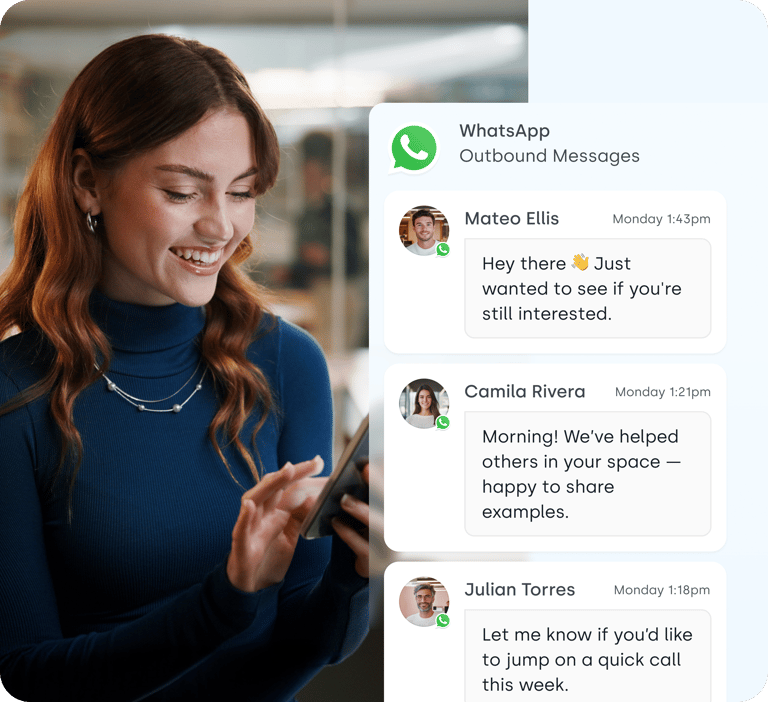
Trusted by 30,000+ sales & support professionals to power more & better conversations
















Meet Your Customers Where They Are
Say Goodbye to Unread Emails
WhatsApp messages have a 99% open rate. Your replies, updates, and reminders actually get seen.
Reach 2B+ People in 180+ Countries
Support and sell on the app your customers check every day. One channel for local and international customers.
One Inbox, Zero Lost Chats
WhatsApp, calls, and SMS in one place. No more conversations stuck on personal phones.
Features
Inbound Support and Outbound Outreach on One Platform
Customers message you when they need help. You message them when it matters. CloudTalk handles both.
Answer Every WhatsApp Message from a Shared Inbox
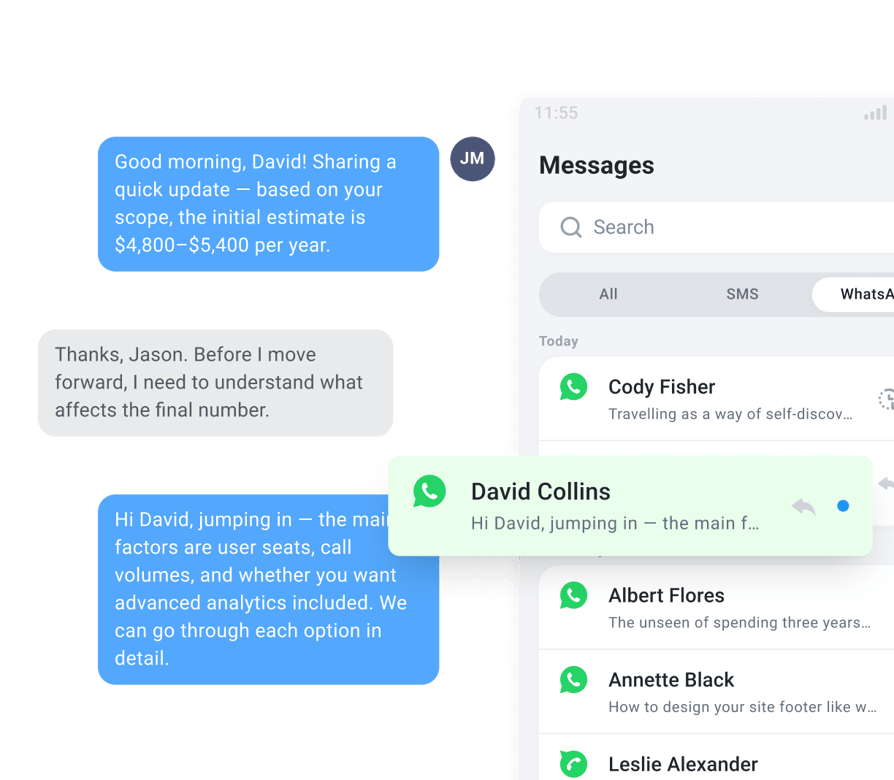
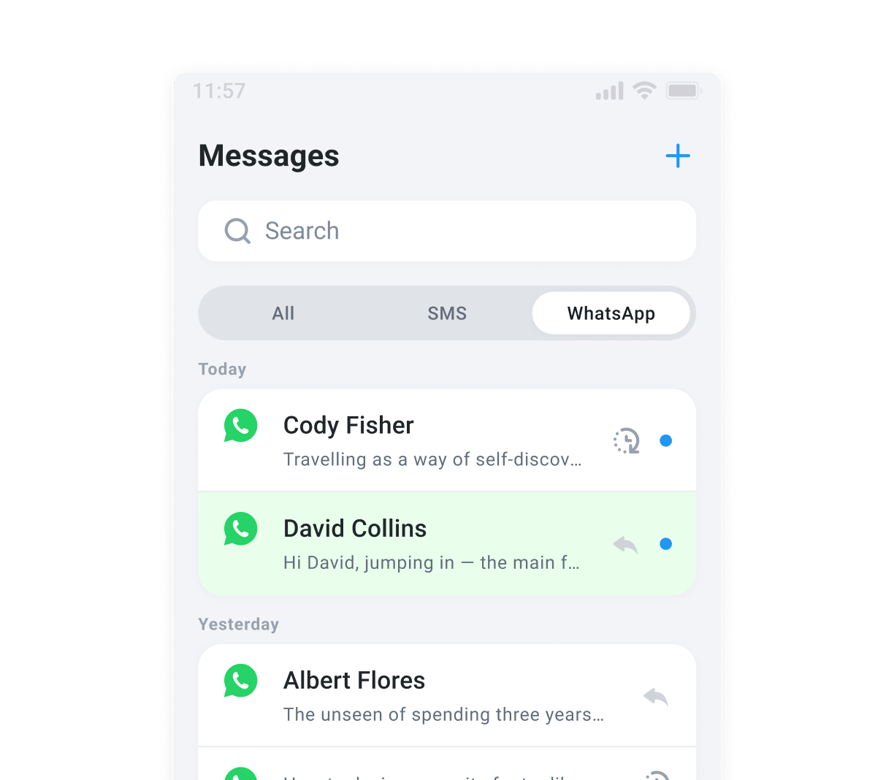
WhatsApp inbound messaging is when customers message your business first. With CloudTalk, your whole team answers from one WhatsApp business number.
Chats land in CloudTalk next to your calls and SMS, so any available agent can pick up and reply. No personal WhatsApp accounts, no lost customer history.
Never Miss the 24-Hour Reply Window
Answer customers within a certain time frame with 24-hour window and timer:
- 01Built-in timer shows how much time is left to reply
- 02Prioritise chats that are close to expiring
- 03Keep every customer conversation active and on track
Reach Out First with Approved Outbound Messages
WhatsApp outbound messaging lets your business start the conversation. Meta requires an approved message template for the first message, so your team works from one shared set of templates and keeps one consistent brand voice.
Personalise each message with dynamic fields like name, date, or order number, and use templates for confirmations, reminders, updates, and follow-ups. Once the customer replies, you can message freely for 24 hours.
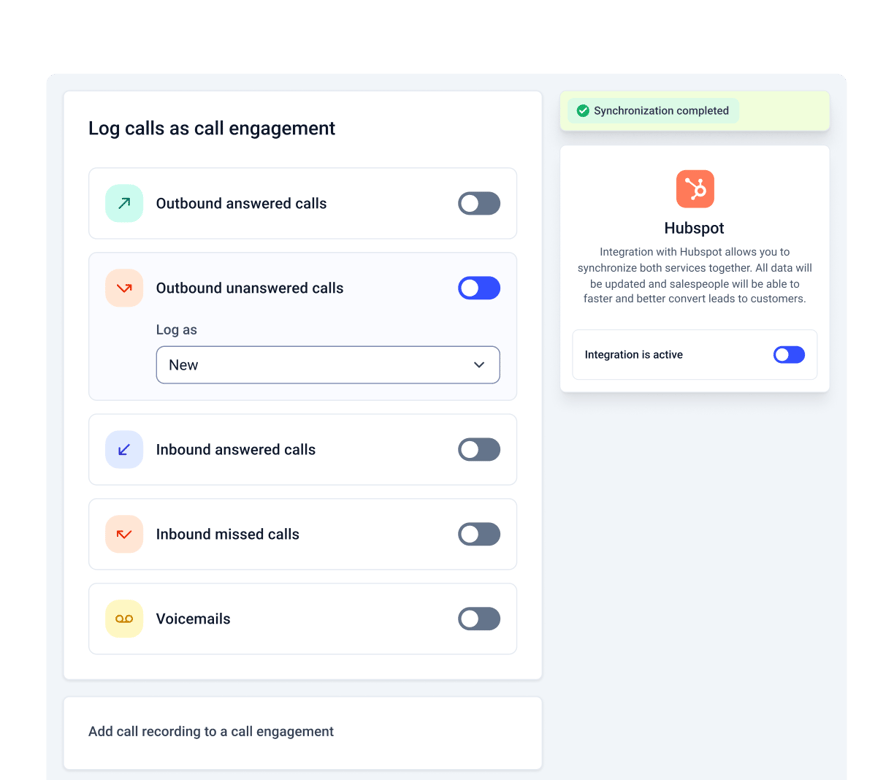
Every Conversation Synced to Your CRM
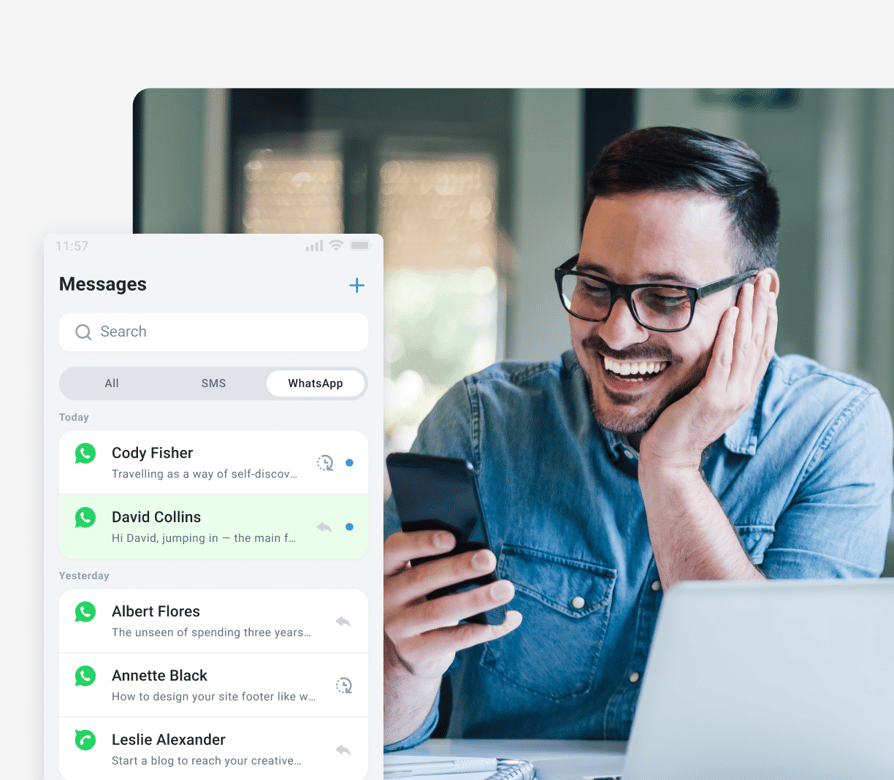
It's easy as pie to sync WhatsApp messagses with your workflow:
- 01
- 02See full customer context before you reply
- 03Automate replies in active chats with Workflow Automation
- 04Build custom flows with the CloudTalk API

Turn WhatsApp into Your Fastest Customer Service Channel
Set up inbound and outbound WhatsApp messaging with CloudTalk.
What Your Team Gets Done with WhatsApp Customer Service
Resolve Support
Questions Faster
Customer support on WhatsApp in real time. Customers send screenshots, receipts, and voice notes. Agents reply with images, PDFs, and videos up to 16 MB.
Cut No-Shows and
Missed Deliveries
Send appointment, booking, and delivery reminders. Customers read them in minutes, not days. Fewer reschedules, fewer "where is my order" calls.
Follow Up with Leads
Where They Reply
Send a WhatsApp follow-up right after a sales call. Share quotes, links, and next steps instantly. Keep deals moving instead of waiting on email.
Keep Every Conversation
Company-Owned
All chats run on a verified business number. History stays when reps are out or leave. Secure and compliant: SOC 2, ISO 27001, GDPR, CCPA.
We’ve helped thousands of global companies
Case studies featuring customers who are building faster.

Global Sales Engine Powered by Connected Conversations
“CloudTalk’s AI transcripts and analytics make it easier to track talk ratios, discovery depth, and regional performance—all without requiring formal training to get started.”

Revolutionizing Revolut’s Efficiency and Saving 40+ Hours
"Thanks to CloudTalk’s reliability, we could improve sales teams’ performance and close more deals than we could have ever imagined."

Increasing productivity for 200 customer support agents
"With CloudTalk's Analytics I now get to see every step of the way. We can find discrepancies and gain a much better understanding of our teams."

Delivering success for Glovo’s customer support team
"CloudTalk improved our team's cost and efficiency. The script feature allows us to lead the calls in a much more systematic way."
Start Offering Customer Service on WhatsApp in 3 Steps
1. Get a WhatsApp-Enabled Number
Request a WhatsApp-ready number from CloudTalk.
2. Connect Your Meta Business Account
Link your verified Meta Business account in the CloudTalk dashboard.
3. Start Chatting
Reply to inbound messages right away. Send outbound messages once your templates are approved.
Features
Other Features You Might Like

International Numbers
Get local numbers in 160+ countries and support customers worldwide.
Learn more about International Numbers
Text Messages (SMS)
Reach customers who prefer SMS, from the same inbox.
Learn more about Text Messages (SMS)
Number Porting
Bring your existing business numbers from 50+ countries.
Learn more about Number Porting
AI Voice Agent
Answer calls 24/7 and never miss an after-hours customer.
Learn more about AI Voice AgentStart Delivering Customer Service on WhatsApp Today
One number. One inbox. Every conversation, inbound and outbound.
WhatsApp Customer Service FAQs
Everything else you need to know about customer service on WhatsApp
WhatsApp customer service means helping customers through WhatsApp instead of only phone or email. With CloudTalk, your team answers and sends WhatsApp messages from one shared business number, with every chat stored in one place.
WhatsApp inbound messaging is when customers message your business first, for support or questions. WhatsApp outbound messaging is when your business starts the conversation, using Meta-approved templates for reminders, updates, and follow-ups.
Request a WhatsApp-enabled number from CloudTalk, connect your verified Meta Business account in the dashboard, and start replying to inbound chats. To send outbound messages, submit your message templates for Meta approval.
Yes. Your whole team can reply from the same WhatsApp business number inside CloudTalk, so no chat depends on one person's phone.
After a customer messages you, you have 24 hours to reply freely. CloudTalk shows a timer on each chat. Every new customer message restarts the window. This rule is set by Meta.
Yes. Meta requires approved templates to start a conversation. Most templates are approved quickly, and approval can take up to 48 hours.
Yes. You can share images (JPG, PNG), PDFs, audio, video (MP4), and contact cards up to 16 MB, one file per message.
WhatsApp customer service is available on the Expert plan and higher, billed per message.


Hello 👋 My name is Emma. Still have questions?
Can’t find the answer you’re looking for? Please chat to our friendly team.