


Text Message Customer Service Your Customers Actually Reply To
Run text message customer service over SMS and WhatsApp from the same app your team uses for calls. Send, answer, and automate every message, with every conversation on a business number and all of them in one place.
- SMS and WhatsApp in one shared inbox
- Automatic texts after missed calls and finished calls
- ~98% open rate on WhatsApp messages
Trusted by 30,000+ sales & support professionals to power more & better conversations
















Meet Customers Where
They Actually Reply
Get Replies When
Calls Go Unanswered
Customers skip unknown calls and unread emails, but a text lands on the screen they check all day. WhatsApp messages typically see around a 98% open rate.
Say Goodbye to
Personal Phones
Every SMS and WhatsApp goes out from a business number, the whole team sees the full conversation, and customer history stays with the company, not the rep.
Stop Typing the
Same Update Twice
Templates cover your most common replies, and confirmations, reminders, and follow-ups go out on their own. Agents spend their time solving problems, not retyping.
EVERY TOOL IN ONE PLACE
Every Text Messaging Tool Your Team Needs
Every Message, One Inbox
Customer support text messaging sits right next to your calls, so nobody switches tools to see what a customer already said.
- SMS and WhatsApp threads: Right next to your calls, on desktop and mobile.
- Shared business numbers: The whole team answers from the same line.
- Customer card: Every message and call for each contact, in one view.
- Messaging templates: Start chats fast with approved templates and fields.
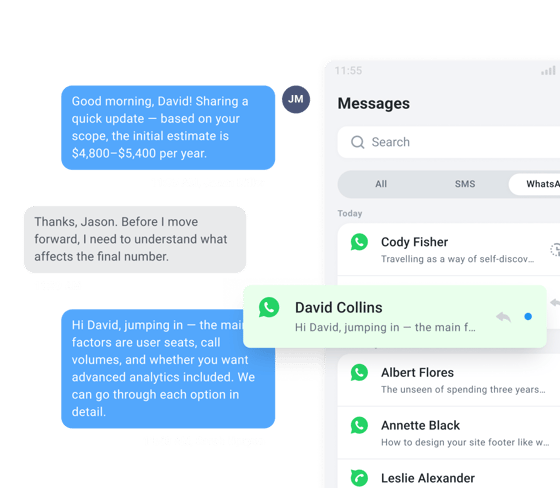
Text Back Missed Calls
When a caller can't reach an agent, CloudTalk texts them back automatically, so the conversation keeps going.
- Call Flow Designer: Text callers from an "unanswered" branch.
- Call queues: Text callers back when every agent is busy.
- Business hours: Send after-hours callers a text automatically.
- Callback: Share a callback time, booking link, or quick answer.
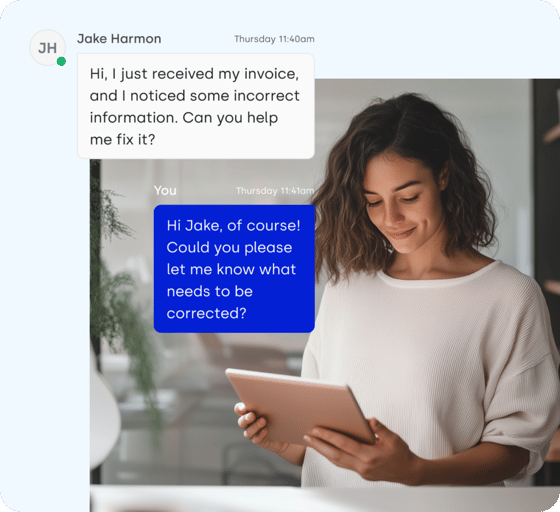
Follow Up Automatically
Set the rules once, and the right text goes out after the right call, every time, without an agent having to remember it.
- Workflow Automation: Welcome every new contact with an automatic text.
- Call tagging: Tag a call "Lead" or "Resolved," and the right SMS follows.
- CRM sync: Export SMS conversations to your CRM.
- HubSpot workflows: Trigger CloudTalk SMS straight from HubSpot.
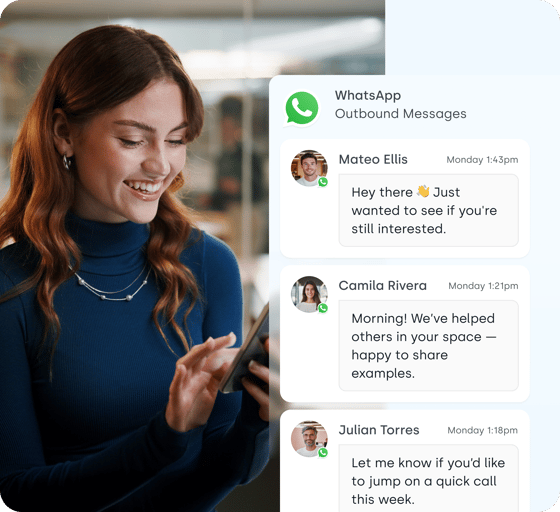
Texts From Your AI Agent
Your AI Voice Agent can send an SMS during the call, so callers get the details in writing before they hang up.
- AI Voice Agents: Text callers while they're still on the line.
- Appointment scheduling: Booking links and confirmations, sent mid-call.
- After-hours calls: Callers get the next step in writing, 24/7.
- Lead qualification: Qualified callers get their next step by text, mid-call.
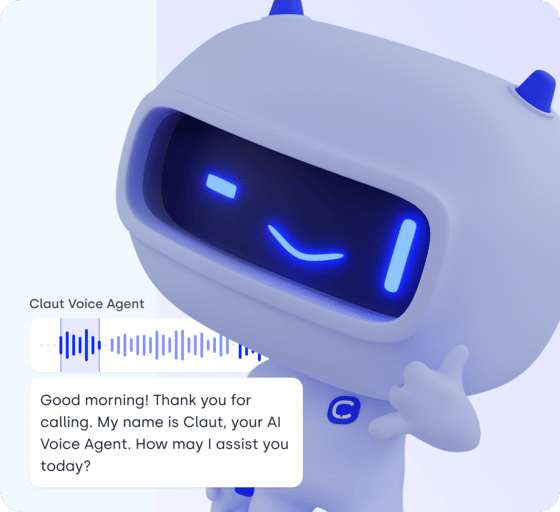
SMS OR WHATSAPP?
SMS and WhatsApp:
The Right Channel for Every Customer
Texting customer service works best when customers choose the channel, so use both from one app.
See How Teams Deliver
Faster Service with CloudTalk
Texts in Every
Outreach Sequence
Self Mastery Company uses CloudTalk text messaging and templates in every outreach sequence, alongside voicemails and emails.
Calls and Texts
Synced to Pipedrive
The Pipedrive integration syncs call and text activity to contact records, with no extra steps for the team.
30–40% Higher
Pickup Rates
Local EU and US numbers lifted pickup rates by at least 30–40%, with fewer calls mistaken for spam.
How Self Mastery Company Increased Pickup Rates and Team Efficiency With CloudTalk
Every Conversation on a Secure,
Compliant Business Line
Customer messages carry names, orders, and account details, so CloudTalk keeps them on business numbers and certified infrastructure with 99.999% uptime, not on your reps' personal phones.



Business Numbers, Not Personal Phones
Every SMS and WhatsApp goes out from a company number, so customer history stays with the business when a rep moves on.
US Texting Registration, Guided
US carriers require A2P 10DLC registration for business texting. CloudTalk walks you through it, which usually takes 1 to 4 weeks.
WhatsApp on a Verified Meta Account
Connect your verified Meta Business account, and start new WhatsApp chats with Meta-approved templates.
Reliable Lines for Calls and Messages
Calls and messages share one carrier-grade platform with multiple backup carriers, backed by 99.999% uptime.

Let Customers Reach You Faster
Calls, SMS, and WhatsApp on one platform.
USE CASES
What Your Team Gets Done
with Text Messaging
Text message customer support takes the requests that clog your phone lines and solves them in a few messages.
Start Texting Customers in 3 Steps
Setting up SMS for business customer service takes three steps:
Get a number, register it, and start replying.
Get a Messaging-Ready Number
Choose an SMS-enabled or WhatsApp-enabled number from CloudTalk.
Complete Registration
Register for US texting (A2P 10DLC) or connect a verified Meta account for WhatsApp.
Start Messaging
Reply to customers from the CloudTalk app and switch on your automations.
MORE CLOUDTALK FEATURES
Beyond Messaging:
Everything Else Your Team Needs
- Lets you build IVR menus and routing on a drag-and-drop canvas, the same one that sends your missed-call texts.
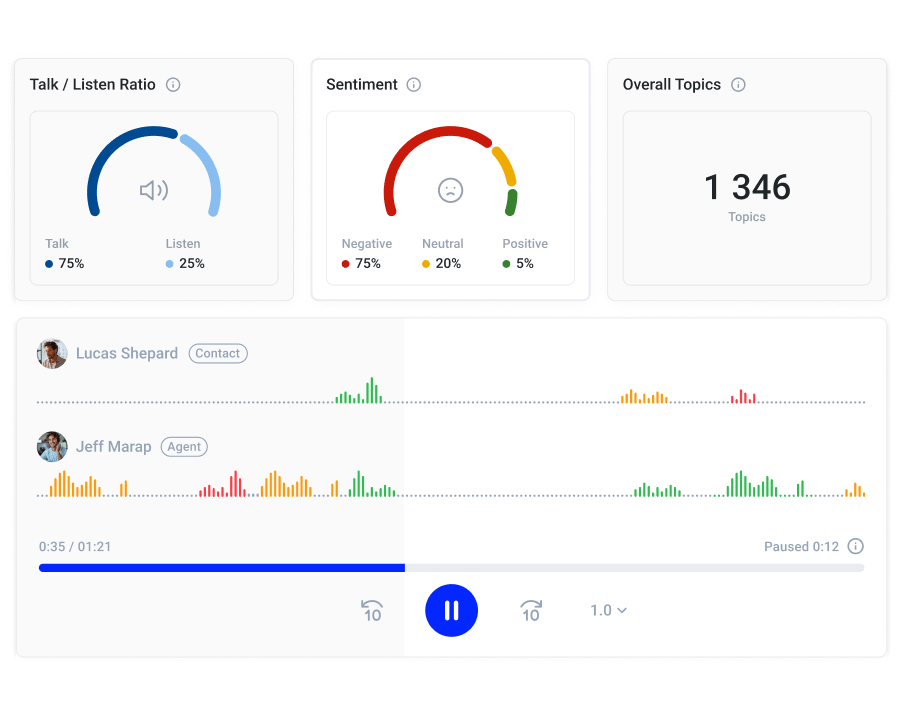
- Turns calls into transcripts, summaries, sentiment, and topics, so they're as easy to review as texts. Add-on.
- Gives you local numbers in 160+ countries, so customers in new markets can call or text a number they recognize.
- Shows calls, missed calls, and agent activity in real time, while SMS Analytics tracks every text sent, received, and seen.
- Dials your list one by one, so reps can follow a text with a call. Included on Expert; add-on on Starter and Essential.
Every Call and Every Text, in One Place
Deliver text message customer service your customers love.
Text Message Customer Service FAQs
Text message customer service is helping customers over SMS and messaging apps like WhatsApp. It lets customers get answers without waiting on hold, and lets agents resolve simple requests, send updates, and follow up by text. It works best when texts live next to your calls in the same business phone system.
Yes. CloudTalk shows SMS and WhatsApp conversations in one Messages inbox, next to your calls, on desktop and mobile. Your team can share business numbers, so every agent sees the full conversation.
Use SMS for customer service updates and reminders that reach any mobile phone. Use WhatsApp for two-way conversations, files, and international customers. Many teams use both, depending on where their customers reply, and run WhatsApp customer service from the same app.
Yes. With Call Flow Designer, CloudTalk sends an SMS to any inbound caller who couldn't reach an agent, for example when the queue is full or it's after hours.
Yes. Send SMS automatically after tagged calls or when a new contact is created with Workflow Automation, trigger texts from HubSpot workflows, or build your own flows with the CloudTalk API.
Yes. SMS conversations can be exported to supported CRM integrations, so your team sees every text alongside calls in the customer record.
SMS and MMS are included from the Essential plan. WhatsApp is available on the Expert plan and higher. Messages are billed per message, and you can compare every plan on the CloudTalk pricing page.
Yes. US carriers require A2P 10DLC registration for business texting. CloudTalk guides you through the process, which usually takes 1 to 4 weeks.
Yes. WhatsApp supports images, PDFs, audio, video, and contact cards up to 16 MB. SMS supports MMS on numbers where it's available, through CloudTalk's business SMS.
WhatsApp works in 180+ countries. SMS availability depends on the country of your CloudTalk number, and our team will confirm coverage for your markets. CloudTalk offers local numbers in 160+ countries.


Hello 👋 My name is Emma. Still have questions?
Can't find the answer you're looking for? Please chat to our friendly team.