


Eliminate the Guesswork with Call Reporting Software
High-performing teams rely on clarity, not luck. CloudTalk’s call reporting software delivers the data you need to fix bottlenecks, coach top agents, and maximize ROI—all in one intuitive dashboard.
Hello! Fill out the form; it only takes a minute.
Over 4,000 businesses use CloudTalk to have MORE and BETTER calls
81.7%

Increase of call volume
Call volume got 81.7%↑, missed calls got 23.7%↓.
2.5X

Outbound success rate
Doubled their outbound success & halved lost deals.
80%

Decrease in wait time
Wait times cut by 80% and call handling time by 25%.
Convert Visibility Into Results with Call Reporting Software

Boost Productivity by 25%
Bring clarity to every call. Agents see their own metrics to improve, while managers spot gaps instantly, cutting training time and hitting targets faster.
Save Up to 30% on Operational Costs
Get a clear view of how resources are used. Analyze call patterns to reduce idle hours and lower AHT—cutting costs without sacrificing quality.
Turn Every Call Into Revenue
Call data shows what works and what doesn’t. Use the insights to refine sales techniques, personalize conversations, and spot upsell opportunities earlier.
How We Help
Core Call Reporting Software Features to Power Your Team’s Performance
See What’s Happening—As It Happens.
- Real-Time Dashboards: Monitor call volume, queues, agent status, and key KPIs live, so managers can react instantly to changes in demand.
- Call Monitoring: Listen to live calls to support agents, maintain quality, and step in when needed without interrupting conversations.
- Advanced Analytics: Track everything from AHT to peak hour volumes to make smarter, data-driven decisions for your team.
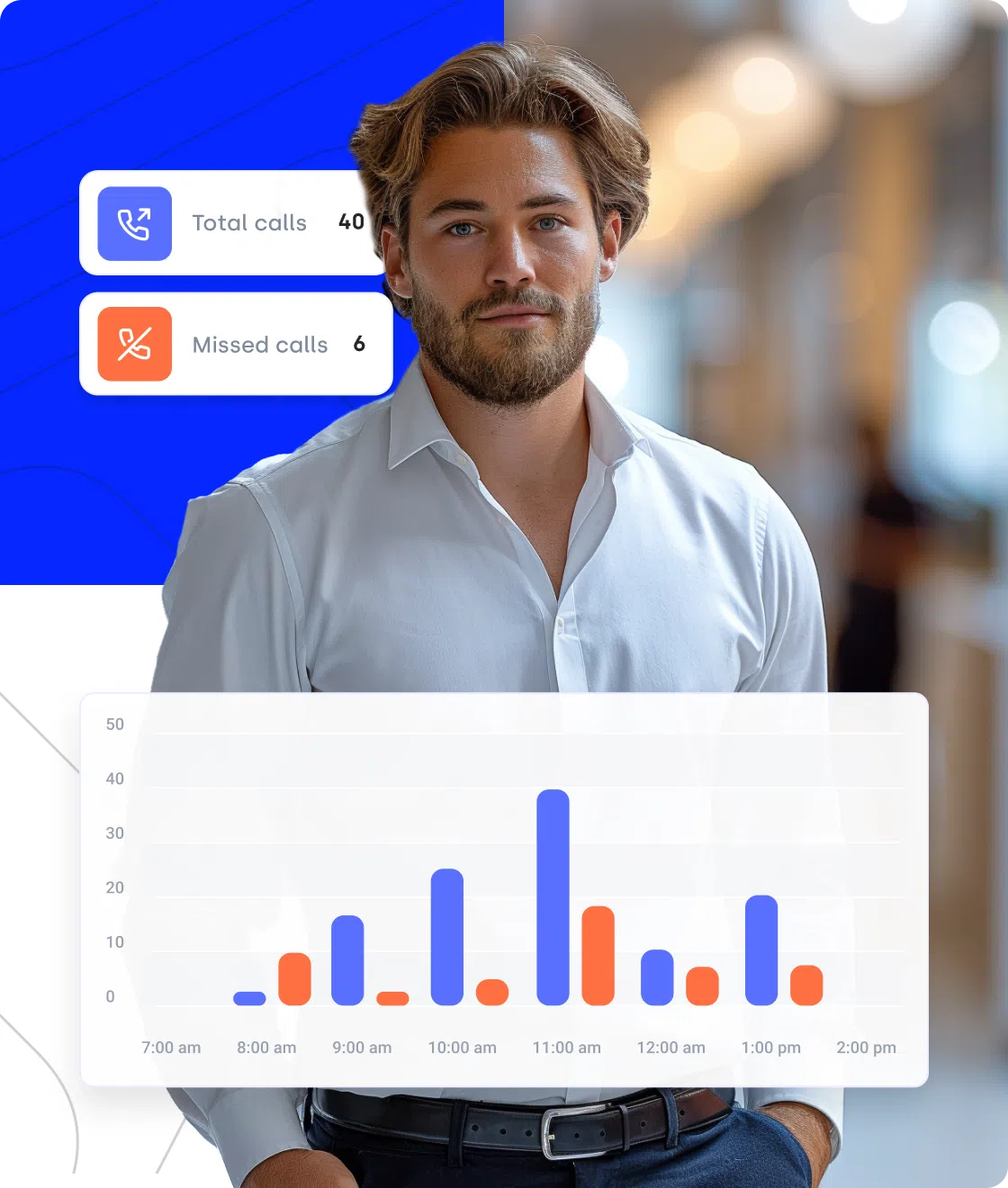
Turn Insights Into Better Agent Performance.
- Agent Reporting: Deep dive into individual performance. Track call volume and outcomes to identify top performers and provide coaching where it’s needed.
- Call Recording: Use recordings for training, audits, and to ensure your team stays consistent with your brand voice.
- AI Call Summaries: AI generates concise summaries of every conversation, allowing managers to grasp the context of a long call in seconds.
Learn More From Every Conversation.
- Call Transcription: Turn voice into searchable text. Easily find key moments, specific keywords, or compliance phrases across thousands of calls.
- Sentiment Analysis: Understand how customers feel throughout the call and identify moments that impact satisfaction or conversions.
- Customizable Reports & Alerts: Focus on the metrics that matter most. Set up automated alerts for specific KPIs to resolve issues before they affect your CX.
Why Is CloudTalk the Best Call Reporting Software for Data-Driven Teams?
We get it—there are plenty of reporting tools out there. So, why do thousands of sales and support leaders choose CloudTalk as their go-to call reporting solution?
See Everything in One Place—Without the Learning Curve.
CloudTalk gives you a single, unified dashboard for sales and support calls—no more jumping between platforms. With hourly and weekly reports, you can track call volume, customer engagement, and performance trends as they happen, not days later.
Managers and agents get instant visibility into who’s calling, who’s available, and how the team is performing in real time. The interface is intuitive by design, so insights are easy to find, even for non-technical users.


AI-Powered Productivity. No More Manual Notes.
Time is valuable—and CloudTalk’s AI ensures none of it is wasted. It doesn’t just record calls; it understands them.
It automatically generates Call Summaries and Notes, so agents don’t waste time writing recaps after every call. Built-in Sentiment Analysis adds context to your reports by showing how conversations actually went, not just how long they lasted.
“The AI Sentiment Analysis helps us understand the outcome of calls and suggests follow-up actions. The AI summary notes are a huge time-saver, automatically generating notes during calls so we don’t need to manually type them out.”

Keep Your CRM Always Accurate Without Manual Updates
Data is only useful if it’s reliable. CloudTalk integrates natively with tools like HubSpot, Pipedrive, and Salesforce, ensuring every call, note, and tag flows automatically into your CRM.
Call data flows directly into your CRM, keeping activity reports accurate and up to date—without agents lifting a finger. That means better forecasting, cleaner pipelines, and reporting you can actually trust.


How to Get Started With Call Reporting Software in CloudTalk
Start tracking and analyzing your calls in 5 simple steps:
- Log in to your account and head to the Analytics section.
- Navigate to the Call Log tab and apply filters—like date range, tags, or specific agents.
- Go to Account Settings to activate mandatory tagging, call recording, and custom permissions.
- Switch to the Real-Time Dashboard to see live queue activity and agent status.
- Review your automated metrics—such as AHT and missed call rates—and export your reports.
Call Reporting Software—Everything You Need to Know
Call reporting software helps teams track, analyze, and understand phone calls across sales and support teams. It turns raw call activity into structured reports and dashboards that show how conversations impact performance.
Instead of relying on assumptions or manual tracking, you get a clear view of call volume, outcomes, agent activity, and customer interactions—all in one system.
- Collects call data automatically: Tracks who called, when, for how long, and how the call ended.
- Syncs with your tools: Connects with your VoIP system and CRM to link calls with customer records.
- Shows live activity: Displays real-time call volume, agent status, and queues in one dashboard.
- Turns data into reports: Creates clear reports on performance, call quality, and trends.
- Flags issues early: Sends alerts when metrics drop or quality targets aren’t met.
- Call volume, direction, and duration
- Average handle time (AHT) and after-call work
- Missed, answered, and abandoned calls
- Call outcomes, tags, and follow-ups
- Agent availability and activity
- Recordings, transcripts, and sentiment data
- Sales teams monitoring call volume, identifying top performers, and tracking conversion rates to improve sales strategies.
- Customer support and call centers reducing hold times, measuring agent performance, and improving customer satisfaction.
- Marketing teams analyzing which campaigns drive the most inbound calls and qualified leads.
- Managers and operations teams optimizing staffing based on peak hours, missed calls, and overall productivity.
- Legal and compliance teams securely storing call recordings for audits, disputes, and quality reviews.
- Make better decisions, faster: See what’s happening on your calls and act on real data—not assumptions.
- Run a more efficient operation: Spot peak hours, missed calls, and slowdowns so you can schedule smarter and reduce wasted time.
- Help agents sell and support better: Review real calls to see what works, coach with examples, and improve performance across the team.
- Deliver a more consistent customer experience: Understand customer needs through real conversations and respond faster, with more context.
- Set “Smart” Baselines: Don’t just aim for “low AHT.” Identify the handle time of your top 10% of performers and use that as your team’s North Star.
- Audit Your ACW: If After-Call Work is over 20% of an agent’s day, use reporting to find out which manual tasks can be automated.
- Tag Everything: Use mandatory call tags (e.g., “Interested,” “Wrong Person”) to see reports on the quality of your leads, not just the quantity.
- Monitor Transfer Rates: High transfers kill CX. If a specific department has a high rate, it’s time to retrain your IVR or your front-line agents.
- Schedule Auto-Exports: Don’t wait for Friday. Set automated reports to hit your inbox every morning to stay ahead of the week’s trends.
- Real-time dashboards and live monitoring
- Agent-level reporting and KPIs
- Advanced Analytics
- Custom reports and alerts
- AI-Powered Summaries and Sentiment Analysis
- Native CRM integrations

Still have questions?
Can’t find the answer you’re looking for? Please chat to our friendly team.
Call Reporting Software FAQs
Everything you need to know about call reporting software.
CloudTalk is top-rated for SMBs, offering deep CRM integrations and real-time analytics to turn every conversation into actionable growth data.
Most call centers use cloud-based calling software with reporting, recordings, and real-time dashboards to manage performance and quality.
CloudTalk offers real-time, customizable reporting with AI insights and seamless CRM integrations to track agent productivity and call performance.
It is the process of collecting and analyzing phone data—like volume and handle time—to improve agent performance and business decisions.
In CloudTalk, it’s automatic. Just go to the Analytics tab, apply your filters (date, agent, or tag), and click Export to generate a CSV or PDF.
Call reporting data updates in real time or near real time, so teams always see the latest call activity and performance.
Still have questions?
Can’t find the answer you’re looking for? Please chat to our friendly team.






















