16 Best AI Call Scheduling Software 2026: Top Tools Compared
TL;DR
CloudTalk is the best all-around AI call scheduling software for teams that need to bridge the gap between high-volume calling and automated booking.
It combines AI voice agents for appointment scheduling with deep CRM integrations to ensure no lead falls through the cracks.
Here's a quick look at 8 of the 16 call scheduling software solutions we reviewed in depth:
- 01CloudTalk — Best for call center appointment scheduling software and automated lead qualification.
- 02Assembled AI — Best scheduling software for call centers for workforce forecasting.
- 03Calendly — Best for simple, link-based external bookings.
- 04Motion — Best call scheduling app for AI-driven daily task prioritization.
- 05Acuity Scheduling — Best scheduling software for service businesses managing payments and intake.
- 06Talkdesk — Best call management software for enterprise CX workflows.
- 07Connecteam — Best scheduling software for multiple locations and deskless teams.
- 08Nextiva — Best for unified communications and smart forecasting.
We have reviewed even more niche solutions. Read on for the full list, feature comparisons, and our expert buying advice.
See CloudTalk's AI scheduling in action
Stop Playing "Calendar Tetris" and Start Closing
Manual scheduling is a revenue leak. Every minute spent coordinating time slots is a minute not selling. Elite AI call scheduling software turns outreach into a timed engine, cutting "speed-to-lead" from hours to seconds. That shift matters: Harvard Business Review found that firms calling a lead within the first hour are 7x more likely to have a meaningful conversation with a decision maker than firms that wait, the "golden hour" of lead response.
In this guide, we break down the top 16 tools defining 2026. We evaluated them on their ability to handle automated call handling for dealerships, sales floors, and global operations. Whether you need the best scheduling software for clients or the best call booking software that works 24/7, the answers are below.
How We Chose the Best AI Call Scheduling Software
Selecting the right AI scheduling engine requires looking past basic "calendar link" functionality. To build this definitive list, we evaluated over 50 platforms against a rigorous "Business-Grade" framework, focusing on how these tools solve the modern "speed-to-lead" crisis.
Our methodology is grounded in current market reality: Gartner projects that conversational AI deployments will slash contact center labor costs by $80 billion in 2026. We prioritized tools that don't just "schedule" but actively drive this ROI through automation.
Our Evaluation Criteria:
- 01AI Autonomy and NLP Maturity:We looked for "Agentic AI" capabilities: systems that can understand conversational intent and handle multi-step booking workflows without human oversight. This is vital as McKinsey reports that 62% of organizations are now experimenting with AI agents to transform their sales and support pipelines.
- 02Speed-to-Lead Orchestration:The best platforms must eliminate the "manual drag" of follow-ups. Since Harvard Business Review indicates that businesses responding within an hour are 7x more likely to have meaningful conversations, we prioritized software that offers instant, 24/7 booking.
- 03CRM Data Integrity:Software must act as a bridge, not a silo. We evaluated how well each tool performs bi-directional syncs with platforms like Salesforce and HubSpot, ensuring that customer details and call notes are updated in real-time.
- 04No-Show Mitigation:We favored tools with automated, multi-channel reminder systems (SMS/Email), since automated reminders cut no-show rates and protect bottom-line revenue.
- 05Global Scalability:For the best scheduling software for call centers, we looked for features like multi-time zone support and international numbers to ensure a seamless experience for global clients.
Why Trust Our Software Reviews?
For nearly a decade, we've helped over 30,000 professionals choose and implement better communication tools. We've reviewed 200+ products, analyzed 5,500+ verified reviews from G2, Capterra, Trustpilot, and TrustRadius, and drawn insights from real user discussions on platforms like Reddit or Quora.
In the past year alone, we've published 1,000+ articles, all written and reviewed by humans, for humans, to provide reliable, data-backed insights you can trust.
Learn how we keep our content integrity and our software review methodology.
Top 16 AI Call Scheduling Software of 2026 [Expert Picks]
Below is our benchmarked list of the top performing AI call schedling software based on AI maturity, CRM integration depth, and verified user sentiment.
AI Scheduling Software Comparison
| Scheduling Software | Best for | Starting Price (annual billing) | G2 Rating |
|---|---|---|---|
| CloudTalk | High-velocity sales and support teams needing AI voice agents and total CRM automation. | $25/user/month + $9/month (AI Conversation Intelligence add-on) | 4.4/5 |
| Assembled | Niche workforce forecasting for internal support capacity planning. | Custom | 4.7/5 |
| Calendly | Basic, manual link-sharing for freelancers or 1:1 coffee chats. | $10/user/month | 4.7/5 |
| Motion | Personal daily task visualization for individual solopreneurs. | $19/month | 4.5/5 |
| Acuity Scheduling | Low-complexity service businesses like local hair salons or yoga studios. | $16/month | 4.7/5 |
| Talkdesk | Heavyweight legacy enterprises with massive, multi-year IT budgets. | $85/user/month | 4.4/5 |
| Connecteam | Managing deskless shift workers in blue-collar industries (security/construction). | Free / $29 | 4.3/5 |
| Nextiva | General business VoIP for traditional brick-and-mortar offices. | $25/user/month | 4.5/5 |
| Clockwise | Solving internal calendar clutter for corporate engineering departments. | Free / $6.75 | 4.8/5 |
| Reclaim.ai | Individual habit tracking and personal time blocking. | $8/month | 4.8/5 |
| Scheduler AI | Basic email-to-meeting coordination for small B2B teams. | Custom | 4.8/5 |
| Cal.com | Developers who want to build and host their own scheduling code. | Free / $12 | 4.7/5 |
| Zendesk | Post-purchase support ticketing for established help desks. | $19/user/month | 4.3/5 |
| Dialora | Basic inbound phone answering for very small local storefronts. | $97/month | 5.0/5 |
| Lindy | Experimental AI task automation for tech-early adopters. | $49/month | 4.9/5 |
| Zeeg | SMBs and service businesses needing AI voice agent + appointment booking in one GDPR-compliant platform. | Free / $10/user/month | 4.9/5 |
1. CloudTalk - Best Overall AI Scheduling Software
What Is CloudTalk?
CloudTalk is the best call scheduling software and an AI voice agent solution for high-growth teams that need a "ready-to-call" infrastructure paired with autonomous booking. It differentiates itself by offering AI voice agents for appointment scheduling that act as a 24/7 digital front desk: they qualify leads and place them directly onto your reps' calendars, with 160+ international numbers so teams can book globally while keeping a local presence, all at a transparent per-seat price.
What Are CloudTalk's Key Features?
- AI voice agents for appointment scheduling: qualify callers and book them straight onto a rep's calendar, 24/7, without a human touching the phone
- Automated SMS reminders that cut no-show rates without manual chasing
- Advanced callbacks to ensure no high-intent lead is left waiting
- 100+ native integrations with CRMs and helpdesks, including HubSpot, Salesforce, and Pipedrive, that sync every booking detail automatically
- Smart call routing and IVR to get callers to the right rep instantly
- Real-time and historical analytics on booking patterns and rep performance
- Global voice coverage with local, mobile, and toll-free numbers in 160+ countries
Here's a quick sneak-peak into some of CloudTalk's features:
What Are CloudTalk's Pros and Cons?
Pros & Cons: CloudTalk
| Pros | Cons |
|---|---|
| Easy to use with a fast, low-friction setup | Relies on internet connection |
| Reliable call quality and performance at scale | Full cloud-based system, not physical equipment |
| Robust dialers and calling features for outbound | No native video conferencing (voice-focused) |
| Deep, two-way CRM and helpdesk integrations | |
| Comprehensive analytics and real-time monitoring |
Who Is CloudTalk Best For?
SMBs and mid-market sales teams that need real AI voice agents for appointment booking, deep CRM sync, and reliable telephony, without enterprise contracts or long implementations. It's an especially strong fit for teams scaling internationally or handling high call volume alongside their scheduling needs.
In terms of reporting, CloudTalk has been incredibly helpful. In the past, our KPI tracking was quite basic. We were mainly looking at the number of calls made. Now we're tracking and providing our sales managers with much more granular metrics — like call duration and the time it takes to respond to leads. These insights have really helped us fine-tune our approach.
Data Management and Reporting Specialist, Dentakay

How Much Does CloudTalk Cost?
Flexible Pricing Plans to Scale with You
Compare our plans
What Is CloudTalk's G2 Rating and Review Count?
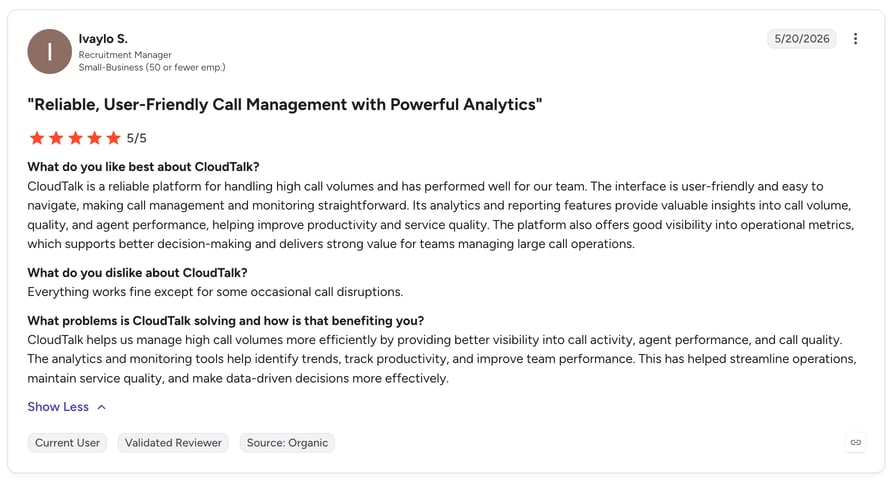
G2 rating: 4.4/5 | Total reviews: 1758
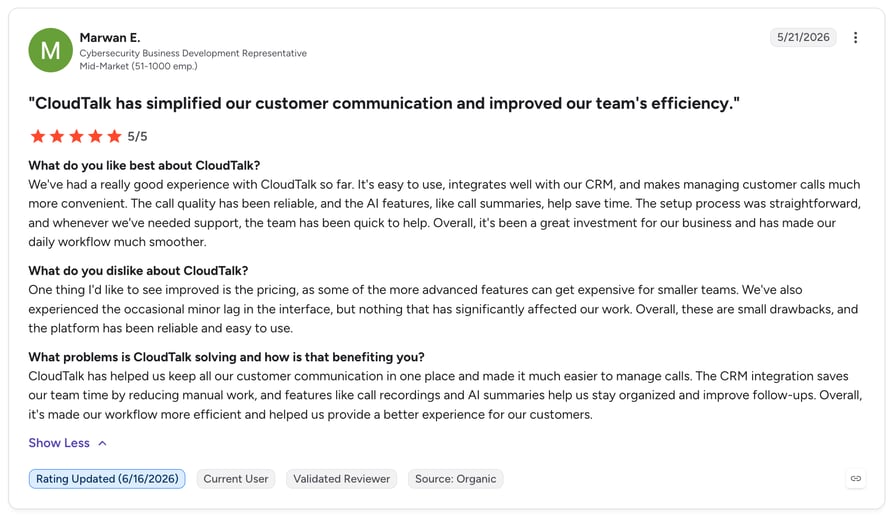
What are real users saying about CloudTalk?
Try CloudTalk for free!
2. Assembled AI
- What it is:An AI-powered Workforce Management (WFM) platform designed for modern support and sales operations.
- Key features:Includes ML-based forecasting with 90%+ accuracy and an "AI-WFM bridge" that allows AI agents to know which human agents are available for escalations in real time.
- What is missing:It is an internal-facing workforce tool. It lacks a public-facing booking link for external customers to schedule meetings themselves.
- Best for:Support teams (20+ agents) that need to solve complex staffing puzzles across voice, chat, and email.
- Pricing:Operates on a custom quote model; perceived cost is higher than basic scheduling apps.
- G2 rating:4.6/5 stars.
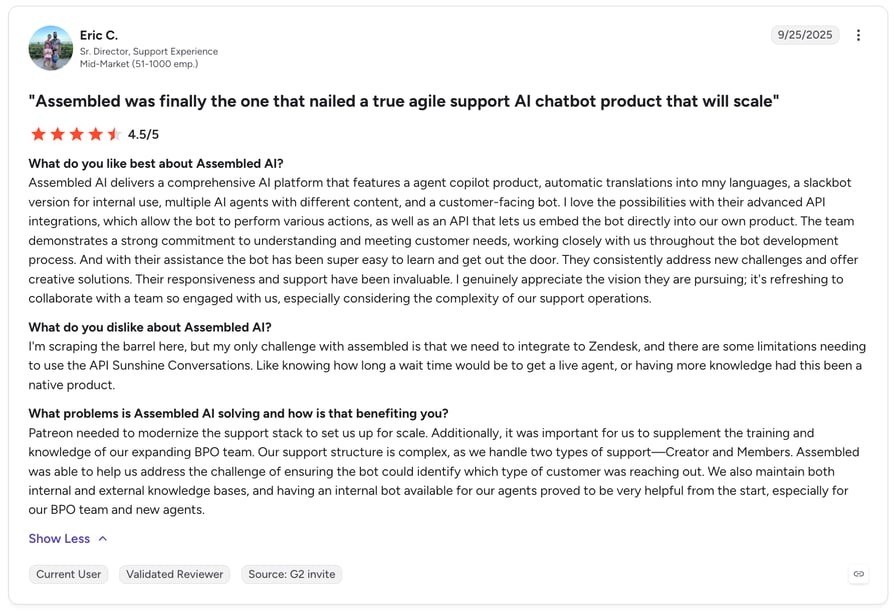
- Review:Verified users on G2 highlight how the platform provides consumable historical results that bring everything under one roof.
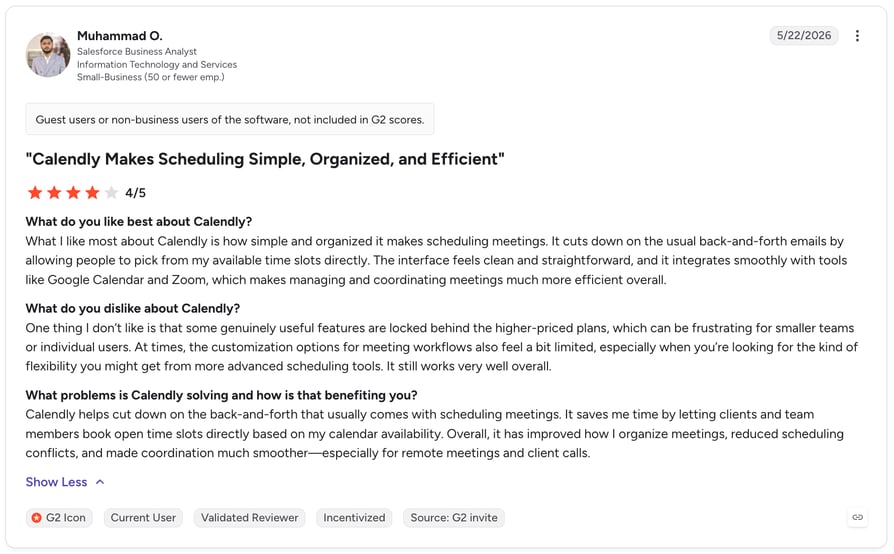
3. Calendly
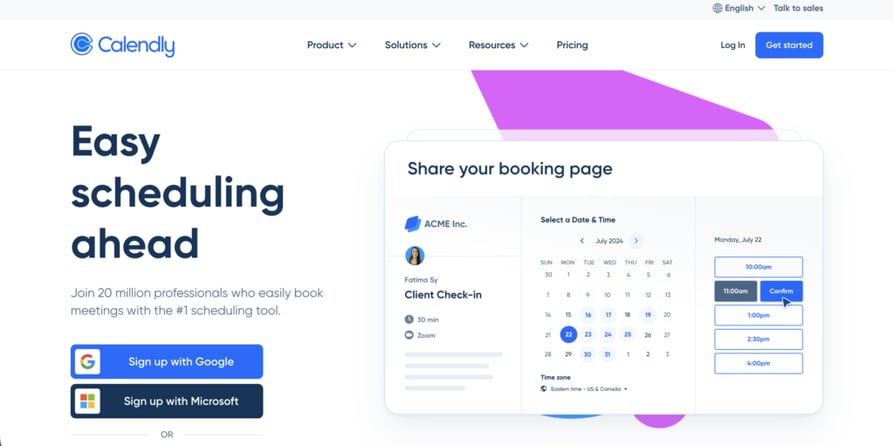
- What it is:A user-friendly scheduling platform that connects to your existing calendars to show real-time availability.
- Key features:Offers automated email and SMS reminders, round-robin distribution for teams, and 100+ integrations with tools like Salesforce and Zoom.
- What is missing:It lacks deep telephony features. Unlike CloudTalk, it cannot place or receive calls itself; it only creates the calendar event.
- Best for:Individual consultants and small marketing teams needing an easy to use scheduling software.
- Pricing:Paid plans start at $10 per user per month (billed annually).
- G2 rating:4.7/5 stars.
- Review:G2 users appreciate how it "auto-generates Zoom links and Outlook meetings without me having to think about it."
4. Motion
- What it is:An all-in-one productivity hub that combines a calendar, task manager, and meeting scheduler.
- Key features:The "Auto-Scheduler" finds the best slot for your tasks considering deadlines and current meetings. If a new meeting pops up, it intelligently reschedules your entire day.
- What is missing:The mobile app experience is frequently criticized as being less reliable than the desktop version.
- Best for:Busy executives and founders managing 5+ projects concurrently who need an autonomous assistant.
- Pricing:Individual plans start at $19 per month (billed annually).
- G2 rating:4.5/5 stars.
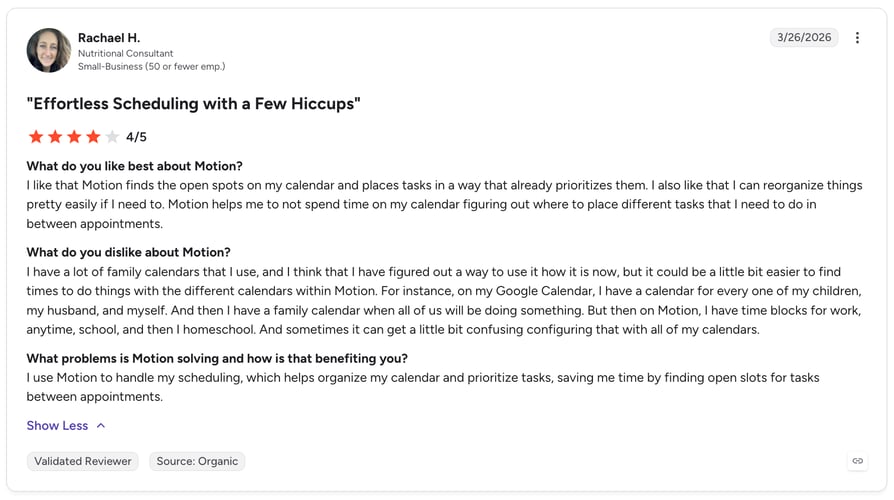
- Review:Verified reviews on G2 describe it as "instrumental" in overcoming execution paralysis and planning daily workflow.
5. Acuity Scheduling
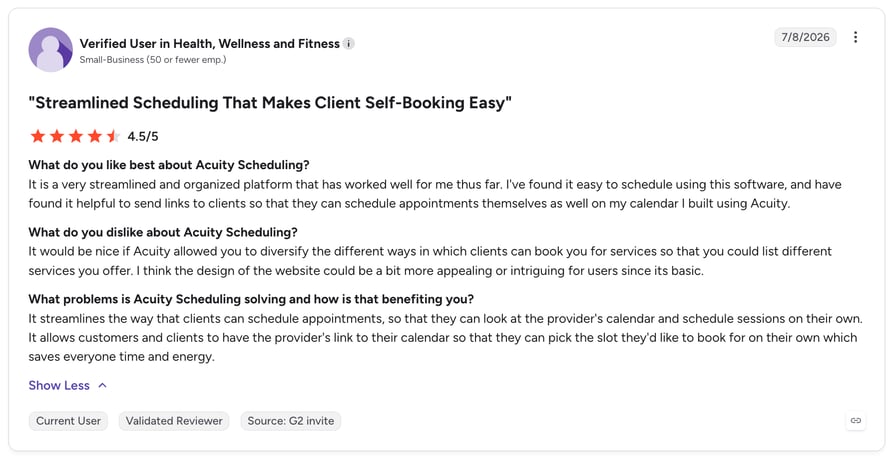
- What it is:A specialized booking platform owned by Squarespace that focuses on the end-to-end client "check-in" experience.
- Key features:You can create custom intake forms that clients fill out during booking, sell appointment packages (like "5 sessions for the price of 4"), and integrate directly with Stripe or PayPal for instant revenue.
- What is missing:The interface is frequently described as "dated" compared to modern AI tools, and it lacks the advanced real-time analytics that high-volume sales teams require.
- Best for:Healthcare providers, fitness coaches, and salons that need a best scheduling software for clients to book specialized services.
- Pricing:Paid plans start at $16 per month (billed annually).
- G2 rating:4.7/5 stars.
- Review:Verified users on G2 note that "clients love how simple it is to book, and the automatic reminders have significantly reduced no-shows."
6. Talkdesk
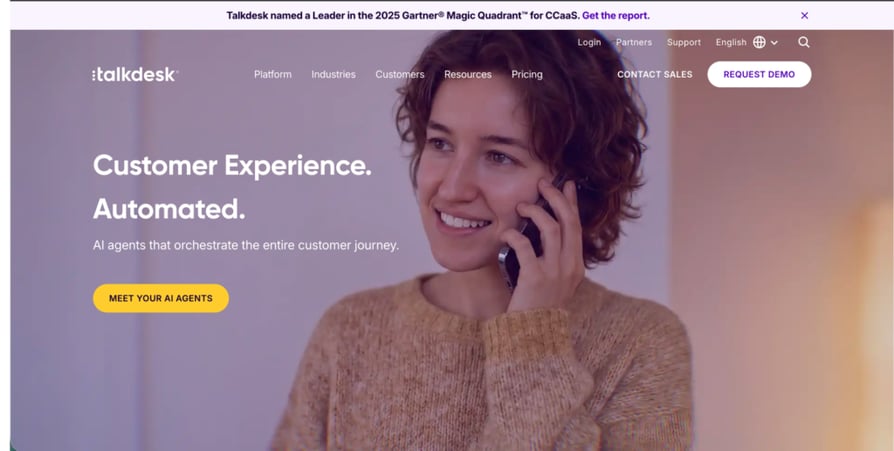
- What it is:An enterprise-grade cloud contact center (CCaaS) platform that prioritizes deep automation and industry-specific compliance.
- Key features:Highlights include the "Talkdesk Copilot" for real-time agent guidance, sophisticated skill-based routing, and an "Autopilot" AI agent that can handle routine scheduling queries without a human rep.
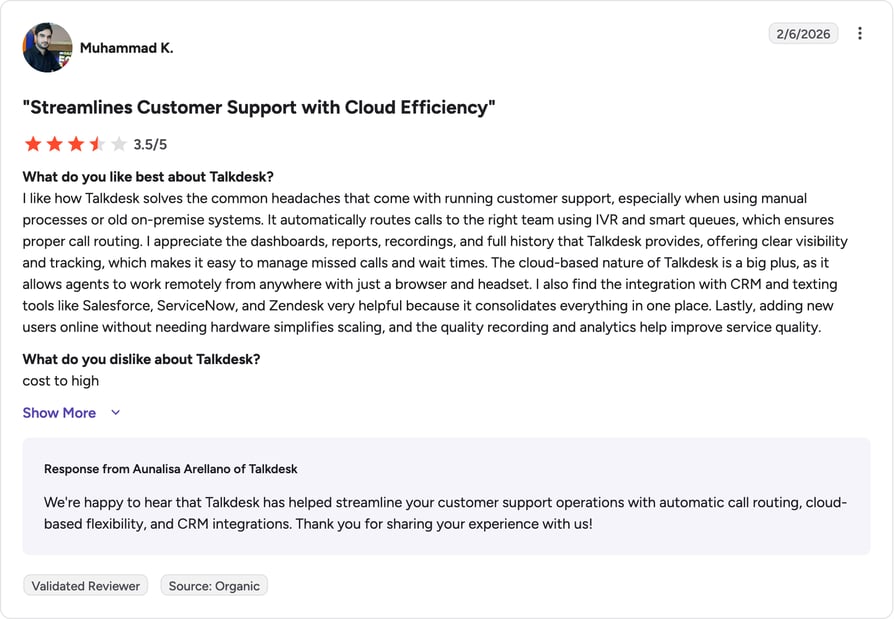
- What is missing:It is one of the most expensive options on the market. Smaller teams may find the mandatory 3-year commitments and high per-user cost prohibitive compared to CloudTalk's flexible pricing.
- Best for:Large financial institutions, healthcare networks, and global enterprises needing a best call center scheduling software.
- Pricing:Voice-capable plans start at $105 per user per month.
- G2 rating:4.4/5 stars.
- Review:Reviewers on G2 appreciate the "AI Co-Pilot feature," describing it as a "personal assistant that ensures I never miss a beat with customers."
Recommended articles
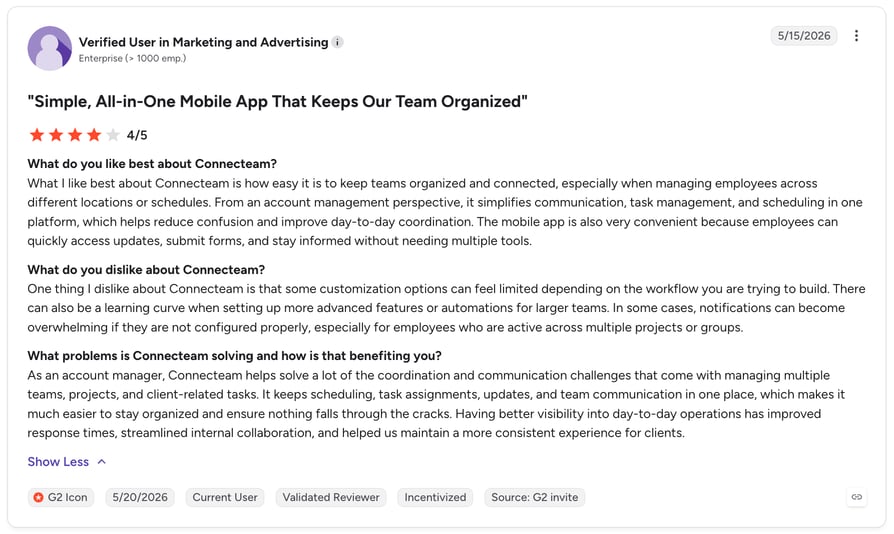
7. Connecteam
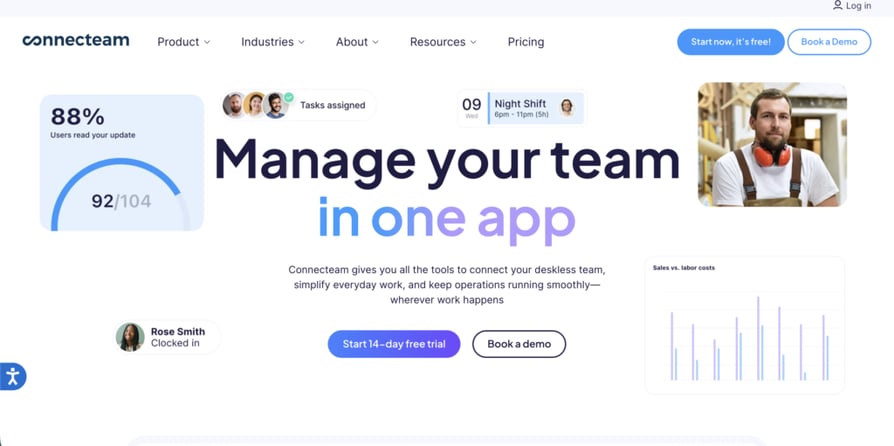
- What it is:A comprehensive employee management app designed to centralize scheduling, time tracking, and internal communication for teams that don't sit at desks.
- Key features:Includes a visual drag-and-drop shift scheduler, GPS-enabled time clocking, and automated push notifications for schedule changes. It also allows for overflow call center coordination by keeping field staff connected to central ops.
- What is missing:It lacks a native automated dialing system. For high-velocity outreach, businesses typically pair it with a specialized smart dialer.
- Best for:Security firms, construction crews, and retail chains with 10+ employees across diverse sites.
- Pricing:The Small Business Plan is free for up to 10 users. Paid plans start at $29 per month for the first 30 users.
- G2 rating:4.6/5 stars.
- Review:Reviewers on G2 emphasize that it is a "game-changer" for private security, increasing accountability and professionalizing the workflow.
8. Nextiva
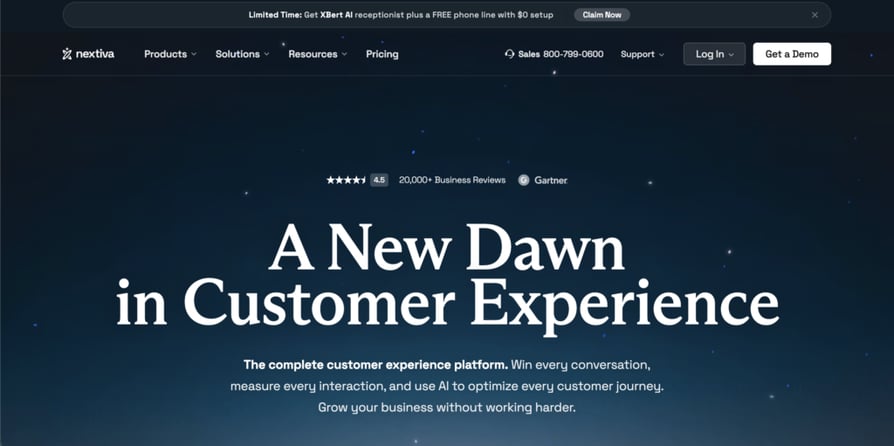
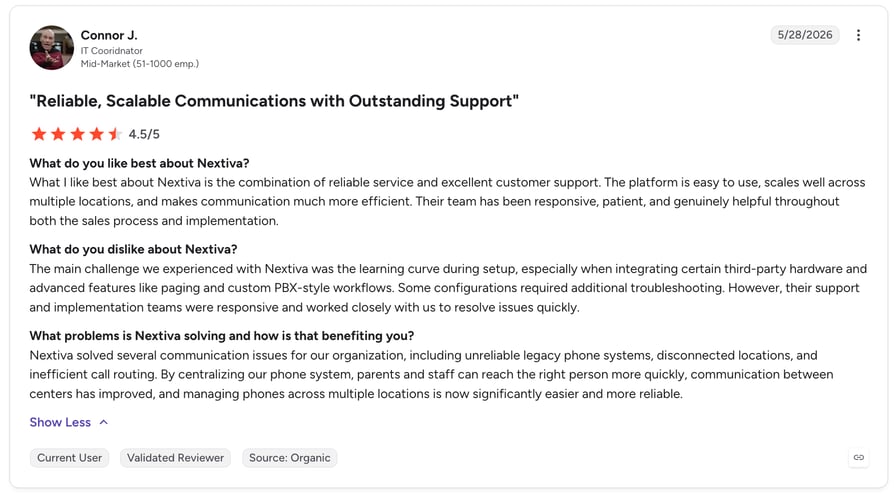
- What it is:A leading Unified Communications (UCaaS) provider that integrates voice, video, and SMS with basic contact management and scheduling tools.
- Key features:Notable for its call routing flexibility and an AI-powered receptionist that can handle appointment scheduling solutions for small businesses.
- What is missing:Advanced reporting and custom AI summaries often require an upgrade to expensive enterprise tiers, which can lead to "bill shock" for scaling teams compared to CloudTalk's transparent pricing.
- Best for:Mid-sized businesses that want to consolidate their tech stack into a single communication vendor.
- Pricing:Digital plans start at $25 per user per month (billed annually).
- G2 rating:4.5/5 stars.
- Review:Verified reviews on G2 praise its "multichannel simplicity" and the "ease of connecting with clients from anywhere."
Recommended articles
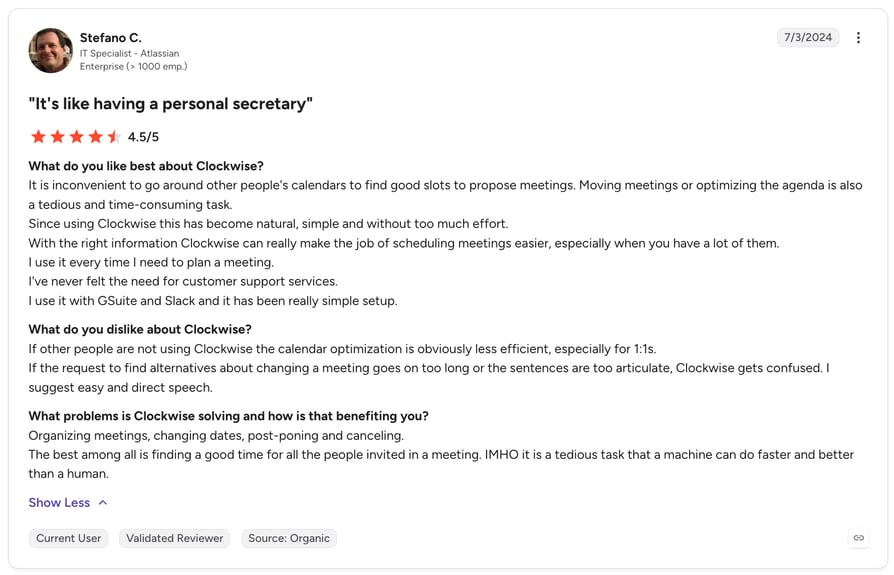
9. Clockwise
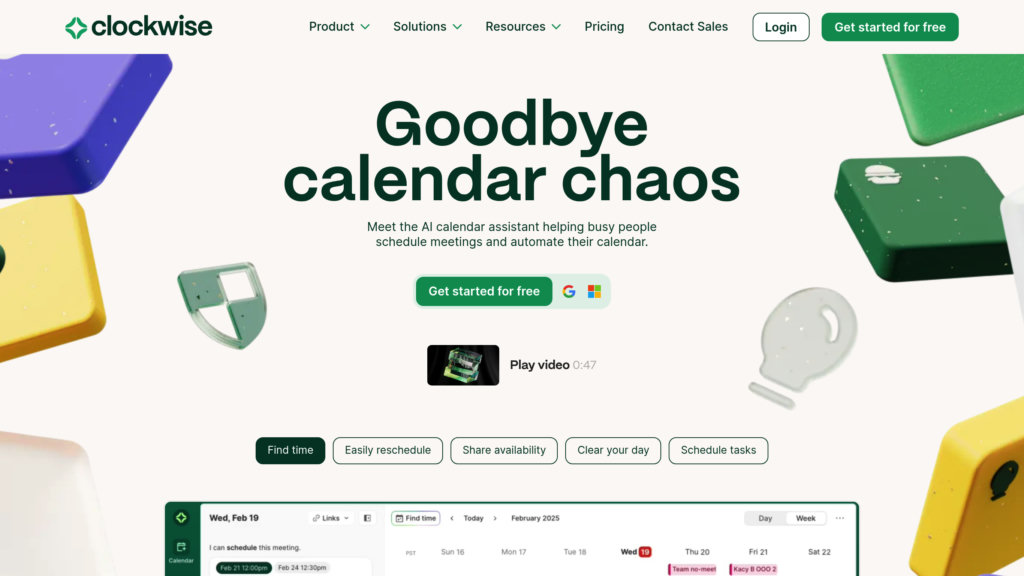
- What it is:An AI-powered calendar assistant that builds more productive schedules by calculating the best time for meetings and deep work.
- Key features:Its "Flexible Meetings" feature automatically shifts internal one-on-ones to optimal slots, and it provides a "Focus Time" dashboard to track team-wide productivity.
- What is missing:It is primarily an internal optimization tool. It does not provide the outbound campaign or call center scheduling features found in CloudTalk.
- Best for:Meeting-heavy departments like engineering, marketing, and product management.
- Pricing:A robust free tier is available. Paid plans start at $6.75 per user per month.
- G2 rating:4.8/5 stars.
- Review:G2 users describe it as the tool they "dreamt of as an Executive Assistant," making it incredibly easy to find time across busy calendars.
10. Reclaim.ai
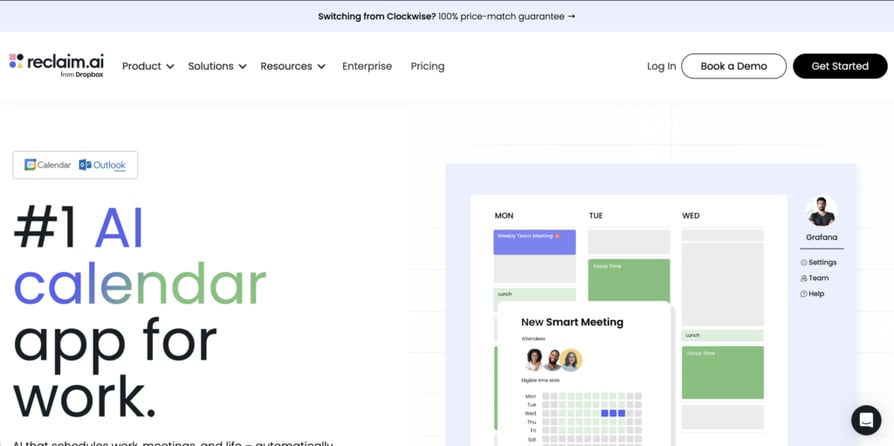
- What it is:A smart calendar assistant that integrates with task managers like Asana and Todoist to automatically find time for your to-do list.
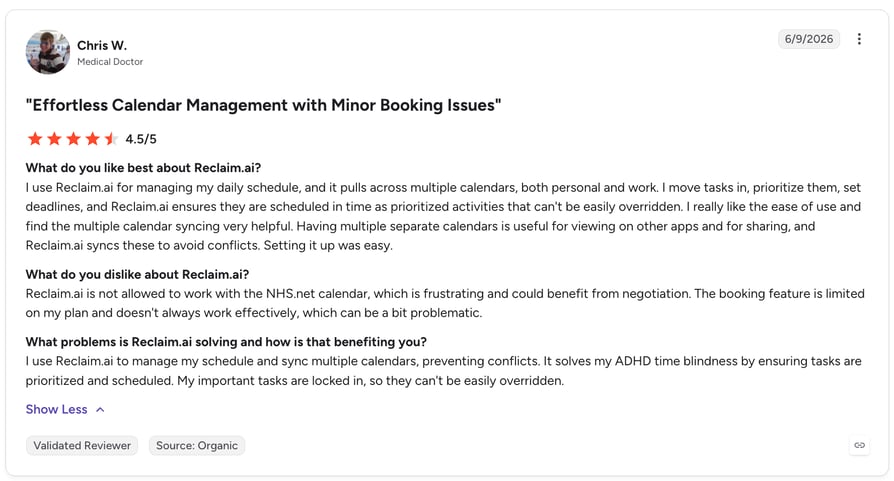
- Key features:"Habits" allow you to block time for recurring routines (like lunch or gym) that flex around your meetings. It also offers smart "1-on-1" scheduling that finds the best time for both participants.
- What is missing:It lacks native mobile apps for daily use and does not include any call recording or telephony capabilities.
- Best for:Knowledge workers and busy managers who need to protect their time from being "reactive" to others' requests.
- Pricing:Paid plans start at $8 per month.
- G2 rating:4.8/5 stars.
- Review:Verified users on G2 report reclaiming an average of 7.6 hours per week by using its priority-based scheduling.
11. Scheduler AI
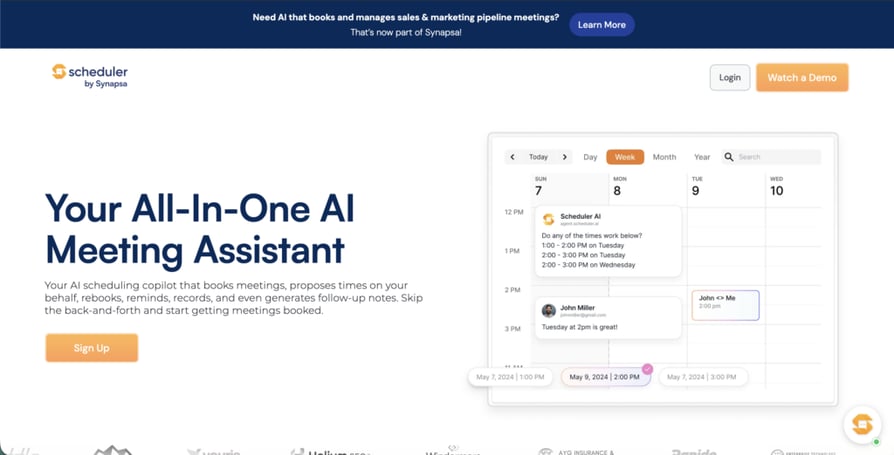
- What it is:An "Agentic AI" scheduling assistant that integrates with your email and Slack to handle meeting requests as a human coordinator would.
- Key features:It can interpret natural language from emails (e.g., "Find 30 minutes for us next Tuesday morning") and cross-reference multiple calendars to finalize the booking without any user input.
- What is missing:Because it relies heavily on interpreting text, it can occasionally struggle with highly complex or ambiguous requests that a human would easily clarify.
- Best for:Founders, executives, and high-touch sales teams that want a "concierge" feel for their best scheduling software for clients.
- Pricing:Custom quote based on usage and integration needs.
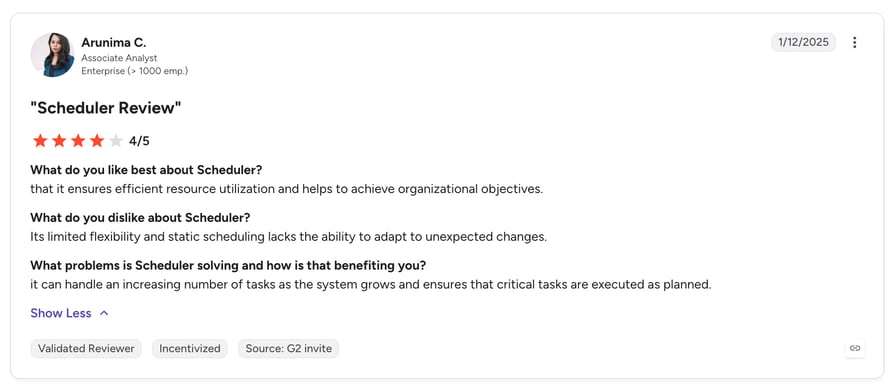
- G2 rating:4.3/5 stars.
- Review:Verified reviews on G2 highlight how the tool ensures efficient resource utilization and helps achieve organizational objectives without manual oversight.
12. Cal.com
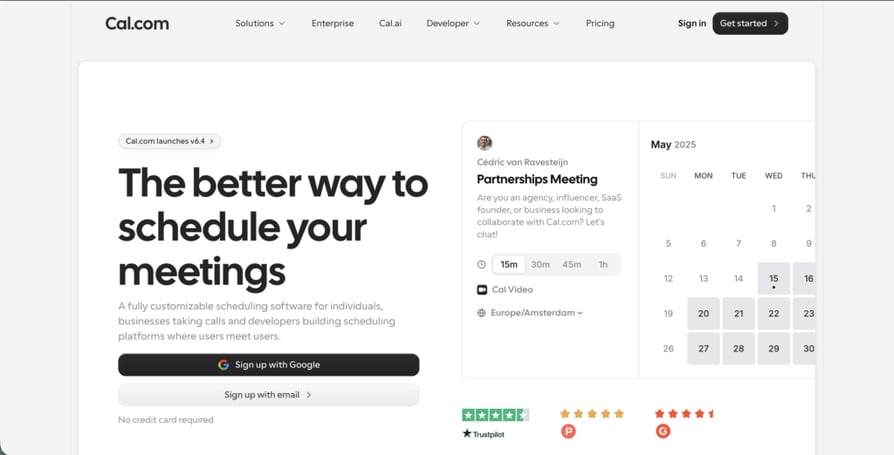
- What it is:An open-source scheduling infrastructure that allows businesses to white-label the entire booking experience and self-host their data.
- Key features:Includes advanced "Routing Forms" to qualify leads before they book, a robust API for custom builds, and "Round Robin" scheduling to distribute calls across global sales teams.
- What is missing:The sheer number of settings can be overwhelming. Non-technical users often report a "steep learning curve" compared to easy to use scheduling software like CloudTalk.
- Best for:SaaS startups, developers, and organizations with strict HIPAA or GDPR data-sovereignty requirements.
- Pricing:Free for individuals; Team plans start at $15 per user per month.
- G2 rating:4.6/5 stars.
- Review:Verified users on G2 describe it as a "highly flexible and good-looking alternative" that provides total control over the user journey.
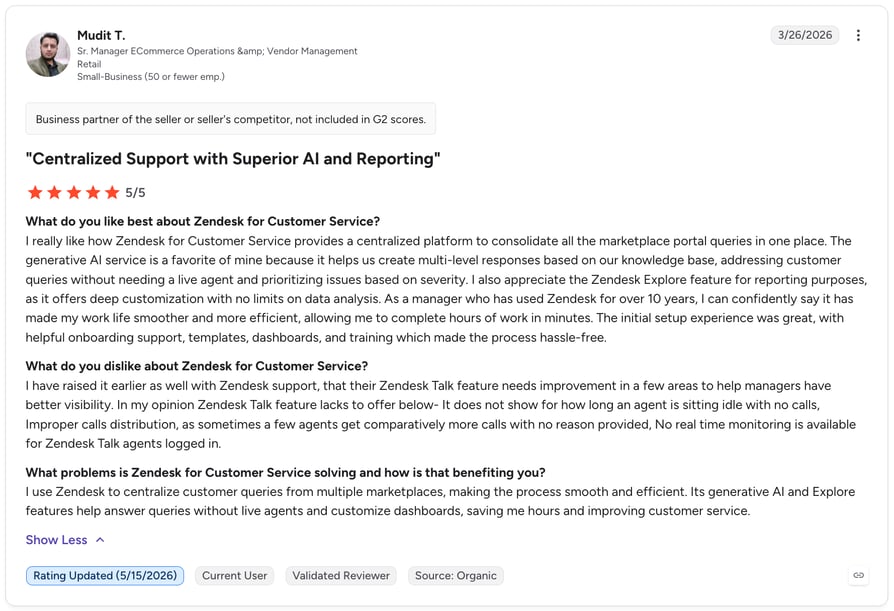
13. Zendesk
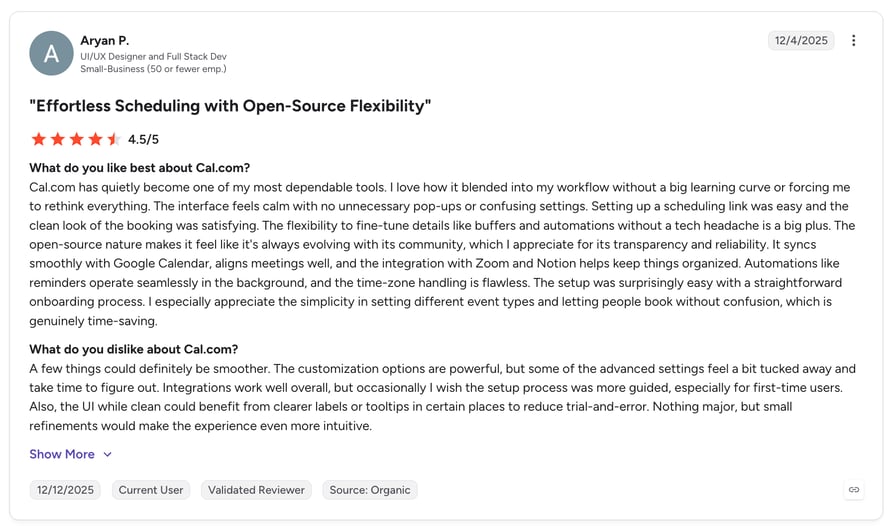
- What it is:A comprehensive Customer Service and Sales CRM platform that uses AI to automate support interactions and schedule follow-ups.
- Key features:Features "Zendesk Sell" for sales-specific scheduling and an omnichannel dashboard that tracks every touchpoint from the first booking to the final resolution.
- What is missing:Like many enterprise suites, the setup is notoriously complex. Users frequently complain that advanced workflow automation requires significant developer time to implement.
- Best for:Large customer support organizations and mid-market companies that want a single source of truth for all client interactions.
- Pricing:Suite plans start at $19 per user per month, but functional AI tools often require the "Professional" tier ($115+).
- G2 rating:4.3/5 stars.
- Review:Verified reviews on G2 praise its "reliable omnichannel support" but warn that "configuration takes longer than expected."
Recommended articles
14. Dialora AI
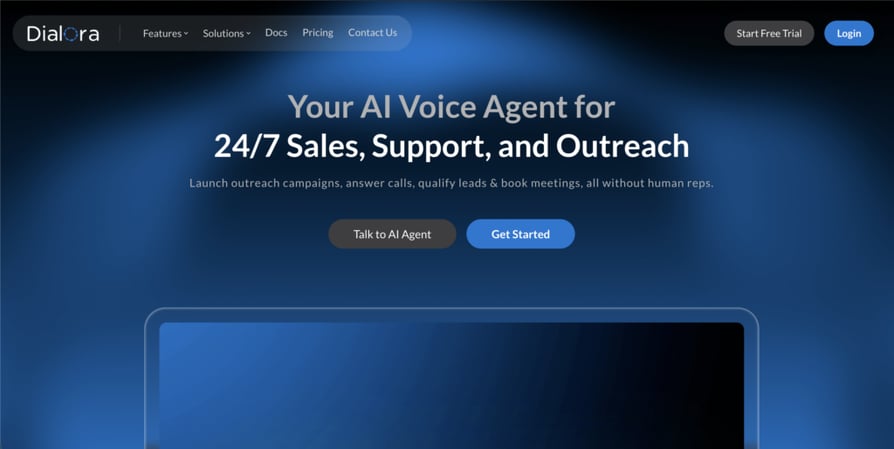
- What it is:A specialized AI voice platform designed to answer, qualify, and book appointments directly from phone conversations in a human-like tone.
- Key features:Includes industry-specific "Pre-trained Personas" for dental, real estate, and legal sectors. It offers real-time transcription and syncs booking data immediately to HubSpot or Pipedrive.
- What is missing:It is strictly focused on voice interactions. It lacks the multi-channel "calendar link" functionality found in tools like Calendly or CloudTalk.
- Best for:Medical clinics, law firms, and dealerships that rely on phone calls for the majority of their revenue.
- Pricing:Starter plans begin at $97 per month.
- Crozdesk score:43/100 (Emerging).
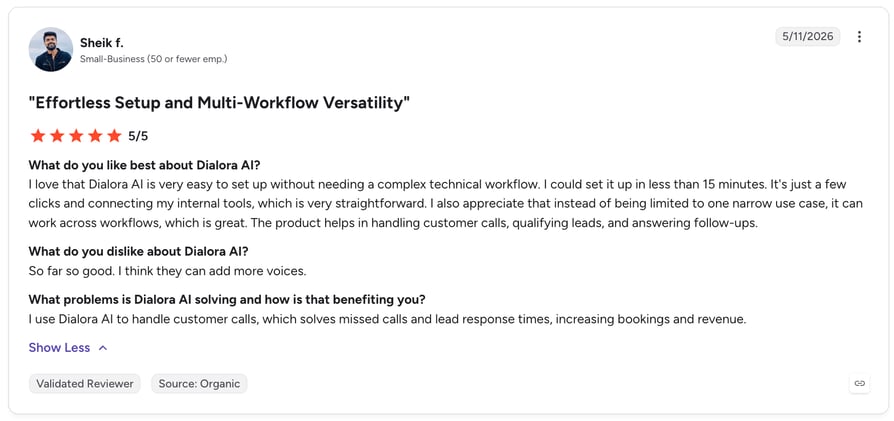
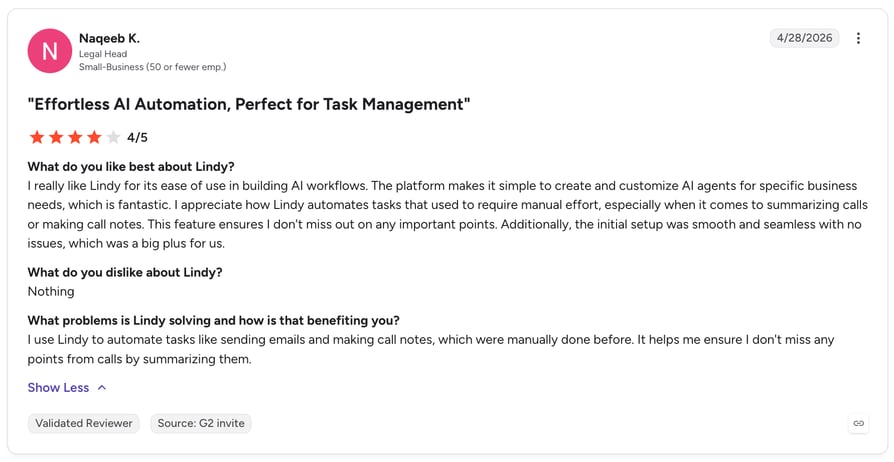
- Review:G2 user reviews say that Dialora is "purpose-built to screen, qualify, and route calls," making it a strong Lindy alternative for voice-heavy funnels.
15. Lindy
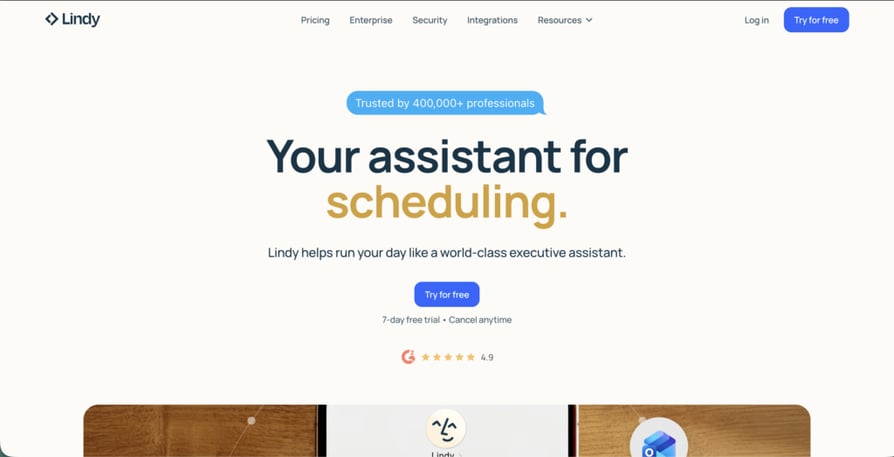
- What it is:A "No-Code AI Agent Builder" that uses natural language to teach an AI how to perform complex, multi-step scheduling workflows.
- Key features:It can "reason" through tasks, for example, it can read an email, check your calendar, research the sender's LinkedIn profile, and then draft a meeting invite with the context included.
- What is missing:Because it is a generalist platform, it often suffers from higher "voice latency" and performance instability compared to dedicated, voice-first tools like CloudTalk.
- Best for:Solopreneurs and operations managers who need a "Swiss Army knife" to automate repetitive email and administrative work.
- Pricing:Free plan available; Pro plans start at $49.99 per month.
- Review:Reviews on G2 highlight its "natural language setup" as a major plus, though they note that complex tasks can consume credits quickly.
16. Zeeg
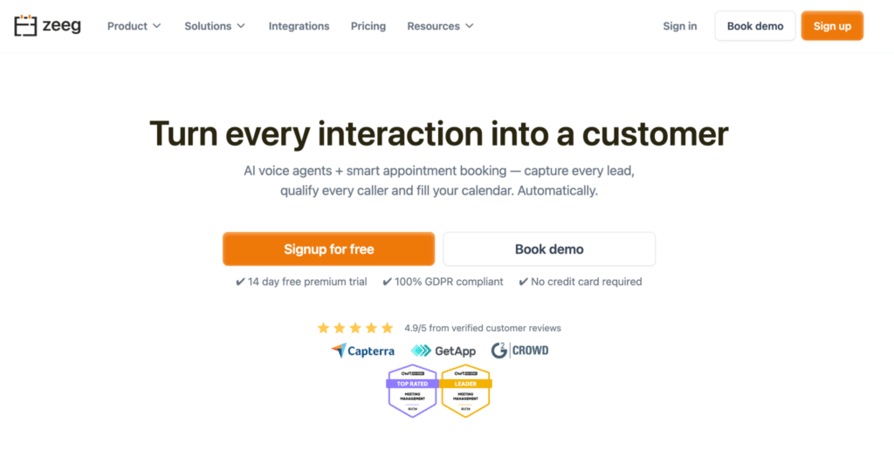
- What it is:A European-built, GDPR-native online scheduling and AI voice agent platform that handles inbound calls, routes leads, and fills calendars with every type of meeting.
- Key features:Zeeg's AI phone agent answers calls 24/7, qualifies intent, and books appointments directly into the calendar without a human rep. Its routing forms screen leads before they reach a slot, while multi-calendar sync (Google, Outlook, iCloud, Exchange, etc.) prevents double-bookings in real time. Automated SMS and email reminders reduce no-shows and the flexible event types, round-robin, collective, group bookings, cover both solo practitioners, SMBs and distributed teams.
- What is missing:Zeeg has less brand recognition as it's a newer brand in the market; it also doesn't have a mobile app available yet.
- Best for:SMBs, solo practitioners, and service businesses, particularly in legal, financial advisory, consultants, and trades, that work around appointment booking and/or need a GDPR-compliant scheduling-plus-voice-agent stack without stitching together multiple vendors.
- Pricing:Free plan available. Paid plans start at $10/user/month (billed annually). AI voice agent features available on all paid tiers. 14-day free trial available.
- G2 rating:4.9/5 stars.
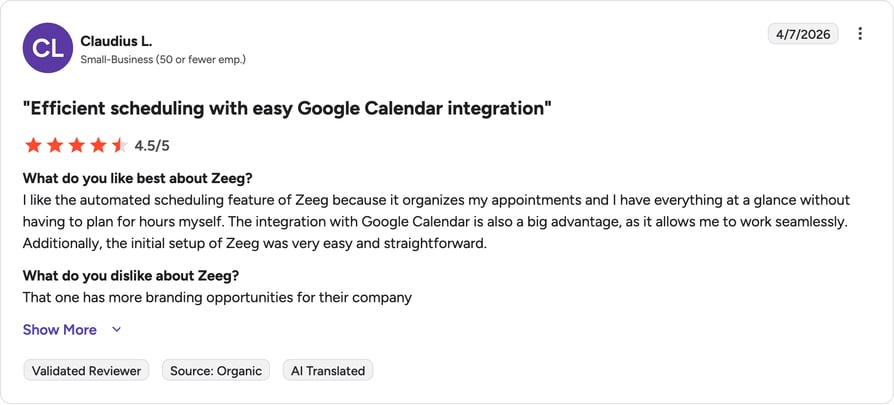
- Review:Users on G2 highlight how the platform eliminates scheduling back-and-forth and saves time across every meeting type, with one reviewer noting it delivers a "significant uplift in conversion rate" and is "super easy to use and implement."
So, What Is the Best AI Call Scheduling Software?
If you're still unsure which platform to pick, meet our experts and learn why CloudTalk is the #1 choice for teams that need booking and telephony in one place.
16 Reviewed. 1 Stands Out - CloudTalk.
Call Center Scheduling Software vs External Booking Tools: What's the Difference?
This guide covers two distinct categories, and knowing which one you need saves weeks of evaluation.
External booking tools, like Calendly, Cal.com, Acuity, and CloudTalk's AI Voice Agents, automate the inbound booking moment. They qualify a lead's intent, drop them into the right rep's calendar, send SMS reminders, and sync every detail to your CRM. Reach for this category when leads are going cold after hours, or booking a single call takes six email replies. CloudTalk is the only platform on this list that pairs external booking AI with a full telephony stack.
Call center scheduling software, also called contact center scheduling software or scheduling software for call centers, solves a different problem. Tools like Assembled, Connecteam, Deputy, and Shiftboard manage your internal workforce: forecasting call volume, building shift schedules, and tracking adherence so you don't over- or understaff.
Cold-after-hours leads call for external booking automation; coverage gaps call for call center scheduling systems built for workforce planning. Many growing teams need both: CloudTalk (#1) for booking, Assembled (#2) for workforce management.
The 5 Biggest Challenges of Call Center Scheduling (and How AI Solves Each)
After-hours lead loss. Many inbound booking requests land after your team clocks out, with no front desk to take them. CloudTalk's AI Voice Agents answer around the clock, qualify intent, and book straight into the CRM while your team is offline.
Start your 14-day free trial to see AI Voice Agents catch after-hours leads your team would otherwise lose.
No-shows draining the pipeline. An unconfirmed booking is often a meeting that never happens. CloudTalk's Workflow Automation Designer triggers automated SMS reminders from confirmation through a day-before nudge, with no manual chasing.
Speed-to-lead lag. Responding within five minutes makes you roughly 100 times more likely to connect than waiting half an hour, per a 2007 lead-response study from the Kellogg School of Management and MIT, distributed through InsideSales.com. The best call booking software closes that gap by qualifying and booking in the same call.
Double-bookings and calendar conflicts. Without bi-directional calendar sync, reps double-book one-on-ones and miss prospect meetings. CloudTalk reads real-time availability across Google, Outlook, and iCloud and blocks conflicting slots the instant a booking is confirmed, then pairs it with a condition-based call flow that reroutes the caller to the next available rep when their contact's calendar is full.
Agent shift overstaffing and understaffing. Without demand forecasting, managers guess at staffing levels: overpaying on quiet days, scrambling on busy ones. WFM tools like Assembled use ML-based volume forecasting to build shift schedules automatically.
How to Choose the Best Call Scheduling Software for Your Team
Selecting the best call scheduling software directly impacts your team's "speed-to-lead" and overall revenue. The market has moved beyond simple calendar links: you need an engine that automates the "manual drag" of booking while keeping a human touch.
Here are the critical factors to weigh:
1. AI Autonomy and NLP Maturity
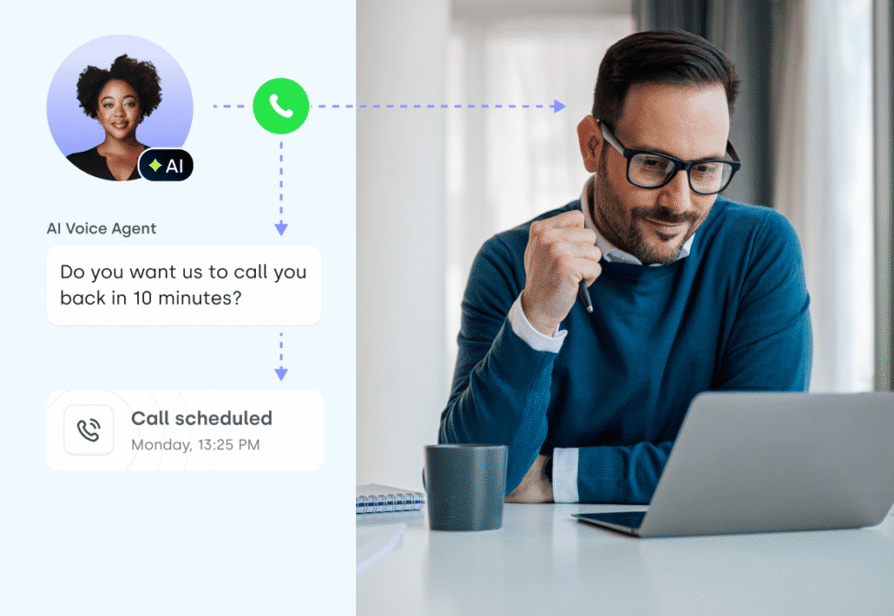
Look for "Agentic AI" capabilities: software that understands conversational intent rather than just listing open times. Top-tier tools use Natural Language Processing (NLP) to handle requests like rescheduling by text or voice, without human oversight. This level of call center automation separates a basic tool from a growth engine.
2. Deep CRM and Workflow Integration
Your scheduling tool must act as a bridge, not an isolated island: bi-directional sync with Salesforce, HubSpot, or Pipedrive so customer details update instantly and every booked meeting logs itself. This is the backbone of call center appointment scheduling software for easier bookings.
Before you sign, verify four things:
- 01Bi-directional sync, not one-way.The contact's name, deal stage, and past call notes should surface on the agent's screen before the meeting starts.
- 02Native integrations, not Zapier bridges.Direct API connections to Salesforce, HubSpot, and Pipedrive skip the latency and failure points Zapier bridges add.
- 03SMS reminders as a native feature,not a per-message fee stacked on your subscription.
- 04Auto-logged CRM activity.Every booked call creates a timestamped activity record automatically, not a calendar event a rep logs by hand.
3. Round-Robin and Lead Routing Logic
The best call scheduling app includes smart distribution. "Round Robin" logic spreads appointments fairly across reps by expertise or availability, and if you manage an overflow call center, it should route high-priority leads to your "closers" instantly.

4. Automated No-Show Mitigation
A booked meeting is worthless if the prospect doesn't show up. Prioritize easy to use scheduling software that includes automated, multi-channel reminders (SMS and email) to cut no-shows and protect your sales pipeline.
5. Global Scalability and Time Zone Intelligence
If you operate internationally, your software should handle "Time Zone Tetris" automatically, detecting the prospect's location and showing slots in their local time. For the best scheduling software for call centers, international numbers and localized booking pages build trust with global clients.

6. Real-Time Analytics and Visibility
You cannot optimize what you cannot measure. Choose a platform with a dashboard and real-time analytics showing booking patterns, popular time slots, and rep performance, so you can spot where your funnel is leaking.
7. Service Businesses: What to Look For in a Scheduling Tool
Service businesses run differently than call centers: most agent scheduling software is built around shift-based teams, not the per-session availability of a dentist's chair or a coach's client roster. Look for a public booking page clients can use themselves, intake forms, and reminders that cut no-shows without adding admin work.
Match the tool to your profile: Acuity Scheduling for intake forms and payment at booking; Cal.com for GDPR-compliant data control and custom branding; Zeeg for AI voice booking plus a scheduling page in one product; Calendly for the simplest setup. CloudTalk fits once a service business hits 15+ booked calls a day and needs call analytics, CRM sync, and AI Smart Notes (via the AI Conversation Intelligence add-on).
Call Scheduling Software Pricing: What to Expect in 2026
Pricing for the best AI call scheduling software has shifted toward hybrid and outcome-based models. The "per-user" subscription remains common, but many providers now add usage-based tiers or "AI credits" for voice and text interactions.
The 2026 Pricing Landscape
AI Call Scheduling Software Pricing Tiers
| Pricing Tier | Typical Range | Core Features | Best For |
|---|---|---|---|
| Starter/Individual | $10 – $20/mo | Basic link-based booking, one-way calendar sync | Solo users & small service businesses |
| Professional/Growth | $25 – $50/user/mo | AI-powered features, CRM integrations, automated reminders | Scaling sales teams |
| Enterprise/Contact Center | $80 – $150+/user/mo | Call center scheduling software, workforce management (WFM), dedicated support | High-volume operations |
Understanding the Tiered Investment Landscape
AI scheduling tools are typically priced across four tiers: entry-level plans cover core dialer functionality, while enterprise packages add "Agentic AI" and workflow automation.
What Is AI Call Scheduling Software? (And How Does It Book Appointments Automatically)
The best AI calling software for call scheduling handles three jobs in one loop: it answers the call, figures out what the caller wants, and books them straight into the right rep's calendar without anyone touching a keyboard. That's different from a basic scheduling link like Calendly, which still waits for the prospect to find your page and pick a slot themselves. Tools like CloudTalk's AI Voice Agents start and finish the booking conversation on their own and push every detail to your CRM before the call ends. The result: a pipeline that keeps filling itself after your team logs off.
Unlike traditional apps that merely flag "busy" or "free" times, modern AI call scheduling software interprets the context of a request. It doesn't just find an open slot; it evaluates agent expertise, historical conversion data, and lead priority to orchestrate the "perfect" booking.
The Mechanism: How the Automation Engine Functions
- 01Intent Detection via NLPWhen a prospect reaches out, whether through an AI voice agent or a web-based best call scheduling app, the system uses NLP to understand the "why" behind the call. It can distinguish between a high-intent sales inquiry and a routine support check-in.
- 02Real-Time Bi-Directional SyncThe software maintains a constant, two-way connection with your team's calendars (Google, Outlook, or iCloud). If a rep manually blocks time for "deep work," the easy to use scheduling software instantly removes that slot from the public-facing availability to prevent double-bookings.
- 03Intelligent Lead RoutingOnce the intent is captured, the system applies skill-based routing to match the prospect with the most qualified agent. For instance, the best call booking software for a medical clinic might route a surgical inquiry to a specialist while sending general billing questions to a support queue.
- 04Automated Post-Booking LogicAfter a slot is secured, the engine triggers a sequence of workflow automation. This includes sending personalized messages via SMS for confirmation, creating a meeting link, and updating customer details in your CRM without any manual data entry.
- 05Dynamic ReschedulingIf a conflict arises, such as an agent calling in sick, the best scheduling software for call centers identifies the impact, finds a suitable replacement based on skill-match, and notifies all parties automatically.
Benefits of Using the Best Call Scheduling Software to Automate Booking & Follow-ups
Deploying the best call scheduling software in 2026 shifts your team from "reactive" to "proactive." A Forrester Total Economic Impact study commissioned by Calendly found its customers achieved a 318% ROI over three years, a sign of how much upside AI-driven scheduling can unlock across the category.
1. Instant Speed-to-Lead and Higher Conversion Rates
In high-velocity sales, seconds matter: the connect rate drops fast once a lead goes cold (see "Speed-to-lead lag" above). An easy to use scheduling software like CloudTalk utilizes AI voice agents to qualify and book meetings the moment a prospect shows interest. This "minute-zero" response ensures you capture intent while it is at its peak, directly protecting revenue that a slower process would lose to a competitor.
2. Drastic Reduction in Administrative "Admin Drag"
Manual scheduling is a productivity killer. Top-performing sales reps often waste over 15 hours per week on routine tasks like email back-and-forths and CRM data entry. By utilizing the best call booking software, you automate these workflows entirely. AI-powered systems can reclaim weeks of rep time each year that would otherwise go to scheduling admin. That frees your team to focus on campaigns and deal-making instead of "Calendar Tetris."
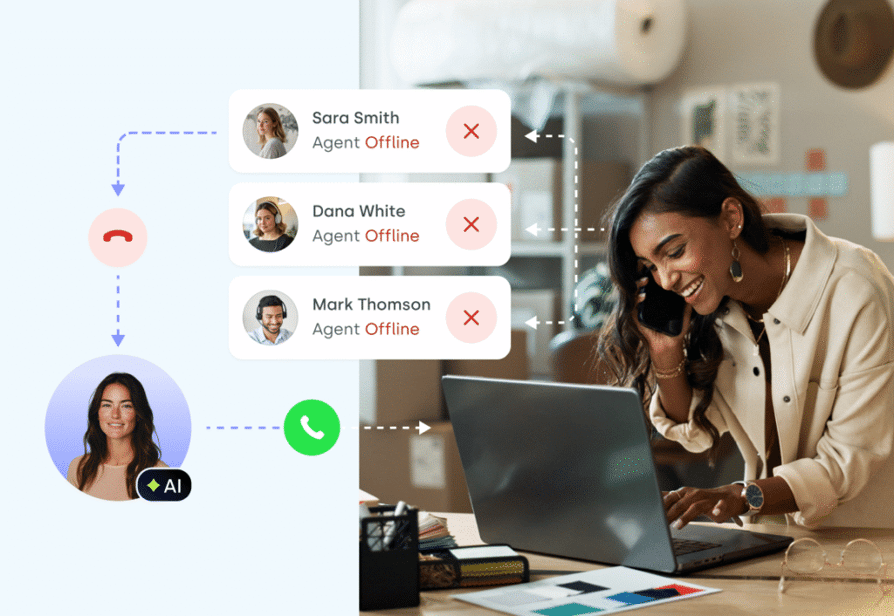
3. Elimination of Human Error and Costly No-Shows
Double-bookings and missed follow-ups erode client trust and drain resources. The best scheduling software for customers uses 24/7 autonomous reminders via SMS and email to keep prospects engaged and cut no-shows. Furthermore, because the best call management software performs a bi-directional CRM sync, your records remain 100% accurate, preventing the data decay that costs businesses thousands in lost opportunities.
4. 24/7 Availability Without Increasing Headcount
The "standard" business day is fading. A large share of appointments now get scheduled after-hours, and relying on human operators alone means losing that pipeline. AI-powered call center scheduling software operates around the clock, providing a seamless booking experience on weekends and holidays. This ensures your business remains competitive in a global market, providing the best scheduling software for clients regardless of their time zone or location.
Key Features to Look for in Easy-to-Use Call Scheduling Software
Choosing the best call scheduling software means balancing advanced automation with an interface that won't frustrate your team or your clients. Look for these essential capabilities:
- 01Native Two-Way Calendar Sync:Your software must offer an instant, bi-directional connection with Google Calendar, Outlook, and iCloud. This ensures that a smart dialer session or a personal appointment on your private calendar immediately blocks availability on your public booking page, eliminating the risk of double-bookings.
- 02Automated Multi-Channel Reminders:The best call scheduling app should do the "chasing" for you. It should trigger SMS and email sequences that confirm appointments and nudge prospects before the call starts. Businesses using these automated personalized messages often see a meaningful drop in no-shows.
- 03Customizable Lead Qualification Forms:An easy to use scheduling software should allow you to build intake forms with conditional logic. This ensures that only high-intent leads reach your senior closers, while basic inquiries are routed to appropriate automated call handling or self-service resources.
- 04Time Zone Intelligence:For global teams, your best scheduling software for customers must automatically convert booking slots to each visitor's local time so a prospect in Tokyo and a rep in Chicago never end up comparing calendars by hand.
- 05Round-Robin and Skill-Based Distribution:To maintain a fair and efficient workload, the best scheduling software for call centers should automatically rotate bookings among available agents. Advanced skill-based routing ensures that technical questions go to engineers and pricing queries go to sales, maximizing the chance of a successful outcome.
AI-Powered Features to Consider in Modern Call Scheduling Tools
"Scheduling" has shifted from a static administrative task to an active, intelligent process, and "Agentic AI" is now standard for teams that want to eliminate "opportunity leakage."
1. Autonomous AI Voice Agents for Natural Booking
The most transformative feature in modern best call booking software is the AI voice agent, which carries out natural, human-like conversations rather than an old-fashioned IVR menu. They can answer inbound calls 24/7, qualify the lead's intent, and book an appointment directly into your CRM, all without a human rep ever picking up the phone.
2. Predictive Scheduling and Intent Detection
Modern tools no longer just "find an open slot." They use Natural Language Processing (NLP) to perform sentiment analysis and detect the urgency of a request. If a prospect's tone indicates a "hot" lead ready to buy, the best call management software can prioritize them for an immediate call transfer or a prime calendar spot, ensuring your most valuable opportunities are handled with "minute-zero" speed.
3. AI-Driven Workforce Forecasting
For those seeking the best scheduling software for call centers, AI now provides "predictive staffing." By analyzing historical call volumes and seasonal trends, the software can forecast exactly how many agents you'll need on deck at 2 PM next Tuesday. This prevents agent burnout and ensures your call center scheduling software is always optimized for your target SLAs.
4. Automated Post-Call Documentation
Scheduling doesn't end when the call is booked. Modern AI tools eliminate "admin drag" by generating AI smart notes and automatic call summary tags immediately after a conversation. The AI extracts key dates, action items, and prospect preferences, syncing them directly to your CRM so your team can move straight to the next call without manual data entry.
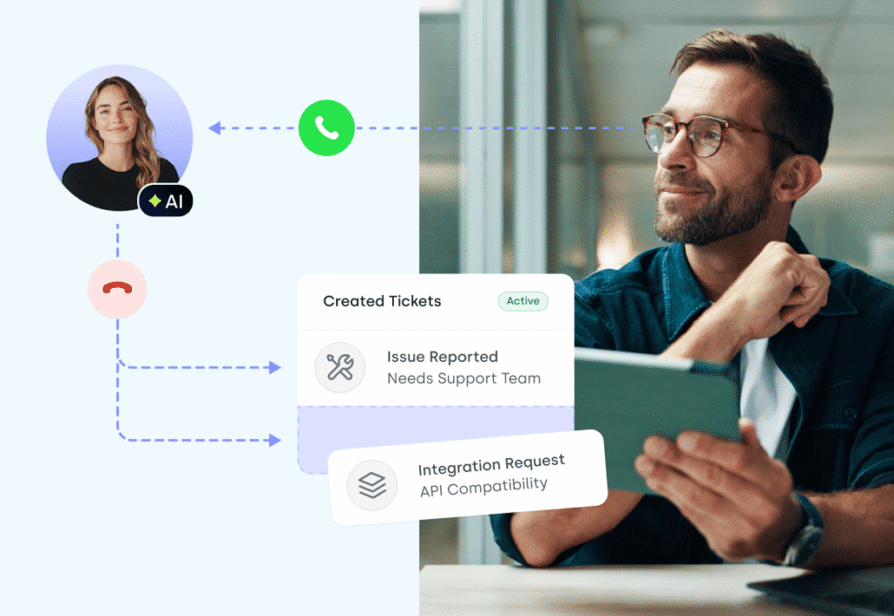
How Businesses Use Call Scheduling Software for Sales, Support & Operations
Using the best call scheduling software lets organizations bridge the gap between high-volume outreach and deeply personalized customer journeys.
1. High-Velocity Lead Qualification and Sales Handoffs
Sales teams use best call booking software to move from "smile and dial" tactics to surgical precision. When a prospect engages with a marketing asset, an AI voice agent for appointment scheduling triggers an immediate outbound call. The AI qualifies the lead's intent and books a discovery call directly into an Account Executive's calendar, keeping "speed-to-lead" under 60 seconds.
2. Autonomous 24/7 Support and Appointment Management
Support organizations leverage call center appointment scheduling software for easier bookings to provide instant assistance without increasing headcount. Instead of hitting a voicemail after hours, customers reach an AI that understands natural language and can book, reschedule, or cancel appointments. This process streamlines automated call handling for dealerships and medical clinics where every missed call represents lost revenue.
3. Strategic Workforce Management and Shift Optimization
Operations leaders rely on best call center scheduling software as a workforce optimization engine. Analyzing historical traffic patterns allows the software to forecast peak periods and automatically suggest agent shifts to ensure SLAs are met. This prevents the "over-staffing" that drains budgets and the "under-staffing" that leads to frustrated customers and overflow call center spikes.
Why CloudTalk Is a Strong Choice for Call Scheduling and Sales Productivity
CloudTalk stands out as the premier best call management software because it combines elite voice infrastructure with "Agentic AI" that works as hard as your best rep. While other tools force a choice between a phone system and a scheduling app, CloudTalk provides a unified revenue engine.
- AI Voice Agents That Never SleepCloudTalk's AI voice agents handle both inbound and outbound scheduling calls with human-like intonation. They qualify leads, update your CRM, and secure bookings 24/7, keeping your calendar full even when your team is offline.
- Deep CRM ConnectivityMaintaining absolute data integrity requires the bi-directional syncs CloudTalk offers for Salesforce, HubSpot, and Pipedrive. Every scheduled call logs automatically, complete with AI smart notes and sentiment analysis.
- Global Local PresenceDisplaying virtual local phone numbers from over 160 countries boosts your answer rates instantly. Whether you book clients in London or New York, you always appear as a local business.
- Zero-Delay ConnectionsEliminating the "telemarketer's pause" is critical for trust. CloudTalk's infrastructure ensures your agents are ready to talk the microsecond a prospect answers.
CloudTalk offers the smart, scalable, AI-enhanced option to drive measurable results.
Try CloudTalk's Best AI Call Scheduling Software today. Sign up for a free trial or book a live demo to see how our AI-led booking transforms your sales output.
Recommended articles
Reclaim Your Calendar and Your Revenue
Every hour your team spends coordinating calendars by hand is an hour a competitor spends closing. Swapping "Calendar Tetris" for the best AI call scheduling software turns a chaotic mess of emails into a high-velocity revenue engine.
Stop acting as a human secretary and start focusing on the conversations that actually move the needle. Whether you need 24/7 AI booking or complex workforce forecasting, the right tool keeps your team in the "golden hour" of lead response, without you checking time zones by hand.
Join 5,500+ Teams Already Scaling with CloudTalk
Frequently Asked Questions
Find answers to the most common questions teams have about call scheduling software.
CloudTalk ranks as the premier choice because it combines AI voice agents with advanced skill-based routing and deep CRM synchronization. This integration allows teams to automate the entire booking lifecycle while maintaining high connection quality and data integrity.
Most modern call centers utilize cloud-native platforms like CloudTalk, Talkdesk, or Five9. These solutions provide the robust call center scheduling software capabilities required to manage large teams, high call volumes, and distributed workforces.
Scheduling typically relies on Workforce Management (WFM) algorithms that forecast call volume based on historical data. Modern systems like CloudTalk's best call management software automate this process by aligning agent availability with predicted traffic spikes.
To maximize productivity, pair your scheduling tool with a smart dialer for outreach, AI smart notes for instant documentation, and call monitoring for real-time coaching and quality assurance.
Yes. Top-tier platforms include features like 3-way calling, call transfers, and live agent status tracking. These tools ensure your team remains synchronized and can collaborate during busy shifts.
The most effective tools offer bi-directional sync with major CRMs like Salesforce and HubSpot, as well as helpdesks like Zendesk and business automation apps through Zapier.
You need three things in one stack: an AI Voice Agent for natural-language calls, calendar integration that books without a human, and skill-based routing for complex requests. CloudTalk's AI Voice Agents and Call Flow Designer cover all three.
Call center scheduling software (like Assembled) manages your internal team: forecasting call volume and building shift rosters. Appointment booking software (like Calendly or CloudTalk's AI Voice Agents) books callers and syncs details to your CRM.