


Turn Every Text Into a Conversation with SMS Automation Software
Save time, boost engagement, and keep messaging consistent with CloudTalk’s SMS automation software. From reminders and follow-ups to personalized campaigns, our automated texting software helps you connect instantly, drive conversions, and never miss a customer.
Hello! Fill out the form; it only takes a minute.
Over 4,000 businesses use CloudTalk to have MORE and BETTER calls
81.7%

Increase of call volume
Call volume got 81.7%↑, missed calls got 23.7%↓.
2.5X

Outbound success rate
Doubled their outbound success & halved lost deals.
80%

Decrease in wait time
Wait times cut by 80% and call handling time by 25%.
SMS Automation Software Benefits That Drive Real Results

Never Miss a Lead
Businesses get 8x more conversions when they respond to leads in the first five minutes. With CloudTalk’s SMS automation software, every inquiry triggers automated SMS messages so you reach prospects at the exact moment they are ready to engage.
Reach More Customers Without Extra Effort
Scale outreach without adding headcount. Our automated text message system ensures consistent follow-ups, reminders, and personalized campaigns that keep engagement high and your team focused on closing deals.
Unify Messaging Across Your Tools
Disconnected workflows cost time and deals. CloudTalk’s automated messaging system integrates seamlessly with your CRM and business apps, so every automated text message becomes part of a smooth, conversion-driven customer journey.
How We Help
What You Get with CloudTalk’s SMS Automation Platform
Instant Connection, Every Time
- Workflow Triggered SMS Follow-Ups: Automatically send an SMS after any call tagged as a lead, so no follow-ups are forgotten.
- Automatic Welcome Messages: New contacts get greeted as soon as they’re added—great first impression without manual effort.
- Local Numbers in 160+ Countries: Use international/local numbers so your messages feel local and increase deliverability.
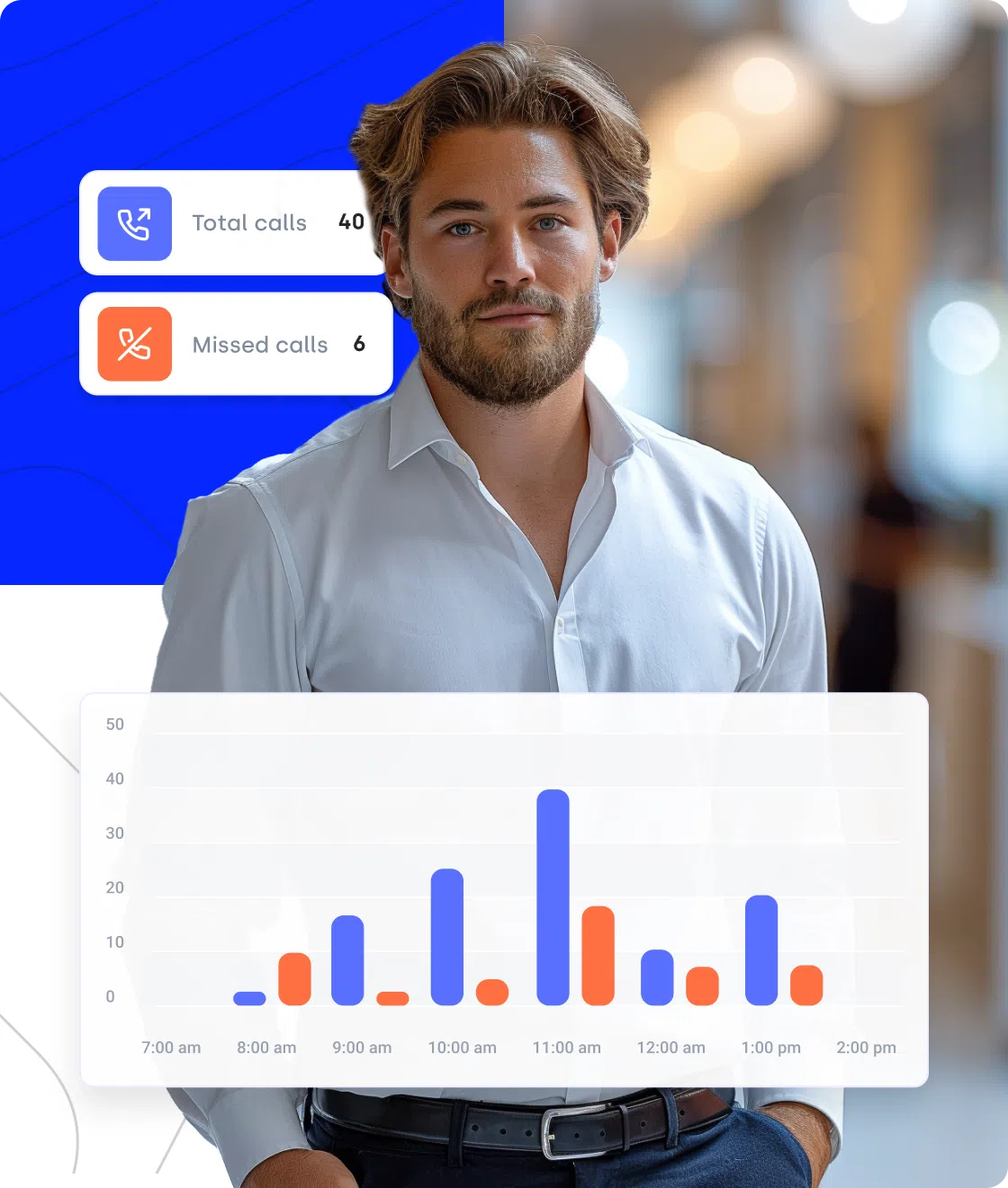
Built for Speed, Designed for Scale
- SMS Templates: Pre-written text message templates let agents respond faster and stay on brand.
- Call Flow Designer Automation: Set up unanswered or busy-queue flows that trigger SMS automatically.
- HubSpot & CRM Integrations: Use CloudTalk’s SMS action inside HubSpot workflows or your CRM so everything is unified.
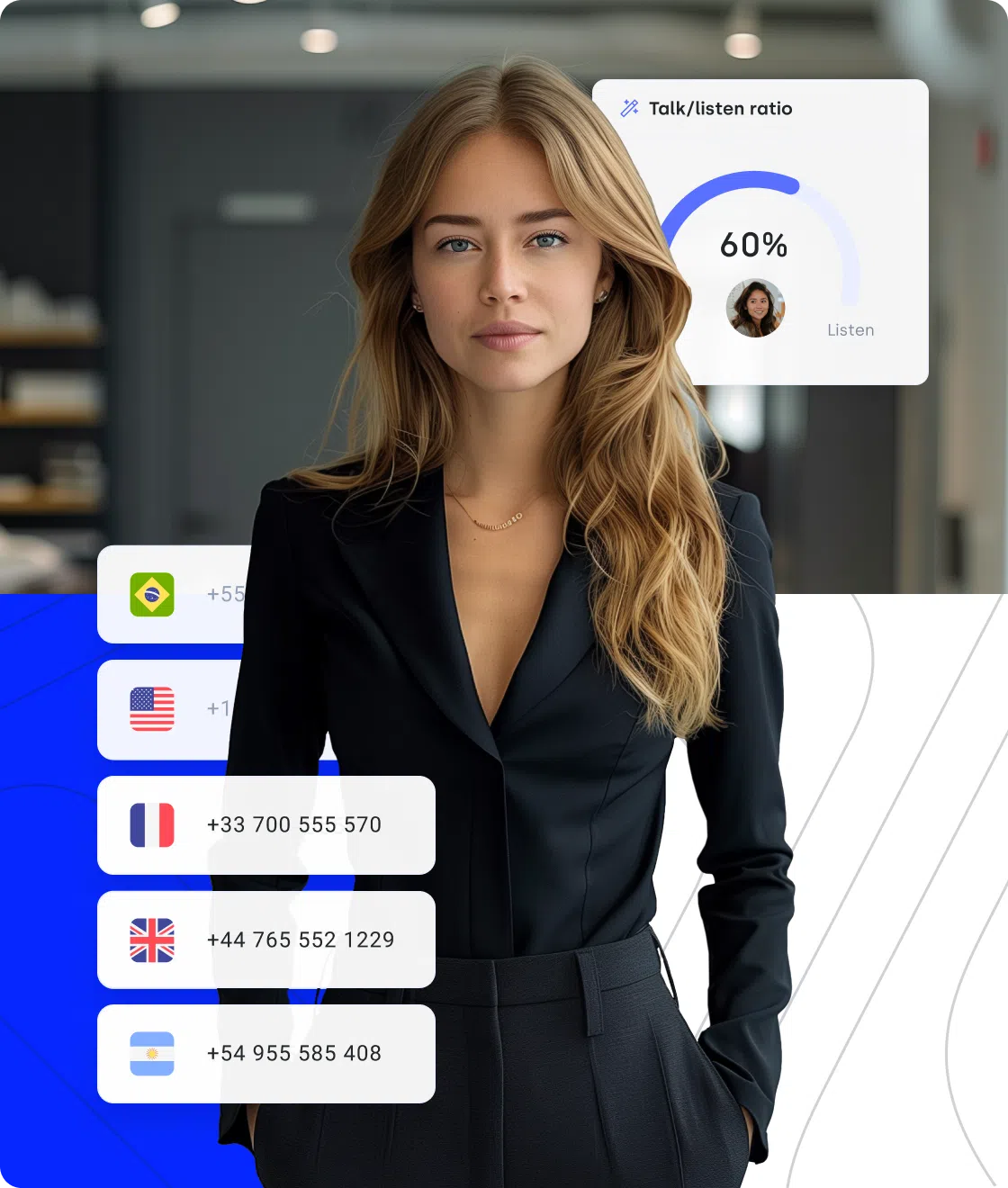
See What Works, Do More of It
- Analytics & Reporting: Measure SMS response rates, workflow effectiveness, delivery & open rates. Use these metrics to optimize messaging.
- Workflow Conditions & Actions: Customize when SMS gets sent (only for certain tags, numbers, call types) to avoid wasted messages.
- SMS/MMS Capability: Not just text—use multimedia messages where needed to engage customers better.
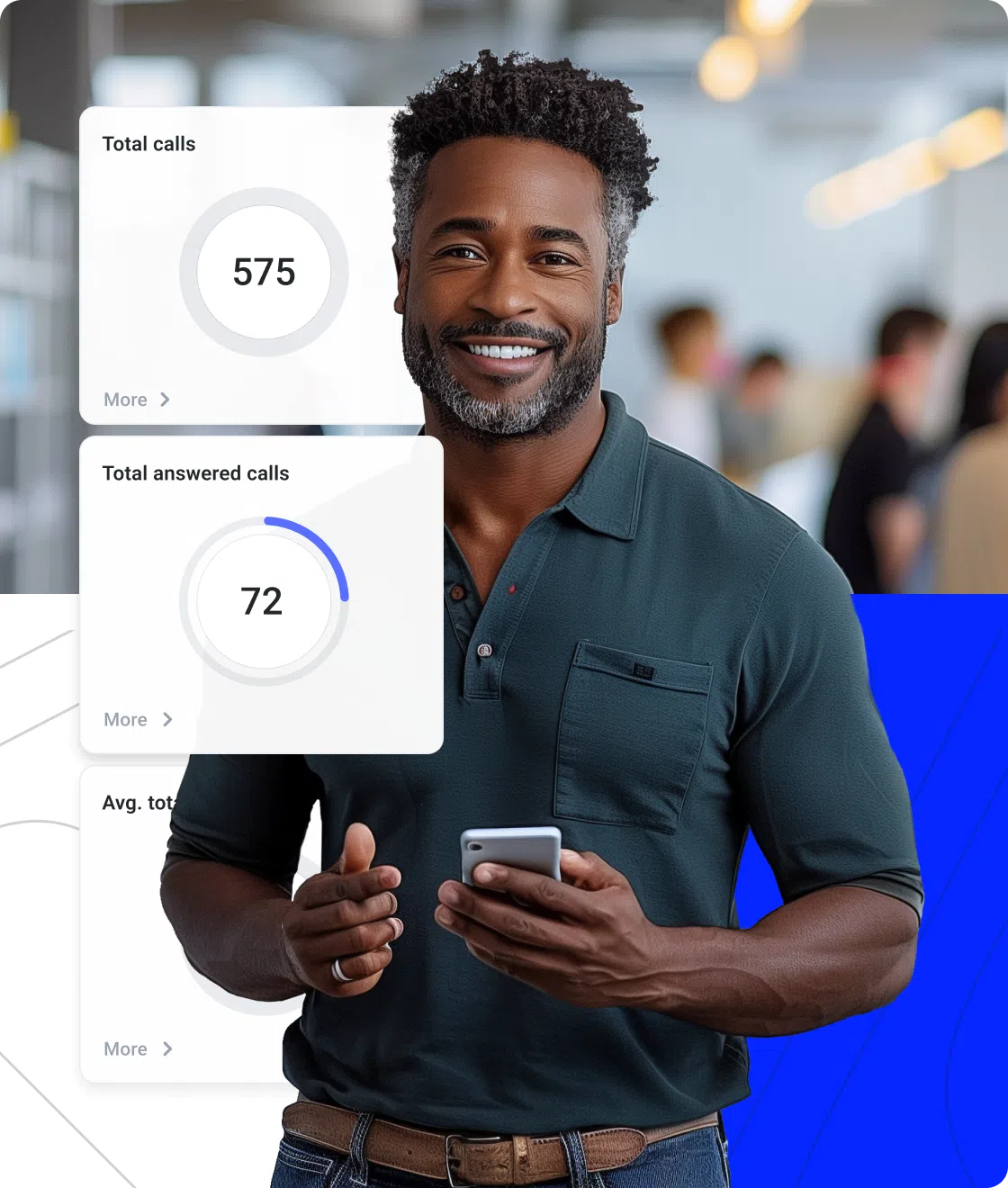
Signature Capability
Multiply Your Inbound Call Capacity with AI Voice Agents
CeTe is an AI Voice Agent that talks like a human—with a few key differences: no breaks, no training, no time off. It makes and answers calls, updates CRMs, books meetings, and loops in a human only when needed.
Press play to hear it. Want a wow moment? Get a free test call and try it live.

AI Voice Agents

Nudge expiring offer
Riley, Sales Reminder Agent

Qualify a student lead
Avery, Course Inquiry Agent

Get a payment reminder
Casey, Payment Reminder Agent

Qualify a patient lead
Jordan, Healthcare Intake Agent

Qualify insurance lead
Taylor, Insurance Intake Agent

Accept updated terms
Quinn, T&C Acceptance Agent

Qualify legal inquiry
Drew, Legal Intake Agent

Get post-interview feedback
Jamie, Candidate Feedback Agent

Pre-screen a candidate
Skyler, Applicant Pre-screen Agent

Confirm account action
Morgan, Action Reminder Agent

Get a renewal reminder
Logan, Subscription Renewal Agent

Get CSAT after support
Morgan, CX Feedback Agent

Get NPS or demo feedback
Parker, Post-Sales Feedback Agent

Qualify a trial lead
Blake, Trial Signup Qualifier
Sales Reminder
Agent
Client
Sales / Marketing
Course Inquiry
Agent
Client
Education / EdTech
Payment Reminder
Agent
Client
Financial Services
Healthcare Intake
Agent
Client
Healthcare
Insurance Intake
Agent
Client
Insurance
T&C Acceptance
Agent
Client
Legal Services
Legal Intake
Agent
Client
Legal Services
Candidate Feedback
Agent
Client
Recruitment / HR
Applicant Pre-screen
Agent
Client
Recruitment / HR
Action Reminder
Agent
Client
SaaS / Software & Apps
Subscription Renewal
Agent
Client
SaaS / Software & Apps
CX Feedback
Agent
Client
SaaS / Software & Apps
Post-Sales Feedback
Agent
Client
SaaS / Software & Apps
Trial Signup
Qualifier
Client
SaaS / Software & Apps
Why Choose CloudTalk for SMS Automation?
Because it ensures every customer gets the right message at the right time without adding extra work for your team. CloudTalk’s SMS automation software makes follow-ups effortless, reminders automatic, and campaigns consistent. Our automated text message service integrates directly with your CRM so every conversation feels seamless and every customer gets the attention they deserve.
Capture Every Lead, Right on Time with SMS Automation Software
Speed matters. Research shows leads contacted within five minutes are up to eight times more likely to convert. CloudTalk’s SMS automation software ensures every inquiry gets an instant response with automated text messages, so you never miss an opportunity.


Grow Your Reach Without Growing Your Team with Automated Text Messaging
Scale outreach effortlessly with CloudTalk’s automated texting software. Send bulk reminders, promotions, and personalized campaigns with an automated SMS sender, freeing your agents to focus on closing deals.
Unify Your Tools for Seamless Workflows with Automated Texting
CloudTalk integrates with your favorite CRMs and helpdesk tools, turning SMS automation into a smooth part of your customer journey. With message automation software, your team can trigger automated SMS messages directly from workflows, saving time and keeping data consistent across platforms.
How to Set Up SMS Automation Software?
Getting started with SMS automation software in CloudTalk is quick and simple. Here’s how you can launch automated text messaging in just a few steps:
- Connect Your Tools – Integrate CloudTalk with your CRM or helpdesk so text message automation runs with the right customer data.
- Create SMS Templates – Build ready-to-send templates for reminders, welcome texts, or follow-ups using our automated text message system.
- Set Triggers and Workflows – Define when automated SMS messages should be sent, such as after a missed call or when a new contact is created.
- Personalize Your Messages – Use dynamic fields in the automated texting software to add names, dates, or order details automatically.
- Track and Improve – Monitor campaign performance in CloudTalk’s dashboard and optimize your automated SMS service for better engagement.
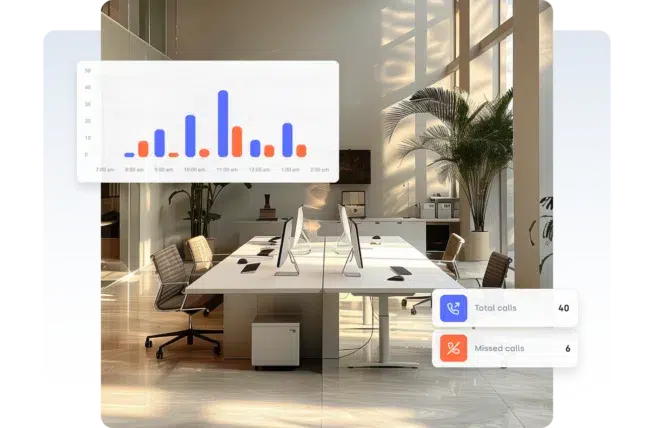
Call Center Scheduling Service That Plays Well with Your Stack
Disconnected tools lead to disconnected teams. CloudTalk syncs with your CRM, calendar, helpdesk—and tools like ATS, EHRs, or booking systems—so scheduling fits right into your workflow.


Everything You Want to Know About Text Message Automation
Text message automation sends pre-scheduled or triggered texts, saving time while keeping communication consistent.
SMS automation software lets you schedule, send, and personalize automated SMS messages directly from one platform.
SMS automation works by using triggers, workflows, and templates to send automated text messages without manual effort.
SMS automation delivers measurable advantages for businesses, including:
- Faster response times – instantly reach customers with real-time updates.
- Higher engagement rates – text messages have stronger open and reply rates than email.
- Consistent messaging – automate follow-ups and reminders without manual effort.
- Improved conversion opportunities – timely, personalized texts drive more sales and sign-ups.
- Scalability – handle large volumes of customer communication with minimal resources.
Automated SMS service pricing varies by volume, features, and integrations, usually billed monthly or per message sent.
Yes, SMS automation is legal if you follow opt-in rules and comply with data protection and messaging regulations globally.
TCPA requires businesses to obtain prior express written consent before sending automated text messaging for marketing.
GDPR requires businesses to gain clear consent, secure data, and provide opt-outs for automated text message service use.
Yes, most regions limit SMS automation for marketing to local business hours to avoid spamming or customer frustration.
Use automated SMS software with templates and scheduling to send compliant bulk messages while tracking delivery results.
Automated messaging system tools let you add customer names, dates, or purchase info to text templates for personal impact.
Set workflows in CloudTalk’s SMS automation platform to send follow-ups, reminders, or welcome texts instantly and at scale.
Examples include welcome texts, order updates, reminders, surveys, and follow-ups, all powered by text automation software.
Contact Center Software FAQs
Any business can use automated text messages to improve communication, boost engagement, and save time with customers.
Yes, sending automated text messages is legal if you follow opt-in rules, respect TCPA, and meet GDPR compliance standards.
Yes, with sms automation tools you can set triggers and workflows that instantly send automated text responses to customers.
Automated messaging system tools let you add names, order details, and custom fields, making every automated sms feel personal.
You can send an automated text message from local, toll-free, or dedicated business numbers with an automated text service.
SMBs use automated text messaging to scale outreach, send reminders, and improve efficiency without increasing team size.
Yes, automated texting software can be managed on mobile, allowing you to send or schedule messages from anywhere, anytime.
Best practices for text message automation include consent, clear messaging, proper timing, personalization, and compliance.
Yes, automated sms software lets you insert names, preferences, and dynamic fields into templates for personalized engagement.
An automated sms system uses workflows, CRM integrations, and analytics to deliver consistent, high-volume text messaging.

Still have questions?
Can’t find the answer you’re looking for? Please chat to our friendly team.






















