


Remote Office Phone System for Modern Virtual Teams
Connect your teams worldwide with a remote office phone system that keeps conversations clear and organized. Virtual teams can work from anywhere and still sound just next door.
- Easy setup: Get started in minutes with no IT support required.
- Crystal-clear reliability: Enjoy HD VoIP that keeps calls sharp from anywhere.
- Scaling made simple: Add and remove users and numbers in a few clicks.
Trusted by 30,000+ sales & support professionals to power more & better conversations
















The Basics
What Is a Remote Office Phone System?
A remote office phone system is a cloud-based business phone platform that lets your team make and receive calls from anywhere — home, a coworking space, or another continent — using a laptop, browser, or smartphone instead of desk phones wired to one office. Calls travel over the internet (VoIP), while routing, recording, and analytics are managed centrally from one dashboard.
Because nothing depends on physical office infrastructure, a remote office phone system (sometimes called a virtual office phone system) sets up in minutes, scales by adding users instead of installing lines, and gives distributed teams local numbers in 160+ countries.
Go Global with a Reliable Remote Phone System
Start in
Under 24 Hours
Get your team started with our intuitive system in 24 hours. No hardware to install, no IT project, no waiting on technicians, no tech-savvy requirements — just create an account, port or pick your numbers, and invite agents from a browser tab. Most remote teams are taking their first calls the same day they sign up.
Ensure
99.999% Uptime
Enjoy superior call quality on any device, everywhere. CloudTalk runs on decentralized, multi-carrier infrastructure — when one carrier has an issue, calls reroute automatically. For a remote team, the phone system is the office, so reliability isn't a nice-to-have; it's the foundation everything else stands on.
Drive Answer
Rates 40% Higher
Local numbers in 160+ countries make you appear local everywhere. That's beneficial because prospects answer familiar numbers — when your remote agents call from a local caller ID instead of a foreign prefix, answer rates rise by up to 40%. Your team can sit anywhere in the world and still sound like the office next door.
HOW WE HELP
Key Features of Remote Office Phone System
Stay Close to Customers at Any Distance
No matter where your team logs in—or where your customers happen to be—CloudTalk keeps communication seamless. Our phone systems for remote workers bridge every distance through multiple channels.
- Automatic Number ID: Increase pickup rates by displaying a familiar and trustworthy local number that matches your customers’ location.
- WhatsApp Messages: Connect with customers worldwide in real time and manage everything from one place with WhatsApp Messaging integration.
- Text Messages (SMS): Send and receive messages from any device, automate follow-ups, and keep conversations easy and professional.

Keep Remote Teams in Sync
Automated workflows keep your remote team in sync, even miles apart. CloudTalk’s phone systems for remote offices make everyday tasks quicker and easier.
- Intelligent Call Routing: Automatically direct calls based on agents' skills, location, or caller history to connect people faster.
- Call Flow Designer: Build custom call flows with drag-and-drop ease and use conditional logic to automate frequent routing decisions.
- Workflow Automation: Automate repetitive tasks like call logging, follow-ups, or CRM updates, so everything runs in the background.
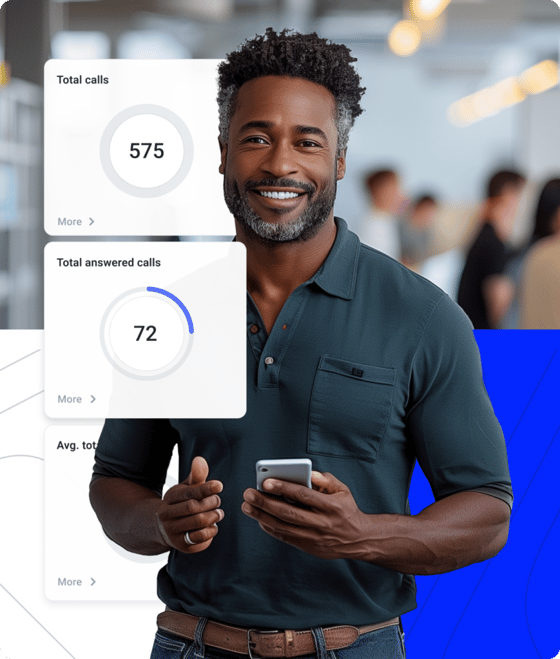
Secure Every Call, No Matter the Location
Security shouldn’t slip just because your team is spread across the globe. Our virtual office phone systems keep every interaction safe and compliant.
- Security: End-to-end encryption, secure data storage, and rigorous access controls that safeguard your team’s communications from any location.
- Compliance: Meet global regulations with ease thanks to built-in tools that support HIPAA, CCPA, and industry standards, keeping remote operations fully compliant.
- STIR/SHAKEN: Authenticate outbound calls to reduce spoofing, build trust, and ensure customers know every call from your team is legitimate.
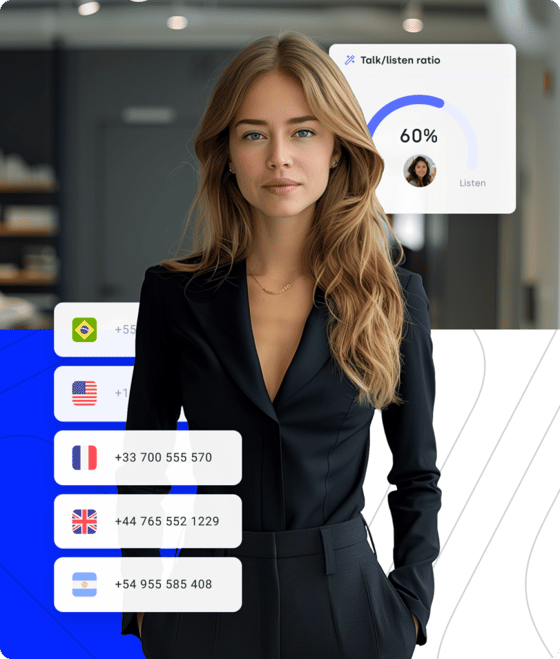
Your New Remote Office Phone System
There are lots of options out there. Here's why CloudTalk is the best call.

Power Global Reach with a Remote Office Phone System
CloudTalk’s remote office phone system gives your team true global reach, making it easy to support customers and collaborate across borders. With international numbers in 160+ countries, your agents can call and be reached through local numbers—no matter where they are.
Being a remote team, we were all over the place initially. Starting off remote for the first time, we really needed something that would consolidate all our KPIs and data. CloudTalk made it easy for us to bring all of us on the same page and enhance customer service by being organized at the backend.
VP of Growth Gaper (G2 Review)
INBOUND & OUTBOUND
Stay in Control of Every Call, From Anywhere
CloudTalk equips remote teams to handle both incoming and outgoing calls with ease, keeping every interaction fast, clear, and on track.
For outbound calls, key features include AI Sales Dialer speeds up outreach and targets the right contacts, while Answering Machine Detection skips voicemails so agents spend time talking—not waiting.
On the inbound side, IVR guides callers smoothly from the first ring, and Skill-Based Routing sends them straight to the best agent, ensuring quick, seamless support.

INTEGRATED WITH YOUR SYSTEMS
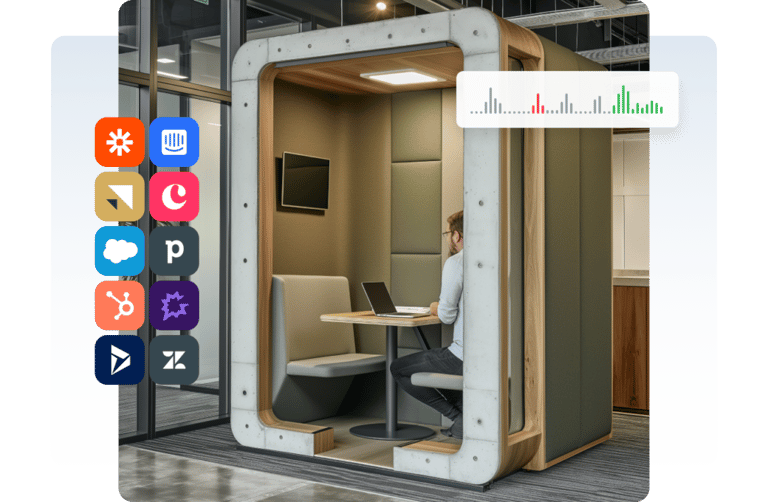
Unify Your Remote Office Phone System with Your Tech Stack
CloudTalk’s VoIP for remote workers integrates with the tools your teams already depend on—CRM, helpdesk, sales engagement, and productivity platforms. Every call, message, and customer detail stays aligned, no matter where your team works.
With integrations across 100+ business tools, remote agents get real-time context, automated workflows, and fewer manual tasks. All powered by a unified work from home phone system.
BUILT-IN SECURITY
Keep Every Conversation Safe and Fully Compliant
CloudTalk keeps your customer data safe through end-to-end encrypted calls, protected storage, and strict access controls that ensure only the right people see the right information.
With GDPR, HIPAA, and regional compliance standards easy to configure inside the platform, your support and sales teams can focus on customers—while CloudTalk quietly handles the security behind the scenes.

AI Conversation Intelligence
Coach Your Remote Team
Without Sitting Next to Them
Managers save 25 hours weekly with automated call reviews, transcripts, and AI analytics — no manual listening required, no matter where the team sits.
Here's what the AI does for a remote team:
- Sentiment analysis on every callFlags negative interaction patterns across the whole team — managers spot churn risk and coaching moments without listening to hours of recordings.
- Talk/listen ratios and call highlightsMeasurable, coachable signals from every conversation — feedback based on data instead of gut feeling, wherever the agent works.
- AI summaries and topic trackingStructured recaps synced to your CRM after every call — zero post-call admin, full context for the next teammate in any time zone.
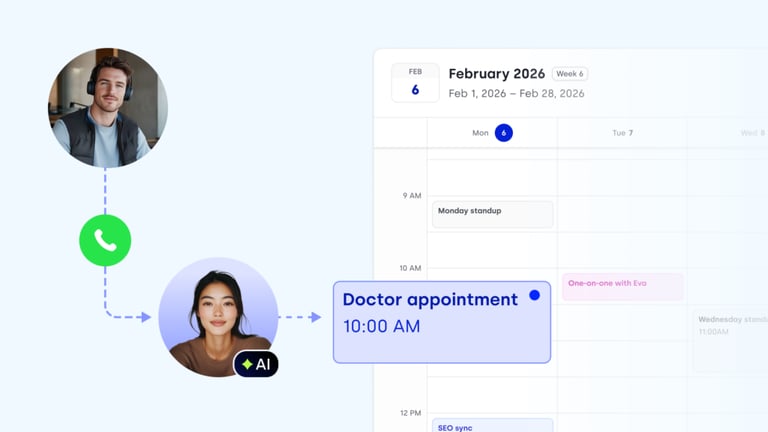
Signature Capability
See CloudTalk’s AI Voice Agent in Action!
CeTe is an AI that talks like a human: no breaks, no training, no time off. It makes and answers calls, updates CRMs, books meetings, and loops in a human only when needed.
Press play to hear it. Want a wow moment? Get a free test call and try it live.

CloudTalk's Pricing
How Much Does CloudTalk Cost?
Our pricing is transparent, so you always know what you're paying for.
No hidden fees, no additional costs.
CloudTalk is built to simplify calling operations with reliable AI business calling
Schedule a demo today to see how CloudTalk can support your teams.
Frequently asked questions
Remote office phone systems are priced per user per month — CloudTalk plans start at $25 per user. Because everything runs in the cloud, there is no hardware to buy, no installation fees, and no maintenance contracts, which makes the total cost far lower than an office-bound phone setup. See the pricing page for the full plan comparison.
In practice, they are the same thing: a cloud-based phone system that works wherever your team does, with no physical office required. "Virtual office phone system" emphasizes that the office itself is virtual; "remote office phone system" emphasizes where the team sits. CloudTalk covers both — one platform for remote, hybrid, and fully virtual teams.
Yes. Most remote office phone systems integrate with CRMs, helpdesks, and productivity apps so your workflows stay connected and data stays in sync.
A cloud-based system scales automatically, keeping calls stable even during high-volume spikes. Providers like CloudTalk maintain high uptime and consistent quality.
Absolutely. You can make and receive calls from a laptop, smartphone, or browser app—no desk phone or special hardware required.
CloudTalk can get teams running quickly. Most businesses activate numbers, users, and core features in less than 24 hours, without technical setup.
CloudTalk offers dedicated support, onboarding guidance, and a knowledge base to help teams solve issues fast and keep operations running smoothly.


Hello 👋 My name is Emma. Still have questions?
Can’t find the answer you’re looking for? Please chat to our friendly team.