13 Best Customer Service Mobile Apps & Pricing for 2026
Is your support team struggling with clunky mobile apps that feel stuck in 2015? When 90%* of customers expect instant support, relying only on ticketing systems is costing you business. Today's mobile-first customers demand seamless support experiences.
Enter modern customer service mobile apps. These aren't just scaled-down versions of desktop software; they're powerful platforms designed to transform how teams deliver support on the go.
But with countless options promising similar features, how do you identify the solutions that actually deliver value? We've analyzed the top customer service mobile apps to help you cut through the noise and find the perfect fit for your team.
What is a Customer Service App?
Think beyond basic ticket management. Modern customer service solutions turn mobile devices into comprehensive support hubs. These apps enable teams to handle everything from complex customer inquiries to performance analytics, all while maintaining the flexibility to support customers from anywhere.
The 13 Best Customer Service Mobile Apps
Before diving into detailed reviews, let's understand what sets exceptional customer service apps apart. The best solutions combine powerful features with intuitive mobile interfaces, ensuring teams can deliver outstanding support whether they're at their desk or on the move.
Key features
Key features to consider
1. CloudTalk
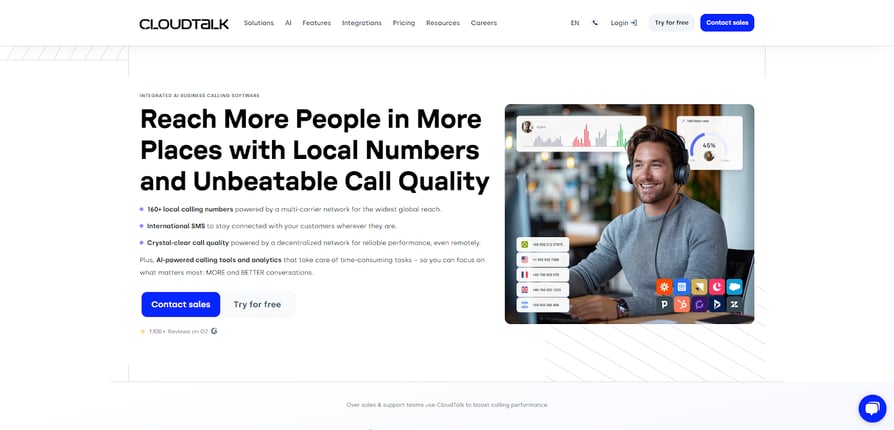
CloudTalk's mobile app transforms smartphones into powerful customer service hubs, offering advanced communication features, real-time analytics, and seamless integrations that help teams deliver exceptional support from anywhere.
Best for
- SMBs requiring mobile and scalable communication solutions
Pricing
- Starter: $25/user/month
- Essential: $29/user/month
- Expert: $49/user/month
- Custom: Tailored pricing available
Explore CloudTalk’s in-depth pricing guide.
Best Features
- AI-powered call management
- Real-time performance analytics
- International numbers
- Mobile app
Integrations
| Pros | Cons |
|---|---|
| Intuitive mobile interface | Advanced features require setup |
| Comprehensive analytics | Limited offline functionality |
| Seamless CRM integrations | Premium features in higher tiers |
| Real-time performance insights | Basic plan feature restriction |
Considerations:
- Balance ease-of-use with feature depth needed
- Assess how often teams work without internet
- Compare ROI against integration benefits
- Match feature access to team requirements
User Reviews
The easiest phone system I have used, the AI notes are fantastic! I use cloud talk daily for work and would reccoment it to anyone easily integrated around the office and the impletion. Customer support easy to speak to and the ease of implemation is 10/10.
Leon M. Senior Sales - <strong>Mid-Market </strong>(51-1000 emp.)
2. Dialpad
Transform your customer service operations with Dialpad's communication platform. This enterprise-focused solution combines voice intelligence with omnichannel capabilities to enhance customer interactions across touchpoints.
Best for
- Enterprise teams seeking communication solutions
Pricing
- Standard: $15/user/month
- Pro: $25/user/month
- Enterprise: Contact for pricing
Explore Dialpad’s in-depth pricing guide.
Best Features
- AI Intelligence
- Real-time transcription
- Omnichannel routing
- Video conferencing
Integrations
- Salesforce
- Zendesk
- Microsoft 365
- Google Workspace
| Pros | Cons |
|---|---|
| Advanced AI capabilities | Limited global AI coverage |
| Enterprise-grade analytics | Complex initial setup |
| Real-time voice insights | Higher costs for global teams |
| Omnichannel support tools | Steep learning curve |
Considerations:
- Evaluate your international support needs
- Factor in implementation timeline
- Map out your scaling roadmap
- Assess team's technical readiness
3. Five9
A cloud-native contact center solution designed for enterprise-scale operations, Five9 delivers advanced routing capabilities and workforce optimization tools for complex customer service environments.
Best for
- Large enterprises requiring sophisticated contact center functionality
Pricing
- Digital (Digital-only): $119/user/month
- Core (Voice-only): $119/user/month
- Premium (Digital + Voice): Contact for flexible pricing
- Optimum (Digital + Voice + WEM): Contact for flexible pricing
- Ultimate (Digital + Voice + WEM + Analytics): Contact for flexible pricing
Explore Five9’s in-depth pricing guide.
Best Features
- Intelligent call routing
- Workforce management
- Digital engagement tools
- Performance analytics
Integrations
- Salesforce
- Microsoft
- Zendesk
| Pros | Cons |
|---|---|
| Mature AI features | Complex pricing structure |
| Enterprise-level functionality | Steep learning curve |
| Advanced call routing | Implementation fees |
| Comprehensive analytics | Technical expertise needed |
Considerations:
- Map long-term budget requirements
- Plan comprehensive team training
- Factor in total deployment costs
- Assess internal IT capabilities
4. JustCall
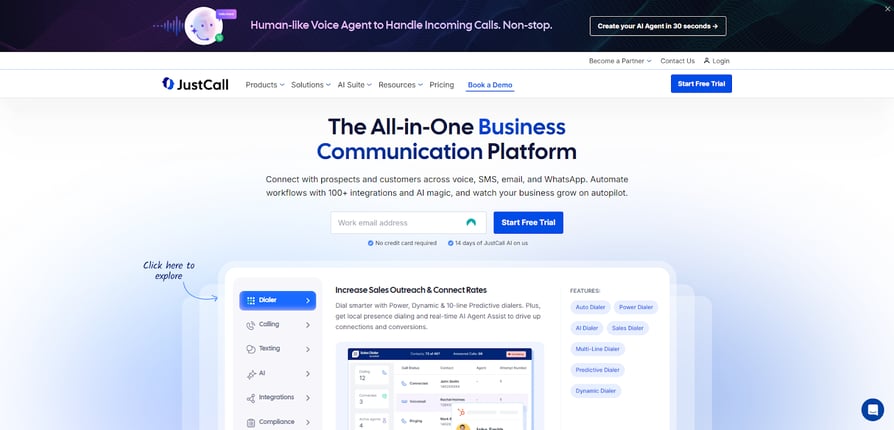
A sales-focused communication platform, JustCall combines calling capabilities with SMS functionality to help teams engage customers across multiple channels.
Best for
- Sales teams prioritizing integrated calling and messaging workflows
Pricing
- Essentials: $19/user/month
- Team: $29/user/month
- Pro: $49/user/month
- Business: Custom pricing (10 users minimum)
Explore JustCall’s in-depth pricing guide.
Best Features
- Power dialer
- SMS campaign tracking
- Basic AI capabilities
- Call recording
Integrations
- Pipedrive
- HubSpot
- Slack
| Pros | Cons |
|---|---|
| Integrated SMS capabilities | Limited global coverage |
| User-friendly interface | Basic reporting functions |
| Quick setup process | Intermittent connectivity |
| Straightforward workflows | Restricted integration options |
Recommended Reads
5. Kixie
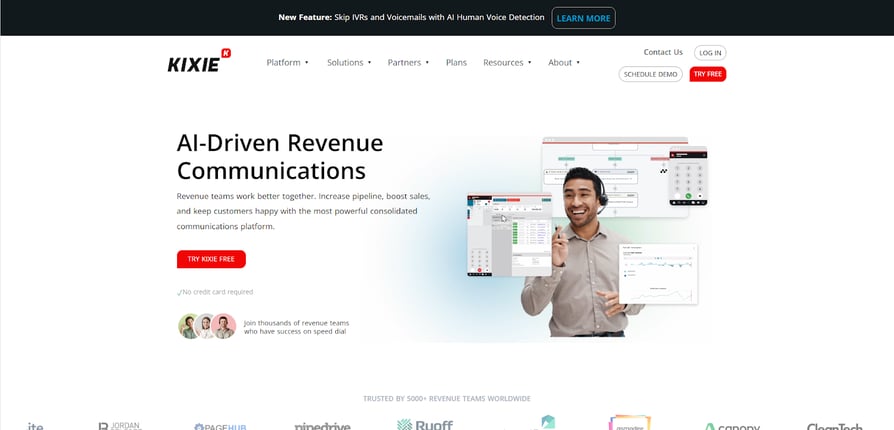
A specialized sales engagement solution, Kixie focuses on outbound calling needs with integrated CRM functionality for small to medium-sized businesses.
Best for
- SMBs requiring focused outbound calling capabilities
Pricing
- Integrated: Contact for pricing
- Professional: Contact for pricing
- Outbound PowerDialer: Contact for pricing
- Ultimate Revenue: Contact for pricing
Best Features
- Auto dialer
- CRM integration
- SMS functionality
- Call analytics
Integrations
- Pipepdrive
- HubSpot
- Zapier
| Pros | Cons |
|---|---|
| Affordable entry-level plans | Limited international support |
| Outbound dialer capabilities | Basic mobile app |
| Easy CRM integration | Restricted support hours |
| Quick implementation | Simple reporting tools |
Considerations:
- Review global support needs
- Evaluate mobile usage requirements
- Match support hours to team schedule
- Define analytics requirements
Recommended Reads
6. RingCentral
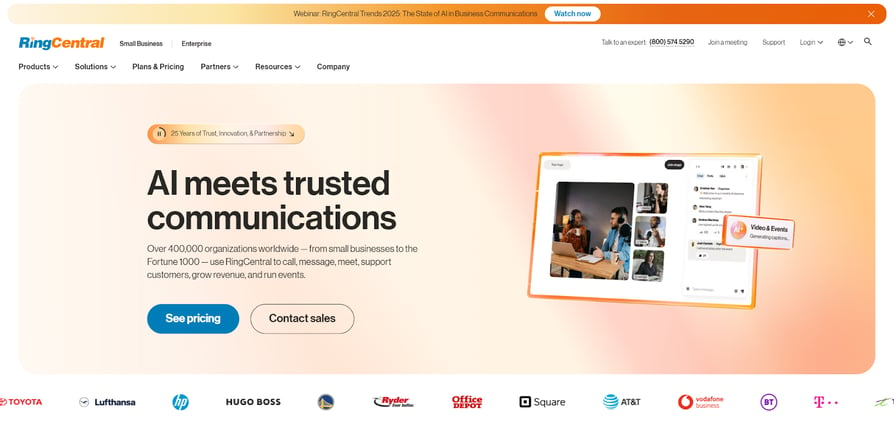
RingCentral's unified platform combines voice, video, and messaging capabilities into a comprehensive enterprise solution that adapts to diverse communication needs.
Best for
- Organizations seeking an all-in-one unified communications platform
Pricing
- Core: $20/user/month
- Advanced: $25/user/month
- Ultra: $35/user/month
Explore RingCentral’s in-depth pricing guide.
Best Features
- Voice calling
- Integrated video conferencing
- Team collaboration tools
- Contact center solutions
Integrations
- Microsoft 365
- Salesforce
- Google Workspace
| Pros | Cons |
|---|---|
| Comprehensive feature suite | Complex implementation process |
| Extensive integration options | Variable call quality worldwide |
| Robust team messaging | Higher costs for advanced features |
| Flexible deployment choices | Steep administrative learning curve |
Considerations:
- Plan deployment timeline carefully
- Test quality in key locations
- Map features to business needs
- Assess admin team capabilities
7. Ringover
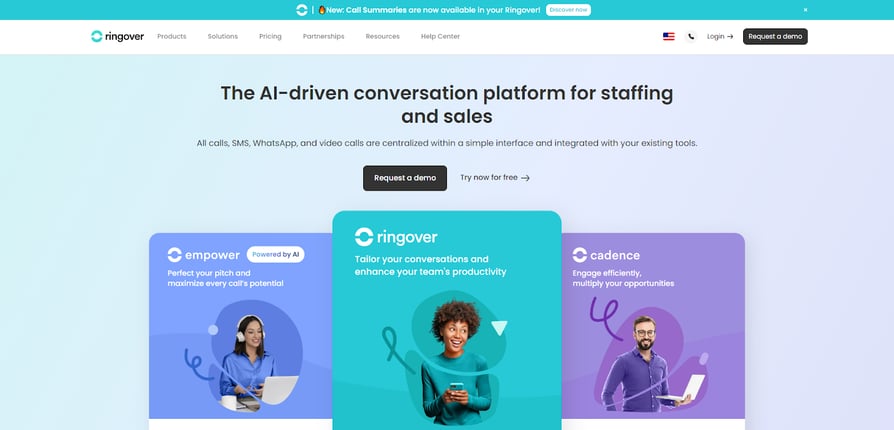
A European-born VoIP platform bringing fresh perspective to business communications. Ringover focuses on simplicity and core functionality, making it particularly appealing for SMBs seeking straightforward communication solutions without complexity.
Best for
- Small businesses needing reliable communication tools
Pricing
- Smart: $21/user/month
- Business: $44/user/month
- Advanced: $54/user/month
Explore Ringover’s in-depth pricing guide.
Best Features
- Call management
- SMS capabilities
- Basic analytics dashboard
- Social media integration
Integrations
- WhatsApp Business
- Popular CRM platforms
- Messaging apps
| Pros | Cons |
|---|---|
| Clean, intuitive interface | Limited advanced features |
| Straightforward pricing | Basic reporting capabilities |
| Quick implementation | Inconsistent call quality |
| Built-in SMS tracking | Restricted CRM functionality |
Considerations:
- Match features to growth trajectory
- Define reporting requirements
- Test in primary business regions
- Review integration priorities
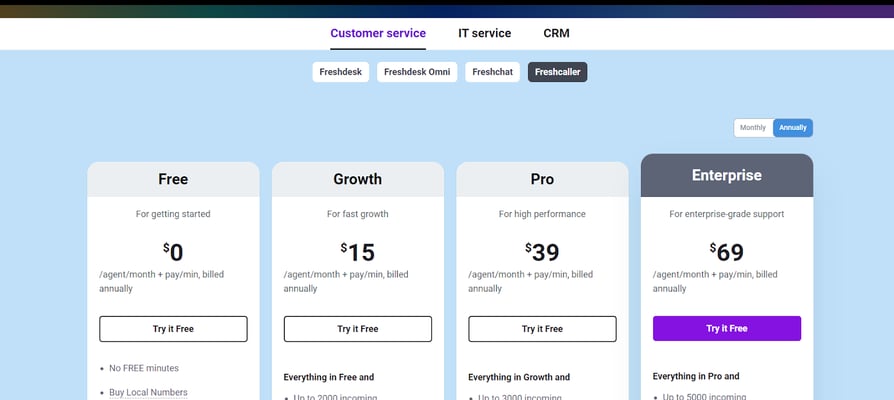
8. Freshdesk
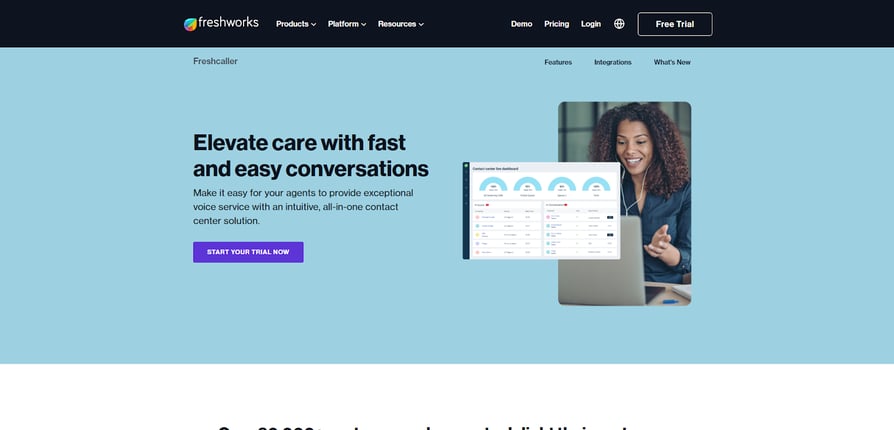
Freshdesk's mobile app empowers teams with a clean interface and smart automation tools, making it particularly appealing for growing businesses transitioning from basic help desk solutions.
Best for
- Teams seeking an intuitive ticketing and support solution
Pricing
- Free: $0/agent/month
- Growth: $15/agent/month
- Pro: $39/agent/month
- Enterprise: $69/agent/month
Explore Freshdesk’s in-depth pricing guide.
Best Features
- Unified ticket inbox
- Automation workflows
- Team collaboration tools
- Knowledge base management
Integrations
- Slack
- Google Workspace
- Shopify
| Pros | Cons |
|---|---|
| Intuitive mobile interface | Limited voice capabilities |
| Strong automation options | Basic reporting in lower tiers |
| Quick implementation | Some features need add-ons |
| Collaborative tools | Email-first approach |
Considerations:
- Review voice support volumes
- Define reporting requirements
- Map essential vs. optional features
- Evaluate primary support channels
Recommended Reads
9. Help Scout
Help Scout's mobile solution emphasizes human-centric support with powerful collaboration tools that keep distributed teams connected and customers satisfied.
Best for
- Remote support teams prioritizing personalized customer interactions
Pricing
- Free: $0/month (up to 50 contacts per month, unlimited users)
- Standard: $50/month (for 100 contacts per month, unlimited users)
- Plus: $75/month (for 100 contacts per month, unlimited users)
Best Features
- Shared inbox management
- Real-time collaboration
- Customer tracking
- Integrated knowledge base
Integrations
- HubSpot
- Jira
- Mailchimp
| Pros | Cons |
|---|---|
| Exceptional mobile UX | Limited voice support options |
| Strong team collaboration | Basic automation in lower tiers |
| Clear customer history | Minimal customization options |
| Built-in knowledge tools | Email-focused workflow |
Considerations:
- Evaluate voice vs. email support needs
- Identify automation priorities
- Define required customization level
- Review your support channel mix
10. Intercom
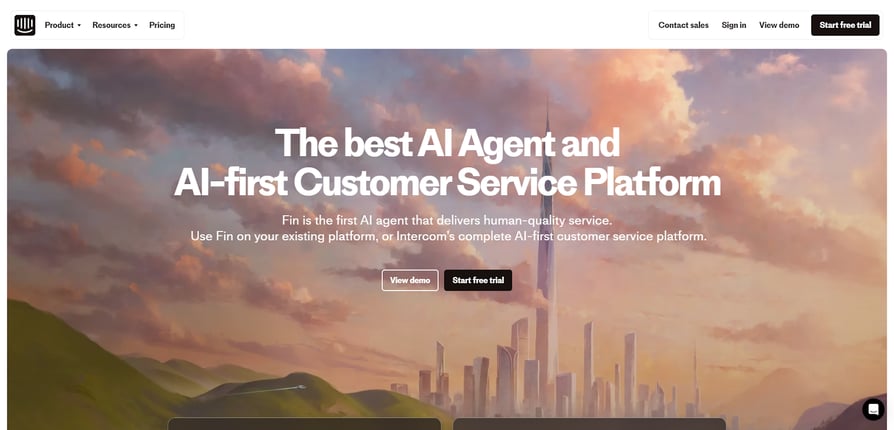
Built for modern digital businesses, Intercom transforms customer interactions into meaningful engagements through intelligent automation and personalized communication flows.
Best for
- Digital-first companies needing conversational support solutions
Pricing
- Essential: $29/seat/month
- Advanced: $85/seat/month
- Expert: $132/seat/month
Best Features
- Voice calls
- Reporting and analytics
- Integrated knowledge base
- Workflow design
Integrations
- Stripe
- Shopify
- Slack
- Product analytics tools
| Pros | Cons |
|---|---|
| Powerful automation tools | Premium pricing model |
| Rich customer insights | Complex feature setup |
| Modern interface design | Limited voice capabilities |
| Smart segmentation | Steep learning curve |
Considerations:
- Evaluate automation ROI potential
- Plan feature implementation phases
- Assess voice support requirements
- Consider team training resources
11. Zendesk
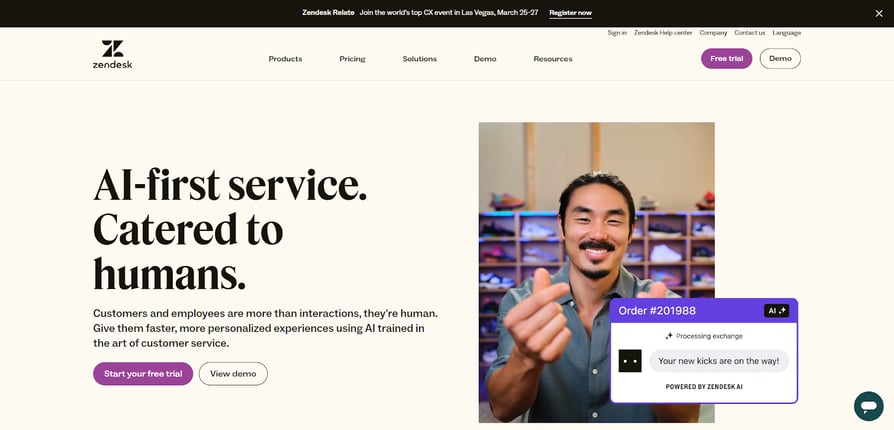
Zendesk combines enterprise-grade functionality with intuitive design, helping teams manage complex support operations while maintaining the flexibility to assist customers from anywhere.
Best for
- Enterprise organizations requiring mobile support capabilities
Pricing
- Support Team: $19/agent/month
- Suite Team: $55/agent/month
- Suite Professional: $115/agent/month
- Suite Enterprise: Contact for pricing
Explore Zendesk’s in-depth pricing guide.
Best Features
- Omnichannel ticketing
- AI-powered suggestions
- Workflow builder
- Custom analytics
Integrations
- Salesforce
- Microsoft Teams
- Shopify
| Pros | Cons |
|---|---|
| Comprehensive toolkit | Significant investment needed |
| Powerful customization | Complex implementation |
| Extensive marketplace | Feature overlap across plans |
| Rich reporting options | Resource-intensive setup |
Considerations:
- Calculate total implementation costs
- Map your customization priorities
- Identify must-have features first
- Assess available technical resources
Recommended Reads
12. Front
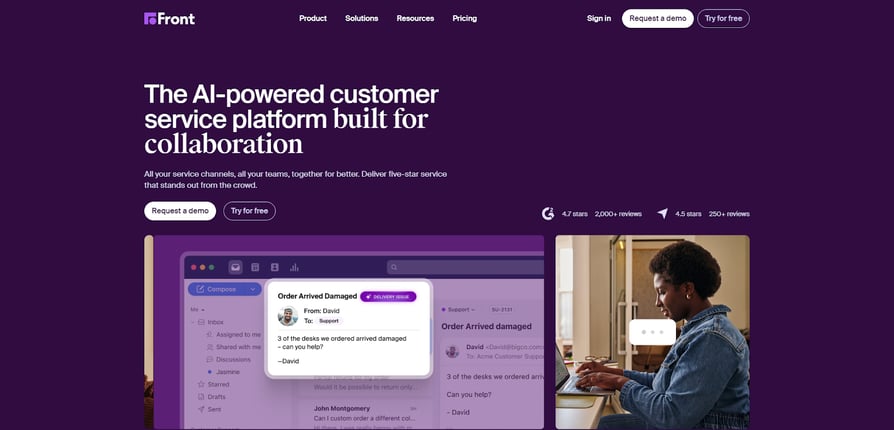
This platform bridges the gap between personal email and shared inboxes, enabling support teams to deliver more personalized service while maintaining efficiency at scale.
Best for
- Teams seeking collaborative email-centric customer support solutions
Pricing
- Starter: $19/seat/month ( up to 10 seats)
- Growth: $59/seat/month (no seat minimum)
- Scale: $99/seat/month (2 seat minimum)
- Premier: Contact for pricing
Best Features
- Collaborative inbox management
- Message assignment rules
- Analytics dashboard
- Custom workflows
Integrations
- Gmail
- SMS platforms
- Asana
| Pros | Cons |
|---|---|
| Intuitive collaboration tools | Email-focused limitations |
| Clean mobile interface | Basic phone capabilities |
| Smart workflow automation | Higher per-user costs |
| Team productivity insights | Limited channel options |
Considerations:
- Assess your primary communication channels
- Review your voice support requirements
- Calculate ROI based on team efficiency
- Map your communication touchpoints
13. Aircall
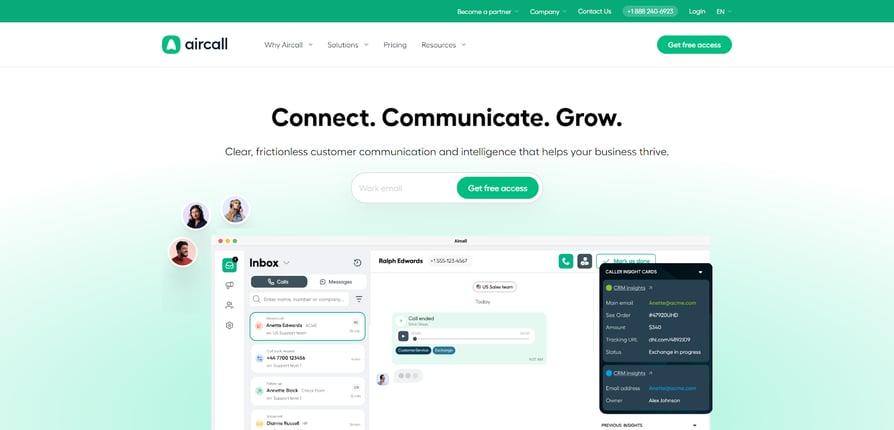
Aircall reimagines business telephony for the smartphone era, offering support teams powerful call management capabilities without traditional hardware constraints.
Best for
- Remote-first teams requiring advanced mobile calling capabilities
Pricing
- Essentials: €30/license
- Professional: €50/license
- Custom: Contact for pricing (25 licenses minimum)
Explore Aircall’s in-depth pricing guide.
Best Features
- Advanced call routing
- Real-time monitoring
- International numbers
Integrations
- Salesforce
- HubSpot
- Pipedrive
- Help desk platforms
| Pros | Cons |
|---|---|
| Quick deployment process | Network dependency |
| Intuitive mobile interface | Premium feature costs |
| Easy number management | Limited offline modes |
| Flexible call routing | Basic analytics tools |
Considerations:
- Evaluate your internet infrastructure
- Compare costs with expected usage
- Assess offline support requirements
- Define your reporting priorities
Benefits of Customer Service Apps
Embracing mobile customer service solutions transforms how teams deliver support, enabling exceptional customer experiences from anywhere. Here's what modern customer service apps bring to your operation:
#1 Increased Responsiveness:
Mobile apps empower your team to handle customer inquiries instantly, regardless of location. With real-time notifications and streamlined communication tools, agents can address issues promptly, turning potential frustrations into positive experiences.
#2 Enhanced Efficiency:
Intuitive interfaces and intelligent automation features help agents work smarter, not harder. From easy ticket management to AI-powered suggestions, mobile apps streamline workflows, reducing manual effort and allowing your team to focus on delivering personalized support.
#3 Seamless Collaboration:
Advanced collaboration tools keep your team connected and aligned, even when working remotely. Shared inboxes, real-time chat, and integrated knowledge bases ensure agents can easily access the information and expertise they need to resolve customer issues effectively.
#4 Actionable Insights:
Mobile apps provide real-time analytics and reporting features that turn customer interactions into valuable business intelligence. Monitor key performance metrics, identify trends, and make data-driven decisions to optimize your support strategy and drive continuous improvement.
#5 Flexibility and Scalability:
Cloud-based mobile solutions offer unparalleled flexibility, allowing your team to adapt quickly to changing customer needs and business requirements. As your customer base grows, these apps scale seamlessly, ensuring you can maintain high-quality support without the need for complex infrastructure upgrades.
#6 Competitive Advantage:
In a world where customer experience is a key differentiator, providing exceptional mobile support sets your business apart. By equipping your team with the tools they need to deliver fast, personalized assistance, you'll foster long-term customer loyalty and gain a powerful competitive edge in your industry.

Discover how CloudTalk's mobile app can help you unlock these benefits and take your customer service to new heights.

How to Pick the Right Customer Service App
After exploring top solutions and their benefits, choosing the right customer service app comes down to aligning features with your specific support goals. Here's how to evaluate options strategically:
Understand Your Support DNA
Map your current customer service workflow and identify critical pain points. Whether it's response times, team collaboration, or scalability challenges, understanding your unique needs helps filter out solutions that don't align with your core requirements.
Focus on Core Capabilities First
The most powerful app isn't necessarily the one with the most features. Prioritize solutions that excel at your must-have functionalities - whether that's seamless ticket management, intelligent routing, or mobile-first design. Additional features should enhance, not complicate, your essential workflows.
Verify Real-World Performance
Look beyond marketing materials and feature lists. Request detailed demos focused on your specific use cases, and ask about performance metrics in similar deployment scenarios. The best solution is one that delivers consistent results in conditions matching your business environment.
Consider Total Implementation Impact
Evaluate the full scope of adopting each solution - from initial setup and team training to ongoing maintenance. A seemingly perfect feature set loses value if implementation disrupts your support operations or requires excessive resources to maintain.
Plan for Tomorrow's Needs
Your support requirements will evolve. Choose a solution that not only meets today's needs but offers clear scaling paths. This includes understanding the provider's development roadmap and ability to adapt as customer service technology advances.
Transform Your Mobile Support Strategy With Cloudtalk
The evolution of customer service goes hand in hand with mobile technology. Changes happen fast, and you need tools that allow you to meet customers’ ever growing expectations.
Choosing the right customer service app isn't just about features or price points. It's about finding a solution that enhances your team's natural workflow while scaling alongside your business growth.
Remember: successful mobile support starts with core functionality and builds toward innovation. CloudTalk embodies this approach, offering essential features like crystal-clear calling and intuitive routing out of the box, while providing a clear path to advanced capabilities as your team grows.
Frequently asked questions
A customer service app helps agents manage interactions through in-app support, live chat, or AI-powered tools, enhancing client engagement and experience.
Costs vary, from free customer service apps to premium options offering advanced features like AI customer service and live support tools for small businesses.
The best apps for customer service include mobile tools for client tracking, such as customer agent apps or apps for business service optimization.
A service mobile app provides tools like in-app customer support, chat apps, or AI customer service mobile apps to improve client communication.
Customer-facing apps, like live chat apps for small businesses, focus on enhancing customer experience with mobile customer service and support applications.