The 10 Best Nicereply Integrations to Improve Customer Experience in 2026
TL;DR
If you only have a minute:
- 01CloudTalk: best for support and sales teams that want post-call CSAT surveys synced with recordings and AI sentiment analysis.
- 02HubSpot: best for marketing-led teams that want feedback tied to contact records and nurture workflows.
- 03Salesforce: best for enterprise teams that need CSAT, NPS, and CES data inside contact and opportunity records.
- 04Pipedrive: best for sales teams that want survey responses linked to deals and pipeline stages.
- 05Freshdesk: best for support teams that need automated post-ticket CSAT collection and agent-level reporting.
- 06Front: best for collaborative inbox teams that want feedback logged alongside email and chat threads.
- 07LiveAgent: LiveAgent is best for multi-channel support teams collecting CSAT across tickets, chat, and calls.
- 08Kustomer: Kustomer is best for service teams that want CSAT and NPS scores added to a unified customer timeline.
- 09Zendesk: best for large support orgs that need survey results synced into tickets and dashboards.
- 10Intercom: best for messaging-first teams that want real-time CSAT after chats and onboarding flows.
You can't improve what you can't see - and most teams don't see customer feedback until it's too late.
CSAT scores get siloed in dashboards. NPS insights never reach your sales team. And support agents close tickets without knowing how the customer actually felt.
Nicereply integrations fix that. By connecting Nicereply to your helpdesk, CRM, and collaboration tools - including your phone system - you bring real-time feedback into the places where decisions are made and customers are won or lost.
According to McKinsey, the average employee spends 1.8 hours per day - nearly 20% of their workweek - just searching for information. That means even valuable feedback gets ignored when it's not where it needs to be.
In this guide, we'll walk through the top 10 Nicereply integrations - each chosen for a specific use case - so you can unlock faster response times, smarter automation, and better customer experiences across your entire team.


What Is a Nicereply Integration?
A Nicereply integration connects your customer feedback system with other tools - like helpdesks, CRMs, or call centers - to automate survey delivery, log results, and turn satisfaction data into action.
Instead of manually sending surveys or copy-pasting CSAT results, integrations keep everything connected in real time. That means faster insights, less admin work, and better customer experiences.
Here's what they do:
- Automate workflows: trigger emails, assign tasks, or update records when someone takes action
- Sync data: make sure contact info, deal status, and activity history stay up to date everywhere
- Trigger actions: set off alerts, create follow-ups, or move pipeline stages based on what happens in other tools
One high-impact example is the CloudTalk Nicereply integration. It allows your team to:
- Trigger surveys automatically after a call ends
- Sync CSAT scores with call recordings and agent metrics
- Track customer satisfaction trends inside your phone system
Most Nicereply integrations are powered by native apps, APIs, or platforms like Zapier - making setup simple, no code required.
The 10 Best Nicereply Integrations to Boost CX and Retention in 2026
Nicereply is powerful on its own - but it's a game-changer when integrated. By connecting Nicereply to your helpdesk, CRM, dialer, and email tools, you can trigger surveys in real time, sync CSAT data instantly, and drive customer experience improvements without adding busywork.
Below are 10 of the best Nicereply integrations in 2026 - each picked for how it helps teams collect, act on, and learn from feedback automatically.Integration Summary Table
| Software | Category | Why It’s Useful with Nicereply |
|---|---|---|
| CloudTalk | VoIP/AI | Native calling, conversational AI, AI Voice Agents and call transcripts |
| Salesforce | CRM | Log CSAT scores to contact records and trigger workflows from feedback |
| Pipedrive | Sales CRM | Connect feedback to deals, leads, and follow-ups for pipeline visibility |
| Freshdesk | Support Helpdesk | Trigger surveys after tickets close and track agent performance |
| Front | Shared Inbox | Send surveys from conversations and log feedback to threads |
| LiveAgent | Helpdesk Software | Automate CSAT collection across tickets and chat |
| Kustomer | Customer Service CRM | Use CSAT/NPS to prioritize, escalate, and coach based on trends |
| Zendesk | Support Platform | Survey by ticket channel and sync results into Zendesk reports |
| Intercom | Messaging Platform | Trigger CES/CSAT from chats and tie insights to user profiles |
| HubSpot | CRM & Marketing | Use feedback to segment audiences, trigger emails, or update scores |
1. CloudTalk - Best Nicereply VoIP Integration
CloudTalk is a modern VoIP platform designed for teams that live on the phone. The CloudTalk Nicereply integration lets you trigger CSAT surveys right after a call ends - while syncing feedback to the caller's record and linking it with call recordings and AI-driven insights.
This is the most complete Nicereply phone system integration on the market: it pairs post-call surveys with Sentiment Analysis, AI Call Scoring, and Smart Notes so every survey response sits next to the conversation that produced it.
Use Case: Send automated satisfaction surveys after every call, then tie CSAT results to call transcripts and agent metrics for coaching or escalation.
What Are CloudTalk's Benefits?
- Capture voice-specific CSAT in real time
- Pair survey data with call recordings and sentiment analysis
- Improve QA with direct feedback tied to agent performance
What Are CloudTalk's Key Features?
- Real-time call monitoring
- AI-Powered Conversation Intelligence
- Call recording and playback
- Sentiment Analysis
What Are CloudTalk's Plans and Pricing?
CloudTalk offers flexible plans tailored to business needs. With each of its plans offering more value than its competitors:
- Starter: $25/user/month
- Essential: $29/user/month
- Expert: $49/user/month
- Custom: Pricing available upon request
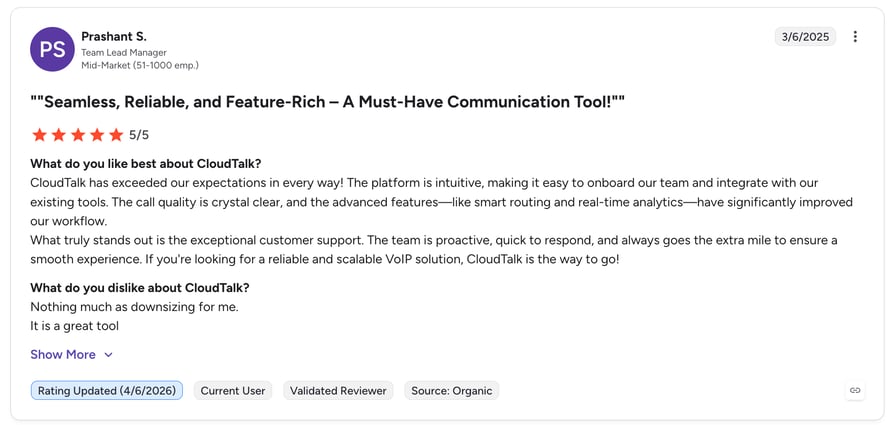
What Are G2 users Rating CloudTalk?
CloudTalk is rated 4.4./5 by 1,700+ verified users on G2.
2. HubSpot (CRM & Marketing Platform)
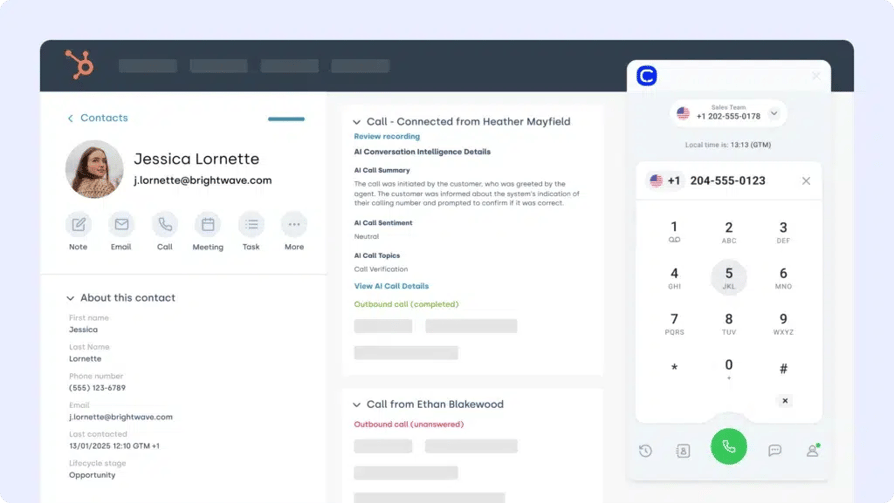
HubSpot helps you manage contacts, campaigns, and customer journeys in one place. The Nicereply HubSpot integration embeds feedback directly into contact records, workflows, and marketing segmentation.
Use Case: Send post-interaction surveys from HubSpot, sync CSAT results to contact timelines, and trigger automation based on customer sentiment.
What Are HubSpot's Benefits?
- Enrich CRM records with CSAT, NPS, or CES scores
- Launch nurture or recovery flows based on satisfaction
- Automate support alerts when low scores come in
What Are HubSpot's Key Features?
- Add Nicereply survey results to HubSpot contact views
- Trigger workflows based on CSAT thresholds
- Filter contacts by satisfaction score for targeted outreach
What Are HubSpot's Plans and Pricing?
HubSpot offers a free CRM plan, with paid tiers depending on your team’s size and needs. See HubSpot pricing for details.
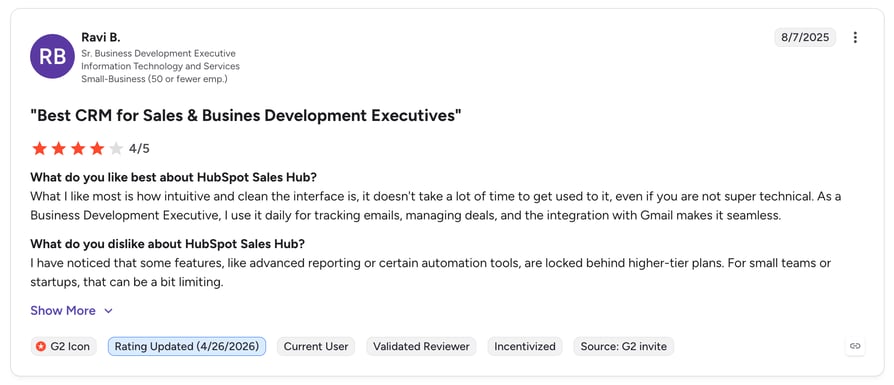
What Are G2 Users Rating HubSpot?
Hubspot is rated 4.4/5 by 3,800+ verified users on G2.
3. Salesforce (CRM)
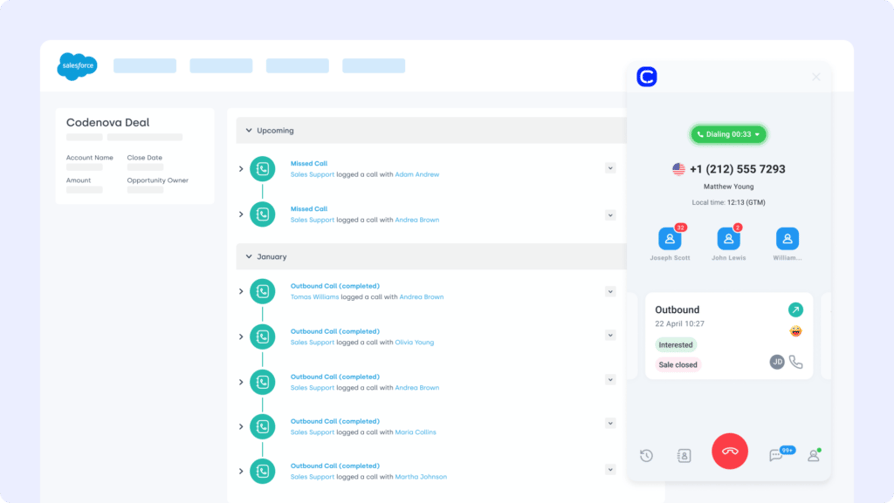
Salesforce is the gold standard for enterprise CRM. The Nicereply Salesforce integration helps teams centralize customer sentiment by syncing CSAT, NPS, and CES data directly into contact, case, or opportunity records.
Use Case: Trigger Nicereply surveys when a case closes or a deal moves stages, then use scores to flag at-risk accounts or celebrate standout experiences.
What Are Salesforce's Benefits?
- Add real customer feedback to Salesforce workflows
- Surface low-CSAT accounts for proactive retention
- Track CX metrics at the contact or opportunity level
What Are Salesforce's Key Features?
- Embed Nicereply CSAT widgets in Salesforce dashboards
- Auto-tag contacts based on survey results
- Trigger Salesforce alerts and automations from feedback
What Are Salesforce's Plans and Pricing?
Salesforce offers 4 pricing tiers:
- Sales Cloud Essentials: $25 per user/month
- Sales Cloud Professional: $75 per user/month
- Sales Cloud Enterprise: $150 per user/month
- Sales Cloud Unlimited: $300 per user/month
What Are Users Rating Salesforce on G2?
Salesforce is rated 4.4/5 by 25,700+ verified users on G2.
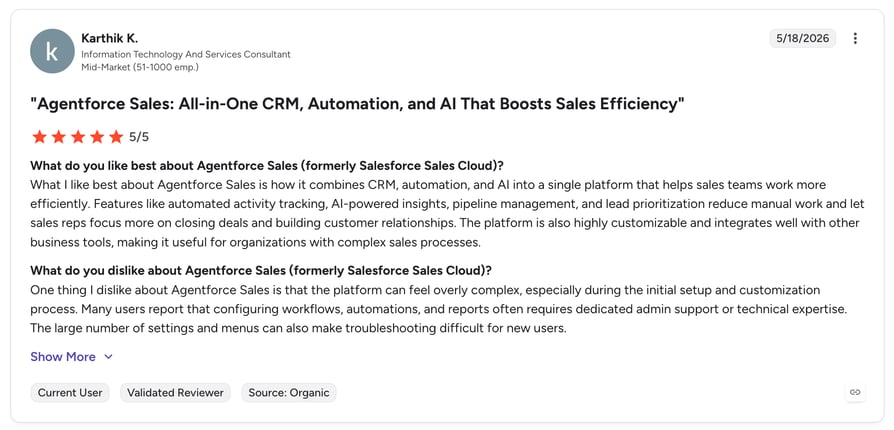
4. Pipedrive (CRM)
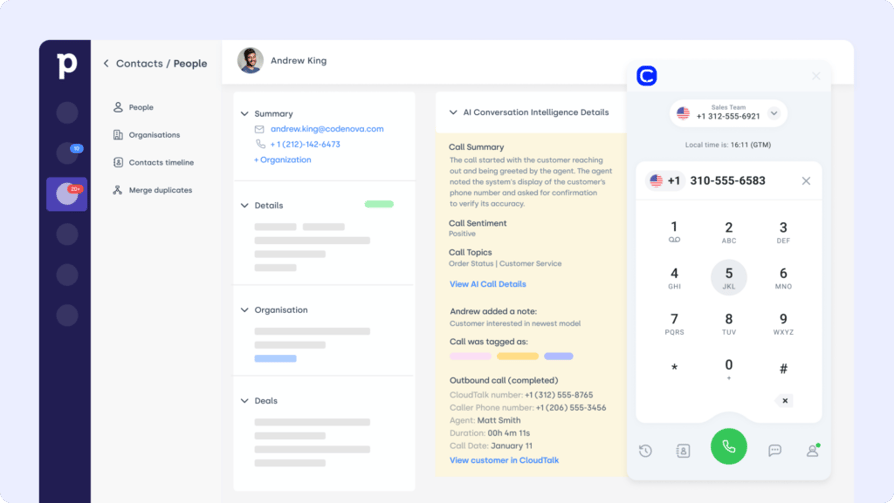
Pipedrive is a sales-first CRM known for its pipeline simplicity. The Nicereply Pipedrive integration brings customer sentiment into the heart of your sales process by linking survey responses with deals and contacts.
Use Case: Send surveys at key deal stages—like post-demo or after purchase—and log responses directly to the contact or pipeline stage.
What Are Pipedrive's Benefits?
- Track satisfaction across every stage of the pipeline
- Use CSAT to refine follow-ups or trigger lead handoffs
- Improve win rates by acting on real-time buyer feedback
What Are Pipedrive's Key Features?
- Sync Nicereply survey results to deal timelines
- Trigger Pipedrive workflows based on CSAT scores
- Visualize feedback across reps or pipelines
What Are Pipedrive's Plans and Pricing?
Pipedrive offers flexible plans based on team size and needs:
- Essential: $14.90/user/month
- Advanced: $27.90/user/month
- Professional: $49.90/user/month
- Power & Enterprise: Custom pricing
What Are G2 Users Rating Pipedrive?
Pipedrive is rated 4.3/5 by 3,000+ verified users on G2.
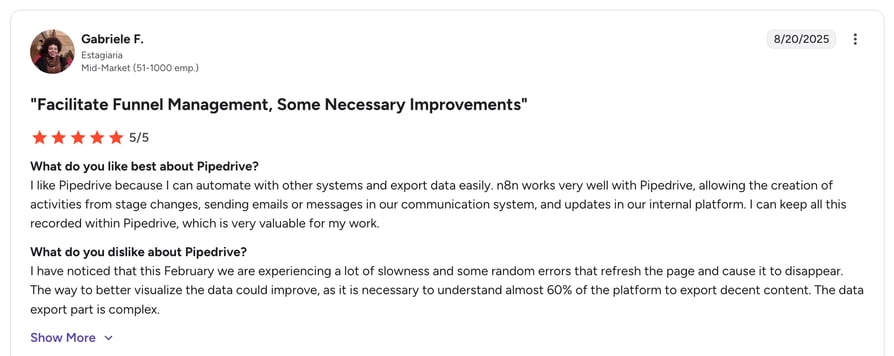
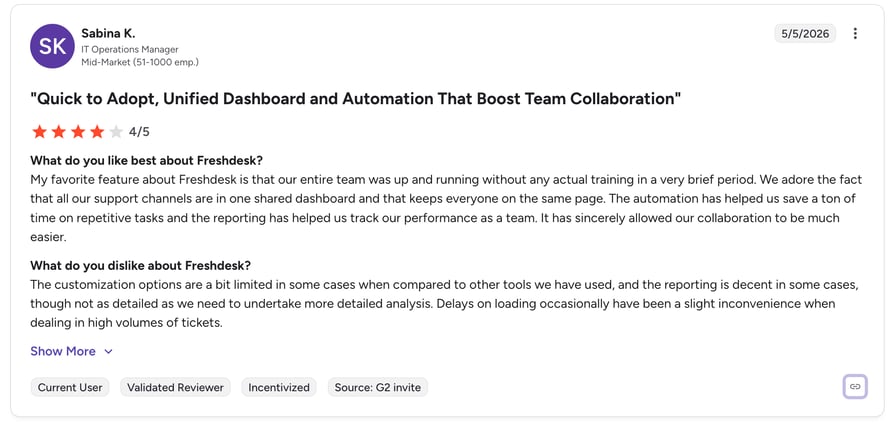
5. Freshdesk (Support Platform)
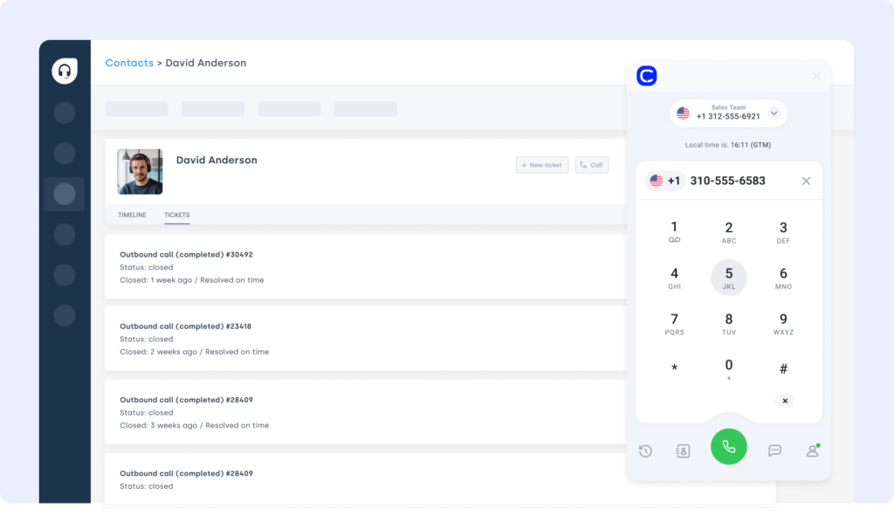
Freshdesk helps support teams manage high volumes of tickets and SLAs. The Nicereply Freshdesk integration automates CSAT, NPS, or CES surveys post-resolution—so you can track satisfaction at the source and coach agents with real feedback.
Use Case: Send surveys after tickets close, log scores directly into the customer’s Freshdesk profile, and use low ratings to trigger escalations or follow-ups.
What Are Freshdesk's Benefits?
- Automate feedback collection after support interactions
- Track agent-specific CSAT scores inside Freshdesk
- Identify churn risk from real-time customer sentiment
What Are Freshdesk's Key Features?
- Trigger Nicereply surveys from ticket status changes
- Display CSAT trends in Freshdesk dashboards
- Link survey results to ticket ID and agent
What Are Freshdesk's Plans and Pricing?
Freshdesk offers multiple plans for growing support teams:
- Growth: $15/agent/month
- Pro: $49/agent/month
- Enterprise: $79/agent/month
What Are G2 Users Rating Freshdesk?
Freshdesk is rated 4.4./5 by 3,700+ users on G2.
Recommended Reads
6. Front (Shared Inbox Platform)
Front is built for fast, collaborative support via email, chat, and SMS. The Nicereply Front integration enables teams to send surveys directly from conversations and log results where agents actually work.
Use Case: Automatically send a CSAT or CES survey once a conversation is marked “closed,” then track feedback alongside the thread for coaching and review.
What Are Front's Benefits?
- Keep customer sentiment visible inside every inbox
- Simplify follow-up and coaching with contextual feedback
- Let agents respond to poor ratings directly in Front
What Are Front's Key Features?
- Trigger surveys from conversation status or tags
- Display ratings inside shared inbox threads
- Sync results with internal notes or analytics tools
What Are Front's Plans and Pricing?
- Starter: $19/user/month
- Growth: $59/user/month
- Scale: $99/user/month
What Are G2 Users Rating Front?
Front is rated 4.7/5 by 2,400+ verified users on G2.
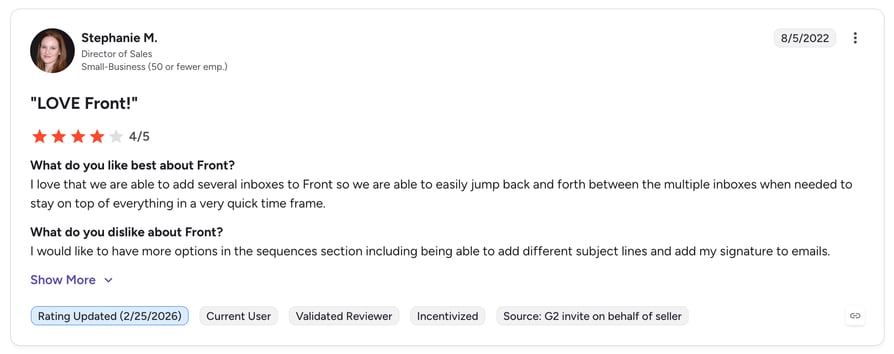
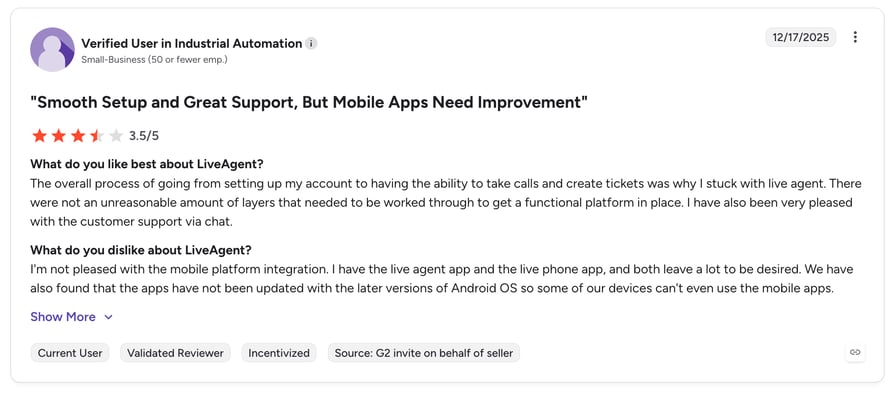
7. LiveAgent (Helpdesk Software)
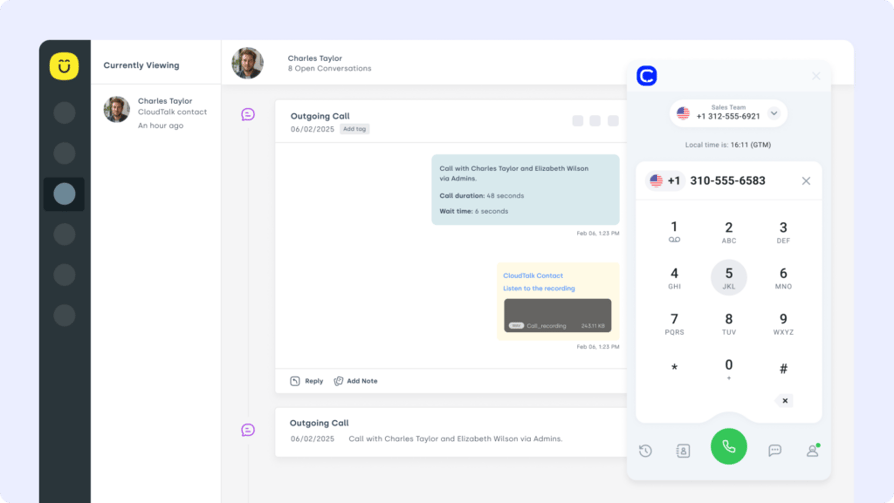
LiveAgent is a multi-channel support platform that centralizes email, chat, and calls. The Nicereply LiveAgent integration makes it easy to collect and analyze feedback after every support interaction—without disrupting agent workflows.
Use Case: Trigger surveys after tickets close, calls end, or chats wrap up, and automatically log CSAT scores to the related LiveAgent ticket for QA or trend tracking.
What Are LiveAgent's Benefits?
- Capture feedback across all LiveAgent channels
- Help managers spot coaching moments in real time
- Turn raw customer sentiment into performance metrics
What Are LiveAgent's Key Features?
- Auto-send surveys based on ticket status or tags
- Display CSAT history in ticket timelines
- Push ratings to dashboards for agent performance tracking
What Are LiveAgent's Plans and Pricing?
LiveAgent offers transparent pricing for support teams:
- Small Business: $9/agent/month
- Medium Business: $29/agent/month
- Large Business: $49/agent/month
- Enterprise: $69/agent/month
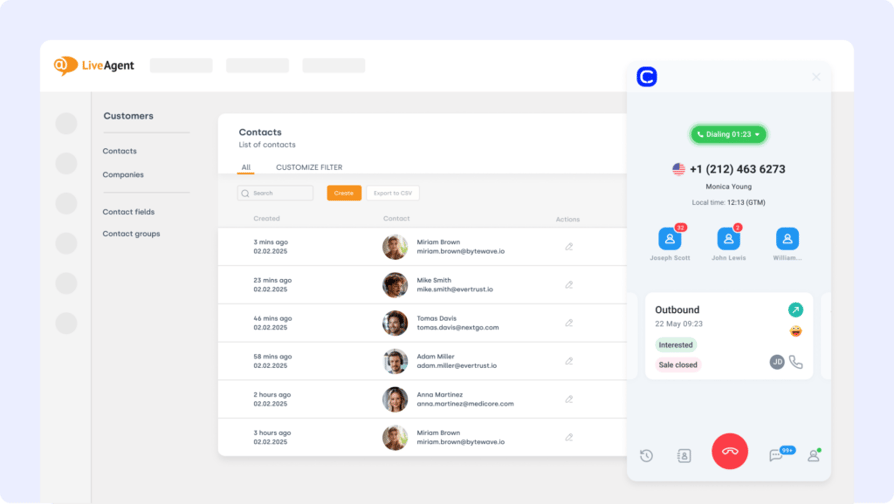
What Are G2 Users Rating LiveAgent?
LiveAgent is rated 4.5/5 by 1,500+ verified users on G2.
Recommended Reads
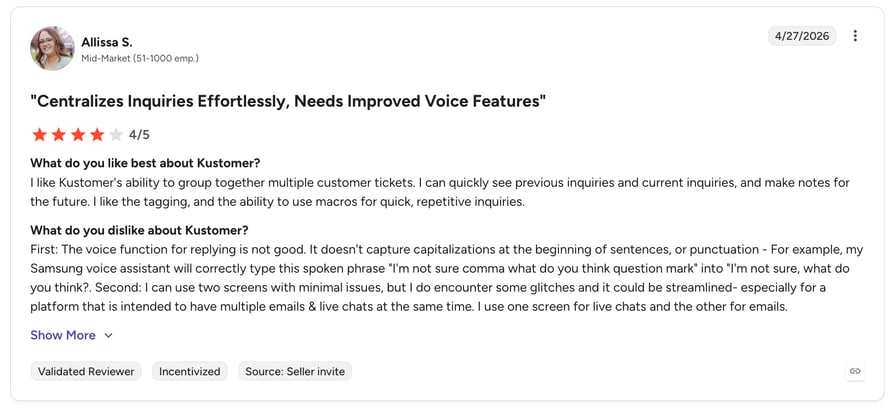
8. Kustomer (Customer Service CRM)
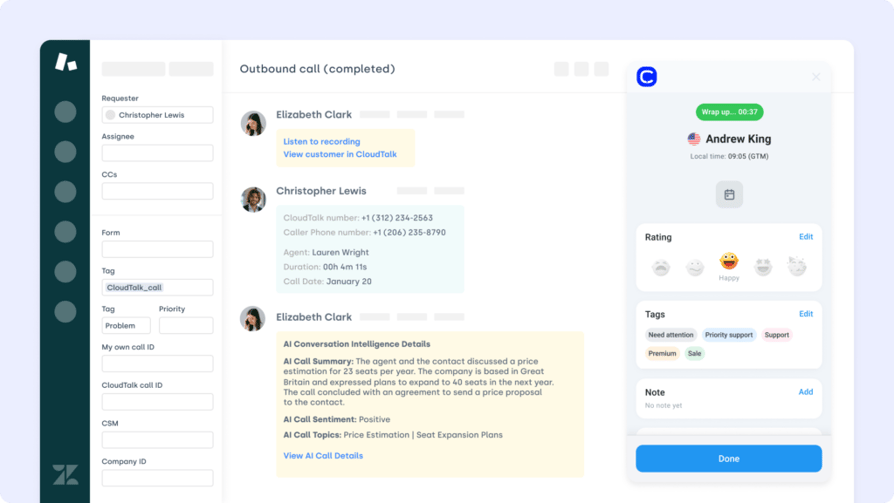
Kustomer is a support CRM that builds a full timeline of every customer interaction. The Nicereply Kustomer integration brings CSAT, CES, and NPS scores into that timeline—helping teams personalize responses and prioritize better.
Use Case: Send surveys at key journey points—after resolution, refund, or onboarding—and use feedback to trigger alerts or route unhappy customers.
What Are Kustomer's Benefits?
- Add CSAT/NPS data to the Kustomer timeline for full visibility
- Route follow-ups based on satisfaction scores
- Give agents the context to respond with empathy and speed
What Are Kustomer's Key Features?
- Trigger Nicereply surveys via event-based workflows
- Sync feedback to customer profile timelines
- Use low scores to create tasks or escalate cases
What Are Customer's Plans and Pricing?
- Professional: $89/user/month
- Enterprise: Custom
What Are G2 Users Rating Kustomer?
Kustomer is rated 4.4/5 by 500+ verified users on G2.
9. Zendesk (Support Platform)
Zendesk powers ticket resolution for support teams at scale. The Nicereply Zendesk integration lets you collect CSAT, CES, or NPS feedback automatically after support interactions—and track results right inside ticket views or dashboards.
Use Case: Send a survey after each ticket is solved, tag low-CSAT responses for follow-up, and push satisfaction trends into Zendesk reporting.
What Are Zendesk's Benefits?
- Automate post-ticket feedback without agent effort
- Spot customer satisfaction issues in real time
- Benchmark agent performance across teams
What Are Zendesk's Key Features?
- Trigger surveys based on ticket status or agent
- Sync CSAT/NPS scores with Zendesk tickets and users
- Display feedback on dashboards and reports
What Are Zendesk's Plans and Pricing?
Zendesk pricing tiers include:
- Support Team: $19 per agent/month
- Support Professional: $55 per agent/month
- Support Enterprise: $115 per agent/month
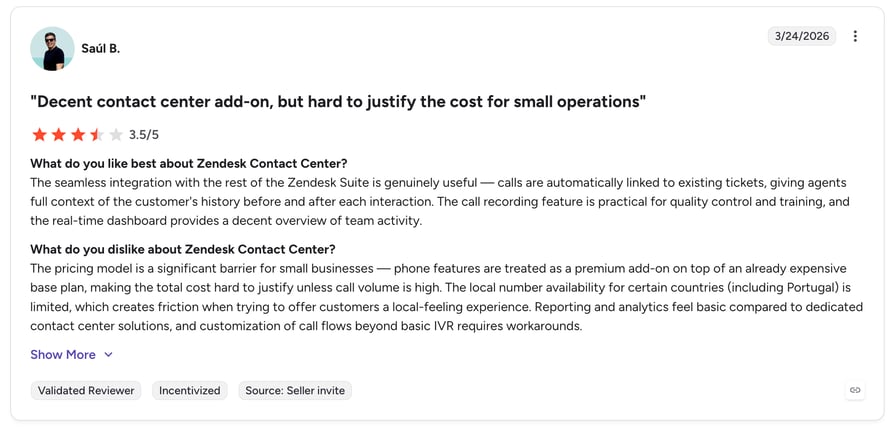
What Are G2 Users Rating Zendesk?
Zendesk is rated 4.6/5 by 300+ verified users on G2.
Recommended Reads
10. Intercom (Messaging Platform)
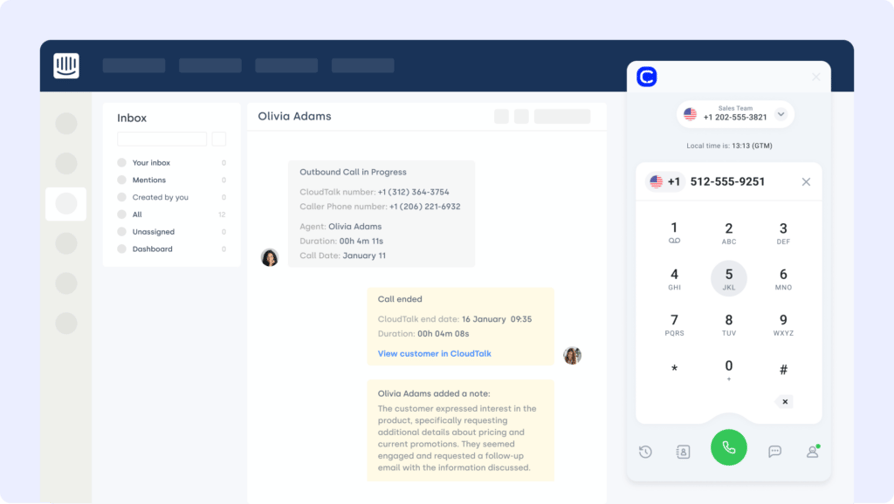
Intercom is used for chat, onboarding, and customer support. The Nicereply Intercom integration brings real-time customer feedback into live conversations—helping teams close the loop with confidence.
Use Case: Trigger Nicereply surveys after support chats, onboarding flows, or help center interactions—and sync the feedback to Intercom conversations or user profiles.
What Are Intercom's Benefits?
- Gather instant feedback on messaging interactions
- Identify at-risk users and trigger retention campaigns
- Give agents full visibility into satisfaction scores
What Are Intercom's Key Features?
- Auto-send surveys based on chat status or tags
- Add CSAT results to conversation timelines
- Trigger follow-ups or alerts based on low scores
What Are Intercom's Plans and Pricing?
Intercom offers pricing based on solution needs:
- Starter: $74/month
- Pro: Custom pricing
- Premium: Custom pricing
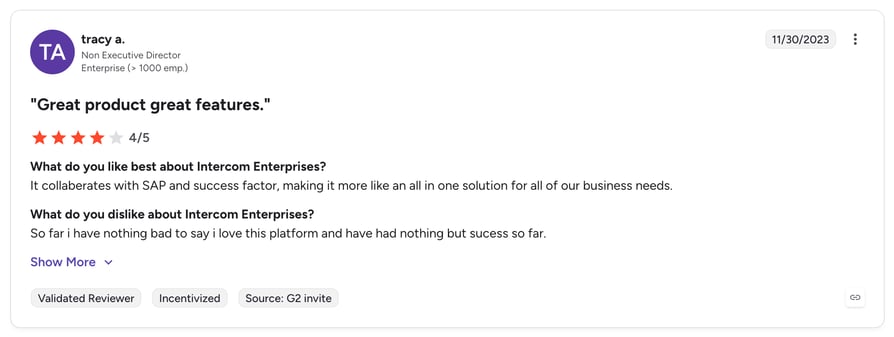
What Are G2 Users Rating Intercom?
Intercom is rated 4.5/5 by verified users on G2.
How Nicereply AI Sentiment Analysis Works
Traditional CSAT scores tell you what a customer felt - a number on a scale. Nicereply AI sentiment analysis tells you why, by analyzing the language of open-ended responses, support tickets, and (when paired with a VoIP integration) call transcripts in real time.
When integrated with CloudTalk's conversation intelligence stack, the workflow looks like this:
- Call ends → Nicereply auto-triggers a CSAT survey
- Transcript generated → CloudTalk transcribes the conversation
- Sentiment scored → AI analyzes tone, keywords, and emotion across both the call and the open-text survey response
- Action triggered → Negative sentiment auto-routes to a manager, creates a follow-up task, or flags the account for retention
This is what makes the Nicereply VoIP integration with CloudTalk so powerful - you're not just collecting scores, you're surfacing context that drives coaching and saves accounts before they churn.
Benefits of Nicereply Integration
Connecting Nicereply to your existing tools transforms how feedback flows across your business. Here’s what you unlock with the right integrations:
- Automated Feedback Collection
Send CSAT, NPS, or CES surveys right after tickets close, calls end, or deals move—no manual steps, no delays. - Real-Time Visibility for Support Teams
Surface customer sentiment inside helpdesks and CRMs so agents and managers can react fast to negative feedback. - Smarter Coaching & QA
Tie survey scores to tickets, calls, or agents—giving leaders the data they need to coach with context, not guesswork. - Customer-Centric Workflows
Use feedback to trigger follow-ups, escalations, or marketing flows automatically, based on satisfaction scores. - Centralized Reporting Across Platform
Track CSAT trends by channel, team, or rep—whether you're using Front, Freshdesk, Zendesk, or HubSpot.
How to Choose the Right Nicereply Integration for Your Business
Choosing the best Nicereply integration isn’t just about compatibility—it’s about speed, automation, and context. Here’s how to make the right call:
Identify Your Feedback Bottlenecks
Don't start with features. Start with friction. Are survey responses siloed from your CRM? Are low CSAT scores being missed by support teams? The right Nicereply call integration turns raw data into real action.
Prioritize Ease of Setup
If it takes weeks to configure or needs dev time, it’s not a workflow—it’s a headache. Choose tools that work out of the box. For example, CloudTalk’s Nicereply integration connects in minutes with no code.
Choose Scalable Integrations
Feedback volumes spike during product launches, seasonal surges, or service escalations. Choose integrations—like CloudTalk’s VoIP solution—that can handle real-time responses without delay.
Assess Security and Compliance
Customer feedback includes sensitive data. Look for integrations that support GDPR, SSO, and secure data handling. CloudTalk’s call center software is built for compliant data sync across all channels.
Evaluate Support Responsiveness
When your CSAT pipeline breaks, you don’t want to wait three days for help. Choose tools with real people behind the chat—like CloudTalk’s support team, who resolve issues quickly and personally.
Match Integrations to Team Workflows
Does your sales team live in HubSpot? Is support using Freshdesk or Intercom? Align your Nicereply integrations with the systems your team actually uses. It’s not just about compatibility—it’s about where the feedback lands.
How to Set Up Nicereply Integrations with Your Favorite Tools
Integrating Nicereply with your helpdesk, CRM, or VoIP platform is easier than most teams expect. Whether you're using Zendesk, Front, CloudTalk, or HubSpot, Nicereply offers native integrations, one-click connections, and no-code setups via platforms like Zapier.
To get started:
- Choose your tool (e.g., Salesforce, Freshdesk, Intercom)
- Enable the integration in Nicereply’s settings or through your app marketplace
- Map triggers and fields—like sending a CSAT survey after ticket closure or logging scores to CRM records
- Test it live, then monitor survey delivery and feedback sync from your Nicereply dashboard
For more advanced setups, use the Nicereply API or pair with CloudTalk’s Nicereply integration to unlock post-call surveys and voice-based QA.
Don’t Let Feedback Sit in a Dashboard
Surveys don’t improve customer experience—actions do. And that only happens when your feedback is visible, timely, and connected to the tools your team already uses.
With the right Nicereply integrations, you can automate CSAT collection, sync it across CRMs and helpdesks, and close the loop in real time—without adding manual work.
So if you're tired of feedback getting lost in spreadsheets or ignored in inboxes…
Try CloudTalk’s Nicereply integration and start turning customer sentiment into real service improvements.
Sources:
Frequently asked questions
The CloudTalk Nicereply integration leads for VoIP, triggering post-call CSAT surveys and syncing them with call recordings and sentiment analysis. It's the most complete Nicereply phone system integration for support and sales teams.
Nicereply AI sentiment analysis scores open-text survey responses - and when paired with CloudTalk's conversation intelligence, it analyzes call transcripts too. Negative sentiment auto-triggers escalations, smart notes, or retention workflows.
Top alternatives include SurveyMonkey, Delighted, and Qualtrics - but for native CRM sync, Nicereply still leads with HubSpot, Salesforce, and Pipedrive connectors. Pair with CloudTalk for the deepest voice + CRM coverage.
Yes - Nicereply supports API access for custom workflows beyond the standard native app integrations. You can pair the API with the CloudTalk integration to build advanced post-call survey logic and sentiment routing.
Most Nicereply integrations - including Zapier, HubSpot, and CloudTalk - are included in paid Nicereply plans at no extra cost. Setup is no-code and typically takes under 10 minutes for native connectors like the CloudTalk integration.