


Call Center Scheduling Software: Automate Every Appointment Step
Tired of juggling calendars, chasing confirmations, or missing revenue because of manual scheduling? CloudTalk’s AI-powered call center scheduling tools help your team focus on what matters—connecting with customers—while smart automation handles the rest behind the scenes.
-
Stop stressing over missed appointments and manual reminders
-
Spend less time managing tools, more time serving customers
-
Keep everything in sync without lifting a finger
Hello! Fill out the form; it only takes a minute.
Over 4,000 businesses use CloudTalk to have MORE and BETTER calls
81.7%

Increase of call volume
Call volume got 81.7%↑, missed calls got 23.7%↓.
2.5X

Outbound success rate
Doubled their outbound success & halved lost deals.
80%

Decrease in wait time
Wait times cut by 80% and call handling time by 25%.
Maximize Efficiency with Smarter Call Center Scheduling

Automate Scheduling Without the Headaches
Let AI handle the repetitive parts of scheduling so your agents can focus on real conversations, not calendars. Customers can book, reschedule, or confirm without waiting, and agents stay free from tedious coordination or follow-up tasks.
Keep Your CRM and Calendar in Perfect Sync
Forget toggling between tools. CloudTalk automatically logs calls, updates statuses, and syncs bookings to your CRM. Give agents full context before each call and eliminate double-bookings with one system that ties it all together.
Follow Up Faster Without Lifting a Finger
Whether you’re confirming a booking or re-engaging a missed call, CloudTalk makes the next move automatically. Trigger SMS reminders, follow-up calls, or agent callbacks with zero manual effort—and make sure nothing slips through the cracks.
How We Help
The Scheduling Features Call Center Teams Love Most
Let AI Handle Bookings Through Smart Workflows
No more missed calls, long queues, or after-hours silence. AI voice agents & virtual receptionists make sure your customers always reach someone—so their needs are handled instantly and your team gets a break. How does it translate to practice?
- Customers feel taken care of, even after-hours
- Teams aren’t buried in basic booking tasks
- Your business stays responsive without added effort

Automate the Right Routing, Every Time
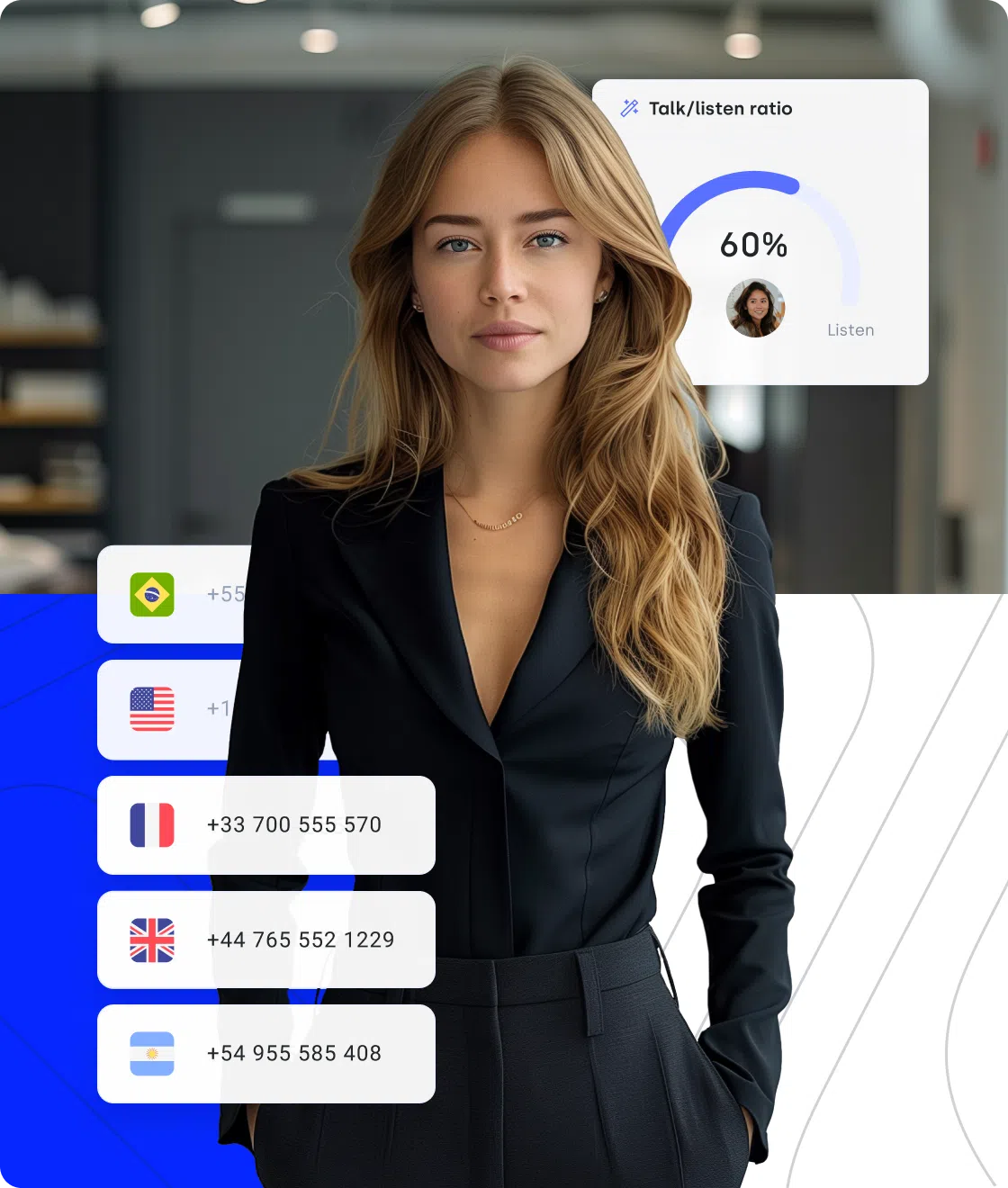
Every minute your customer waits or talks to the wrong person is a missed opportunity. CloudTalk helps your team get it right the first time with smart call routing—so problems get solved faster and trust builds with every call.
- Your customers, clients, or patients reach the right person, right away
- Agents handle only the calls they’re equipped to solve
- Everyone feels like their time is respected
Real-Time Insights for Scheduling Optimization
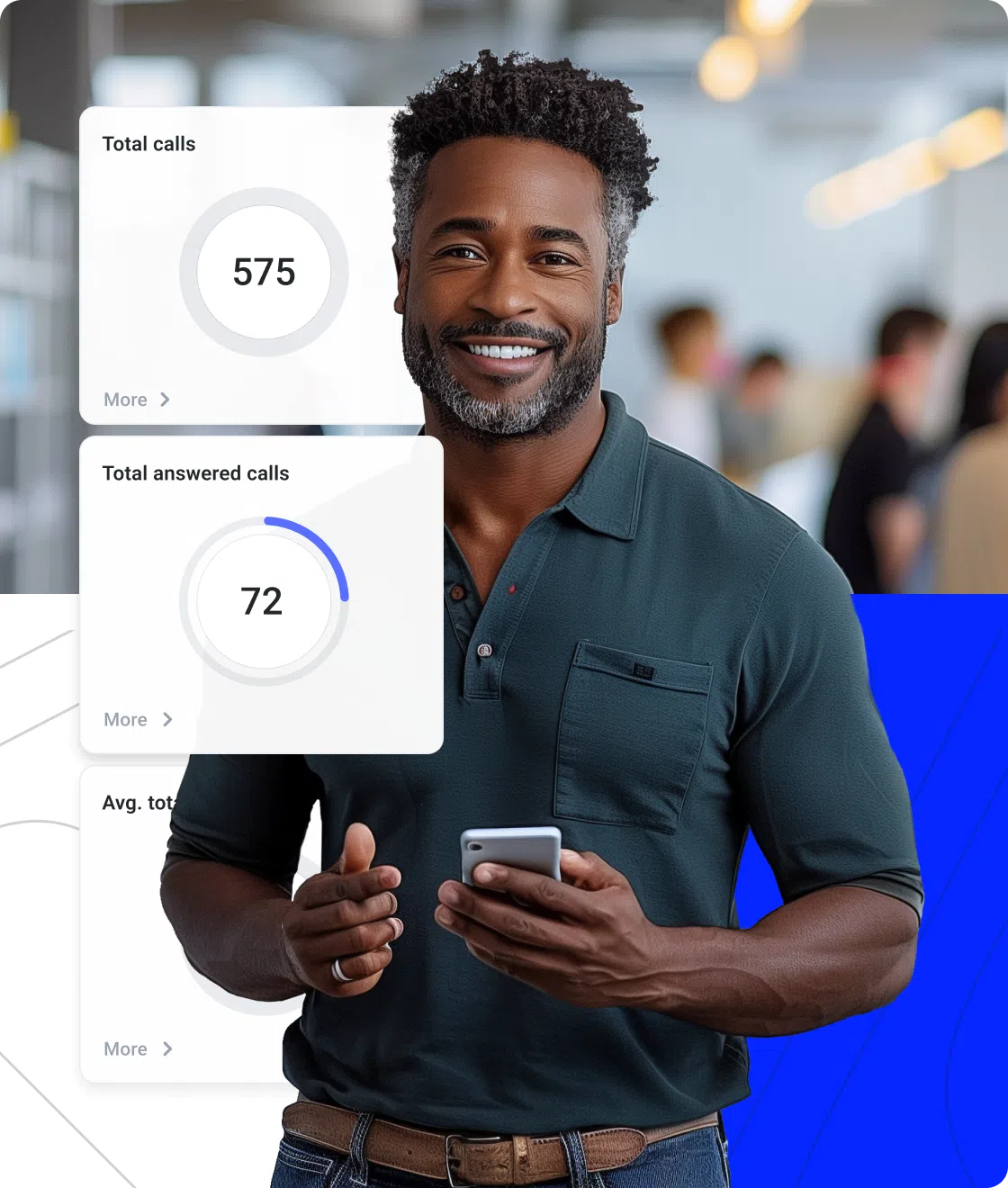
If you don’t know what’s working, it’s hard to improve. CloudTalk’s call center Analytics gives you the visibility to spot friction, fix inefficiencies, and keep your scheduling engine running smoothly—no spreadsheets needed.
- Know when and why appointments are missed
- Quickly see what’s slowing your team down
- Make better decisions, backed by real-time data
Signature Capability
Multiply Your Call Center Scheduling Capacity with AI Voice Agents
CeTe is an AI Voice Agent that talks like a human—with a few key differences: no breaks, no training, no time off. It makes and answers calls, books appointments, schedules follow-ups, updates CRMs, and loops in a human only when needed.
Press play to hear it. Want a wow moment? Get a free test call and try it live.

AI Voice Agents

Nudge expiring offer
Riley, Sales Reminder Agent

Qualify a student lead
Avery, Course Inquiry Agent

Get a payment reminder
Casey, Payment Reminder Agent

Qualify a patient lead
Jordan, Healthcare Intake Agent

Qualify insurance lead
Taylor, Insurance Intake Agent

Accept updated terms
Quinn, T&C Acceptance Agent

Qualify legal inquiry
Drew, Legal Intake Agent

Get post-interview feedback
Jamie, Candidate Feedback Agent

Pre-screen a candidate
Skyler, Applicant Pre-screen Agent

Confirm account action
Morgan, Action Reminder Agent

Get a renewal reminder
Logan, Subscription Renewal Agent

Get CSAT after support
Morgan, CX Feedback Agent

Get NPS or demo feedback
Parker, Post-Sales Feedback Agent

Qualify a trial lead
Blake, Trial Signup Qualifier
Sales Reminder
Agent
Client
Sales / Marketing
Course Inquiry
Agent
Client
Education / EdTech
Payment Reminder
Agent
Client
Financial Services
Healthcare Intake
Agent
Client
Healthcare
Insurance Intake
Agent
Client
Insurance
T&C Acceptance
Agent
Client
Legal Services
Legal Intake
Agent
Client
Legal Services
Candidate Feedback
Agent
Client
Recruitment / HR
Applicant Pre-screen
Agent
Client
Recruitment / HR
Action Reminder
Agent
Client
SaaS / Software & Apps
Subscription Renewal
Agent
Client
SaaS / Software & Apps
CX Feedback
Agent
Client
SaaS / Software & Apps
Post-Sales Feedback
Agent
Client
SaaS / Software & Apps
Trial Signup
Qualifier
Client
SaaS / Software & Apps
Why CloudTalk Makes Sense for Smarter Call Center Scheduling?
With CloudTalk, you finally get an appointment scheduling solution that saves you time, simplifies your day, and improves your results.
Smart Scheduling Tools That Adapt to Your Workflow
CloudTalk’s scheduling software for call centers helps customer-facing teams stay on top of crucial use cases like booking, follow-up, and outreach—without falling into manual chaos. Whether it’s demos, support calls, or onboarding sessions, everything flows smoothly.
Campaign dialers let you run proactive outreach with smart triggers for reminders, re-engagement, or rescheduling. Your team stays consistent, responsive, and fully in control of the customer journey.


Data-Driven Insights That Keep You Ahead
Guess what you can forget with CloudTalk. That’s right—guesswork. Your new scheduling software comes with real-time Analytics that shows you when demand peaks, how your team performs, and where to fine-tune your process—before it impacts your pipeline or CX.
Get real-time reports, live dashboards, and performance visibility across every touchpoint. Spot what’s working, fix what’s not, and scale your scheduling with confidence.
Trusted by Fast-Moving Customer Teams
Our call center scheduling software saves teams hours each week with AI Voice Agents, virtual receptionists, and automations that handle confirmations and follow-ups. No more chasing no-shows or juggling tools—just smoother scheduling and happier customers.
But don’t just take our word for it. Hear from professionals already using it to simplify appointment scheduling.
The intuitive interface makes it easy for anyone on our team to adapt quickly, and the integration with our CRM saves so much time, letting us organize contacts, track call history, and improve follow-up instantly.


How to Set Up Call Center Scheduling Software
Getting started with CloudTalk’s scheduling and automation tools is quick—just follow these steps:
- Create your account: Sign up and connect CloudTalk with your CRM and calendar via native integrations.
- Set up routing: Use IVRs, queues, or AI Voice Agents to direct incoming appointment calls to the right agents—or handle them automatically.
- Build automations: Configure workflows for reminders, callbacks, and follow-ups—no coding needed.
- Start scheduling: Let customers book calls via inbound flows or trigger outbound follow-ups through dialer campaigns.
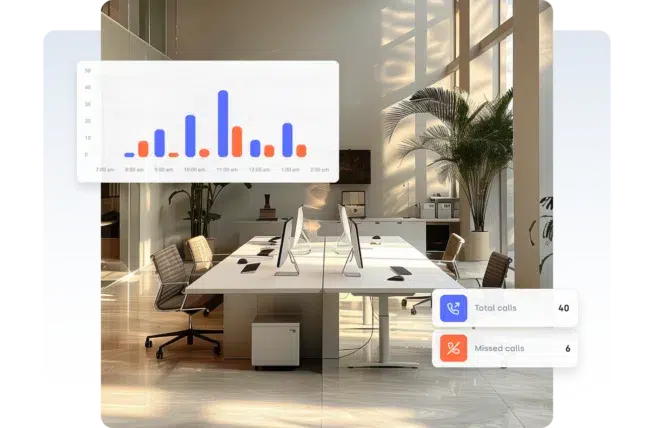
- Track everything: Monitor bookings, missed calls, and performance in real time from your dashboard.
Call Center Scheduling Software—Everything You Need to Know
Call center scheduling software goes beyond simple shift planning—it automates call center workflows (e.g., customer appointment handling), integrates with CRMs and calendars, and ensures the right agents are available at the right time.
CloudTalk’s scheduling tools combine AI, smart dialers, and omnichannel workflows to reduce manual work and deliver better customer experiences.
Core features of call center scheduling software include:
- Automated appointment handling: customers can book, confirm, or reschedule calls without waiting on hold or speaking to a human.
- CRM and calendar integrations: appointments and call outcomes sync with tools like Salesforce, HubSpot, or Google Calendar automatically.
- Smart follow-ups: trigger reminders, missed-call callbacks, or next-step messages via SMS, email, or dialer workflows.
- Skill-based routing and availability logic: match incoming calls with available agents based on language, location, or product expertise.
- Real-time dashboards: monitor scheduling efficiency, queue coverage, and appointment status as it happens.
- Campaign dialers for outbound scheduling: reach leads or customers with time-sensitive reminders, confirmations, or rebooking attempts.
- No-show protection: send automated reminders or run callback campaigns to reduce drop-off rates.
The biggest benefit of call center scheduling automation is time saved—both for your team and your customers. Instead of manually managing calendars, rescheduling calls, or chasing confirmations, CloudTalk automates the full lifecycle of an appointment.
Main benefits of using automated scheduling software in a call center include:
- Shorter wait times and faster response: book or reschedule without human intervention or delays.
- Fewer no-shows and missed calls: send timely reminders and follow-ups automatically, even after-hours.
- Improved customer experience: let customers interact on their own terms while still receiving personalized, proactive service.
- Reduced manual work: minimize repetitive admin tasks like confirming meetings or logging call outcomes.
- More efficient teams: free up agents to focus on meaningful conversations, not logistics or paperwork.
- Higher conversion rates: ensure that demos, consultations, and service calls actually happen—and happen on time.
CloudTalk’s scheduling automation is especially valuable for industries where missed calls = missed revenue—and where timing and availability are critical to success.
Industries that benefit most from scheduling automation include:
- Healthcare & Medical Services: automate appointment confirmations, send reminders, and reduce no-shows for clinics, telehealth providers, or private practices.
- Financial Services & Insurance: simplify scheduling for consultations, claims calls, or account check-ins—while keeping sensitive data secure.
- Education & EdTech: coordinate class enrollments, tutor sessions, or admissions interviews without admin bottlenecks.
- Legal & Professional Services: book consultations or follow-ups with clients across time zones without relying on manual scheduling.
- Real Estate & Property Management: keep showings, viewings, and tenant support calls organized and responsive.
- SaaS Sales & Customer Success: increase demo attendance, automate onboarding follow-ups, and reduce churn with smart outreach workflows.
Choosing the right scheduling platform comes down to automation power, integration depth, and ease of use. A solution like CloudTalk combines smart scheduling, communication automation, and analytics into one scalable platform.
Key considerations when choosing call center scheduling software:
- Check automation flexibility: Can it handle reminders, rebooking, and no-show follow-ups automatically?
- Evaluate CRM and calendar integrations: Does it sync with your existing tools like Salesforce, HubSpot, or Google Calendar?
- Look for campaign dialer compatibility: Can it support outbound scheduling campaigns or appointment recovery efforts?
- Assess analytics capabilities: Can you track missed appointments, agent response times, and call outcomes in real time?
- Prioritize UX for agents and admins: Dashboards and workflows should be intuitive, not a training burden.
- Ensure compliance and scalability: Choose a cloud-based tool that meets regulatory needs and grows with your business.

Still have questions?
Can’t find the answer you’re looking for? Please chat to our friendly team.
Call Center Scheduling Service That Plays Well with Your Stack
Disconnected tools lead to disconnected teams. CloudTalk syncs with your CRM, calendar, helpdesk—and tools like ATS, EHRs, or booking systems—so scheduling fits right into your workflow.


FAQs about Call Center Scheduling Software
Call center scheduling is the process of managing customer & patient appointments, bookings, and follow‑ups so calls reach the right person at the right time without manual coordination.
Call center scheduling software helps your business automate bookings, confirmations, and reminders to reduce no‑shows and improve customer experience.
Key components include automated booking flows, real‑time reminders, CRM sync, and smart routing to ensure every appointment is handled smoothly.
To create a call center schedule, define appointment types, set routing rules, automate reminders, and sync everything with your CRM or calendar.
The best software for call center scheduling is CloudTalk. With AI-powered tools like voice agents, virtual receptionists, CRM sync, auto dialers, or smart routing, it helps you automate appointments, reminders, and follow‑ups while integrating with your existing tools and analytics.
Yes, with CloudTalk, you can integrate with CRMs to sync appointments, customer data, and follow‑ups so agents always have context for each scheduled call.
Call center scheduling software integrates with calendars, helpdesks, and industry systems like ATS, EHRs, or booking platforms to centralize workflows.
Still have questions?
Can’t find the answer you’re looking for? Please chat to our friendly team.






















